
Why Local AI Automation Matters
Cloud-based AI tools require you to upload your data — documents, emails, records — to someone else's server. For many tasks, that is fine. But when you work with sensitive information, proprietary data, or regulated content, sending it to the cloud creates a risk you may not be willing to accept.
Automating AI tasks locally means no upload, no exposure, no dependency on an external service. Your machine does the thinking. Your data stays where it is.
How to Automate AI Tasks Locally With Feluda
Install Feluda
Download the desktop app for Windows, macOS, or Linux. It installs like any other application.
Set Up a Local Model
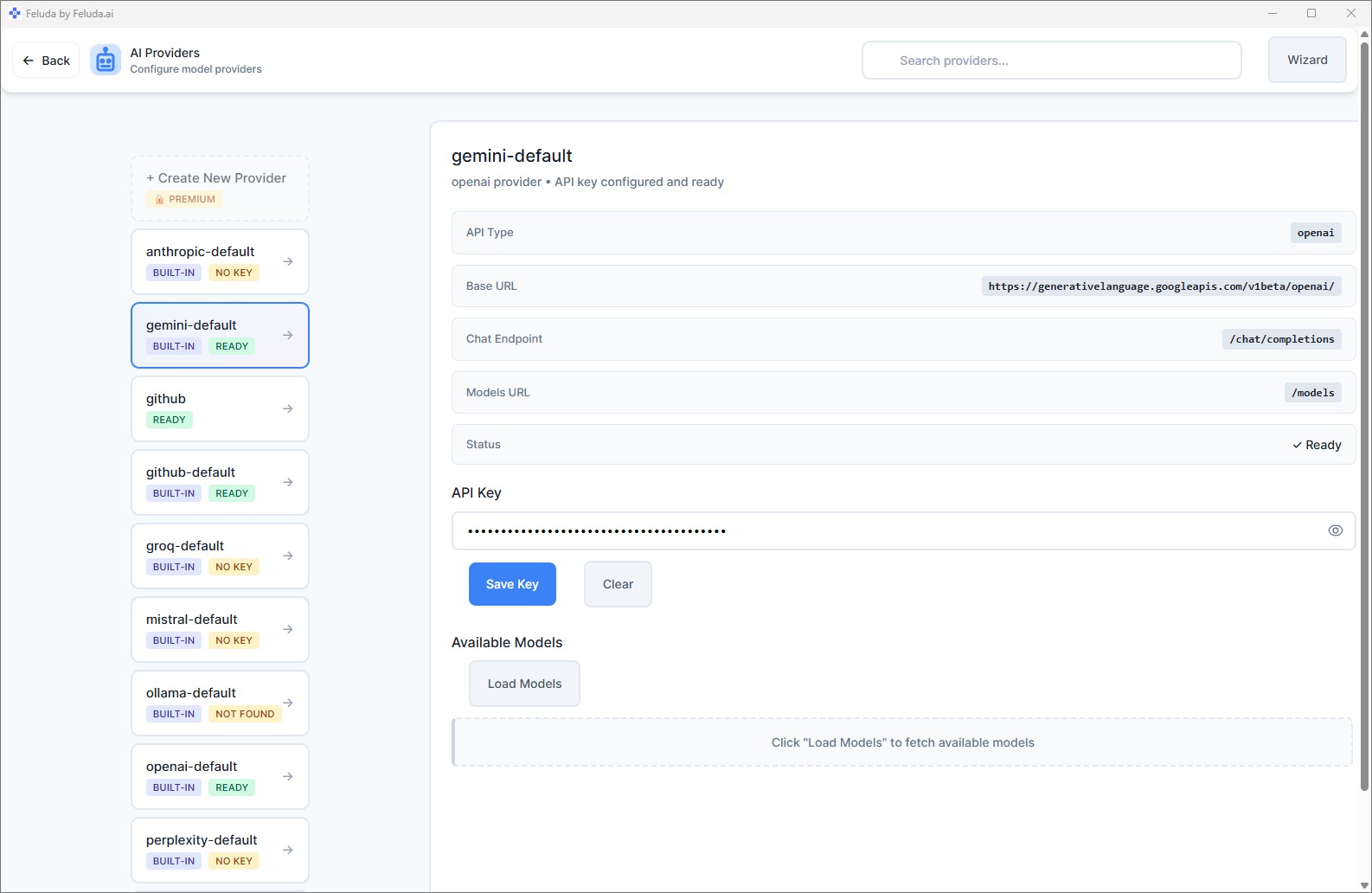
Install Ollama or LM Studio. Download an open-source model. Feluda detects and connects to it automatically.
Build Your Workflow
Open Studio. Drag blocks onto the canvas — Input, LLM, Classify, Extract, Output. Connect them. Configure the AI instructions.
Run or Schedule
Execute the workflow with one click — or set the Schedule Manager to run it every hour, every day, or every week. Everything happens on your desktop.
What You Get With Local AI Automation
Complete Privacy
Your data never leaves your machine. No API calls to cloud servers. No third party sees your documents, prompts, or results.
Zero API Costs
Local models are free to run. No per-token charges, no monthly API bills. Run as many workflows as your hardware can handle.
Works Offline
No internet required. Once Feluda and your local model are installed, everything runs without a network connection.
Low Latency
No network round-trips. Your AI model responds as fast as your hardware allows — typically faster than waiting for a cloud API.
Full Workflow Power
Local models get the same workflow capabilities as cloud models: multi-step chaining, classification, extraction, image generation, tool access via MCP, error routing, and scheduling.
Mix and Match
Use a local model for sensitive steps and a cloud model for others — in the same workflow. Privacy where you need it, power where you want it.
Frequently Asked Questions
Is there a way to automate AI tasks locally on my machine?
Yes. Feluda is a desktop app that runs AI automation workflows locally. Connect a local model like Ollama, build a workflow visually, and run it — everything stays on your machine.
Do I need an internet connection?
Not if you use local models. With Ollama or LM Studio installed, Feluda runs fully offline. Internet is only needed if you choose a cloud AI provider.
Can I schedule local AI tasks to run automatically?
Yes. The Schedule Manager runs any saved workflow at set intervals — hourly, daily, weekly. The scheduler runs on your desktop, no cloud service involved.
Which local AI models are supported?
Feluda supports Ollama and LM Studio out of the box. On paid plans, you can also connect any OpenAI-compatible endpoint — useful for self-hosted enterprise models.
Your Machine. Your AI. Your Data.
Download Feluda for free. Automate AI tasks locally in minutes.