
Why One AI Step Is Never Enough
Real-world tasks are never one question and one answer. You need to classify incoming data, extract specific fields, send the results through AI reasoning, generate a report, and deliver it — all in sequence. Today, people do this by switching between ChatGPT tabs, copying output, pasting it into the next tool, and repeating the cycle manually.
Feluda lets you automate multi-step AI tasks by turning that manual cycle into a visual pipeline. Each step becomes a block on a canvas. Each connection defines where data goes next. You build it once, and it runs as many times as you need — with a single click or on a schedule.
How Multi-Step AI Tasks Work in Feluda
In Feluda Studio, you chain blocks together on a visual canvas. Data enters through an Input block, passes through any number of processing blocks, and exits through an Output block. Here are the types of steps you can chain:
Step: Classify
An LLM Label block reads incoming data and assigns it to a category — "urgent," "billing," "technical." Each category routes to a different branch of the pipeline, so different data gets different treatment.
Step: Extract
An LLM Extract block pulls structured data from text — names, dates, amounts, entities — using schemas you define. No regular expressions, no parsing code; the AI handles the complexity.
Step: Reason
An LLM block processes data with full AI reasoning. Summarise, analyse, translate, rewrite, or generate new content. Add tool access so the AI can search the web, query a database, or keep a journal.
Step: Generate Images
A Generate Image block creates visuals from text descriptions, using models like DALL-E. Feed it the output of a reasoning step and get an image tailored to the content.
Step: Apply Logic
An Expression block handles deterministic tasks — conditional routing, text transformation, PII redaction — without using AI. Fast, predictable, and free of API costs.
Step: Handle Errors
Every AI block exposes typed error outputs. Route rate limits to a backup provider, timeouts to a retry path, and content filters to a human review queue — all visible on the canvas.
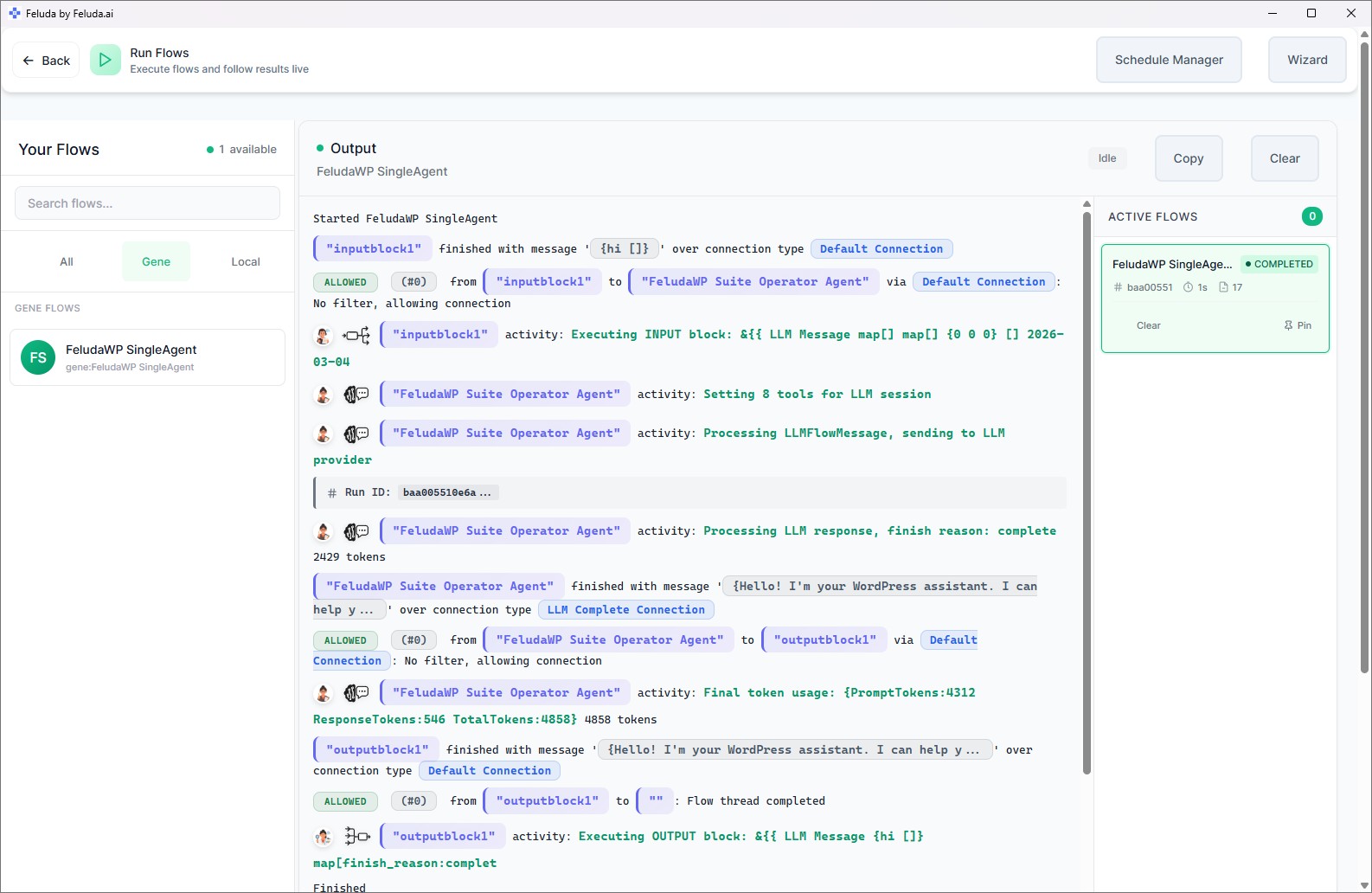
Real Examples of Multi-Step AI Tasks You Can Automate
Customer Email Triage
Input → Classify (billing / support / general) → Route each category to a specialised AI reasoning block → Generate a suggested response → Output. Runs every 15 minutes on a schedule.
Contract Data Extraction
Input (contract text) → Extract (parties, dates, amounts) → Reason (summarise key obligations) → Output structured data. Process a batch of contracts without opening a single one manually.
Daily Executive Summary
Input (yesterday's data) → Reason (generate summary) → Write to Journal using tool call → Schedule to run at 7 AM daily. A fresh report every morning, zero effort.
Content Production Pipeline
Input (brief) → Reason (draft blog post) → Reason (generate social media posts) → Classify (tone check) → Generate Image (featured graphic) → Output. One click, full content package.
Frequently Asked Questions
What is the easiest way to automate multi-step AI tasks?
Feluda Studio. You drag blocks onto a visual canvas, connect them, and configure each step through forms. No code, no scripts, no framework installation. Build a multi-step pipeline in minutes and run it with a single click.
How many steps can a single pipeline have?
There is no hard limit. You can chain as many blocks as your task requires — classification, extraction, reasoning, image generation, logic, and error handling — all in one flow.
What happens if one step fails?
Every AI block exposes typed error connections. You visually route each error type (rate limit, timeout, content filter, tool failure) to a fallback path — a different provider, a retry, or a human review step. Your pipeline continues instead of crashing.
Can multi-step tasks run on a schedule?
Yes. Feluda's Schedule Manager lets you run any pipeline automatically — hourly, daily, weekly, or on a specific date. No manual prompting needed.
Chain Your AI Steps Together
Download Feluda for free. Build your first multi-step AI pipeline in minutes.