
The Research Bottleneck
You have dozens of documents, articles, reports, or data sources. You need to read each one, pull out key facts, compare them, and write a synthesis. AI can handle each of those steps — but if you do them one at a time in a chat window, you spend more time copy-pasting than thinking.
Automating research with AI means building a pipeline: data goes in, findings come out. Feluda gives you the visual canvas to construct that pipeline without writing any code. You design it once, run it on any number of sources, and focus your energy on the insights — not the extraction.
A Typical Research Pipeline in Feluda
Input
Feed in the document, URL, or raw data you want to research
Extract
An LLM block pulls out key facts, dates, entities, and claims
Classify
An LLM Label block categorises the content by topic, relevance, or urgency
Summarise
A second LLM block synthesises the extracted data into a concise summary
Log
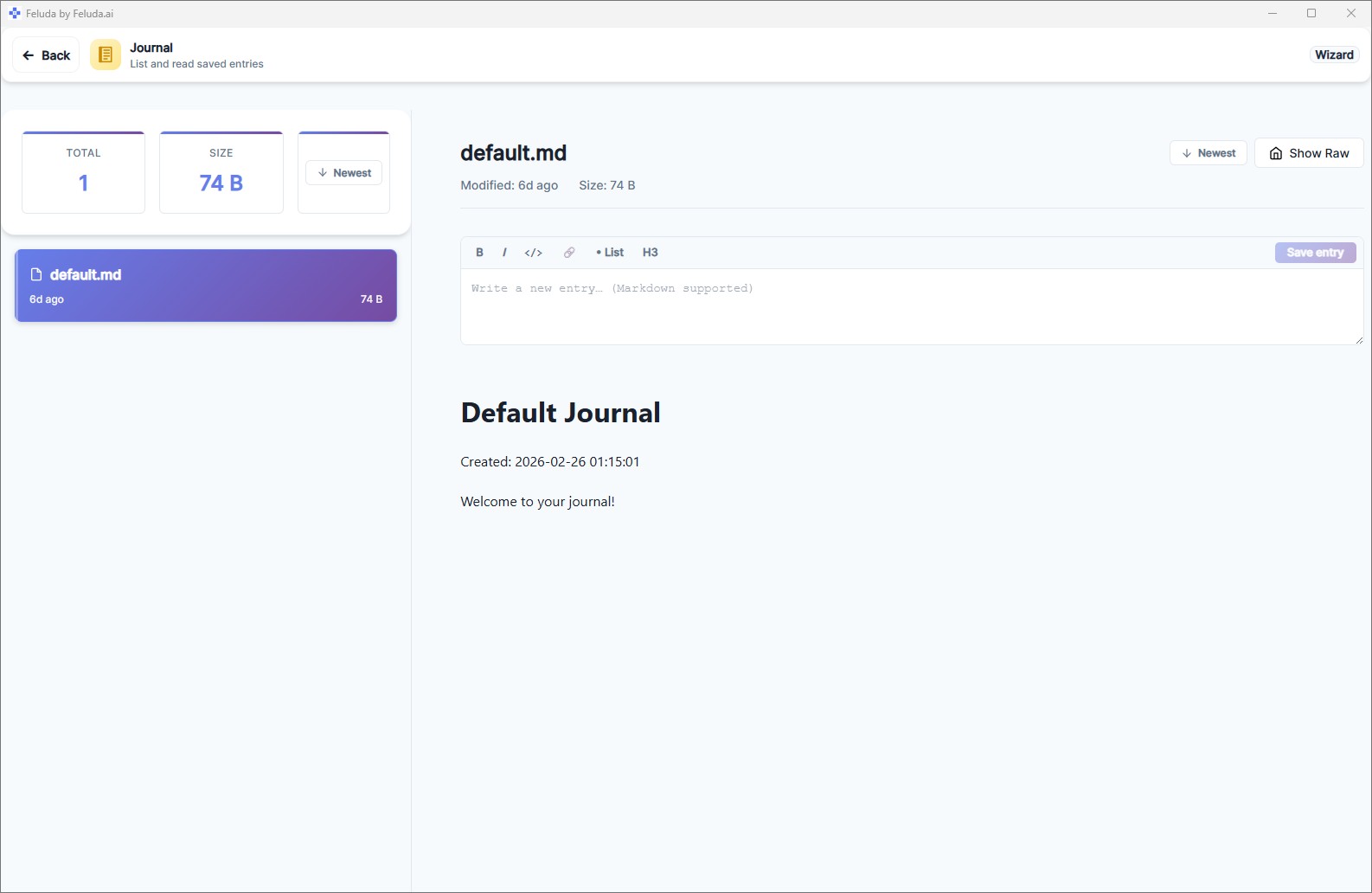
With the journal tool enabled, the AI writes its findings to a journal you can browse later
That five-step pipeline replaces hours of manual reading and note-taking. And it runs identically on every document you feed it.
Research Scenarios Where Feluda Shines
Document Analysis
Feed contracts, reports, or whitepapers into a pipeline that extracts parties, dates, monetary amounts, and key clauses — then summarises the findings in structured output.
Source Classification
Classify articles, papers, or web pages by topic, methodology, publication date, or relevance score. Route "high-relevance" sources to detailed extraction and "low-relevance" sources to a summary-only path.
Web Research with Tools
Give your LLM blocks access to web search through the MCP server. Your research workflow can search the web, retrieve current information, cross-reference sources, and compile the results into a single report.
Competitive Intelligence
Build a daily or weekly pipeline that gathers information from multiple sources, extracts competitor mentions, and classifies sentiment. Enable the journal tool so the AI writes a structured briefing you can read later. Schedule it with the Schedule Manager.
Threat Intelligence
Scan vulnerability feeds, security advisories, and dark-web mentions. Extract IOCs (indicators of compromise), classify severity, and generate alerts. Read how one team automated their threat intelligence with Feluda.
Literature Review
Process a batch of academic papers. Extract methodology, key findings, and limitations. Classify by theme. Generate a synthesis document that compares approaches across all papers.
Why Feluda Instead of Manual AI Research
You could paste every document into ChatGPT one at a time. But Feluda gives you three things a chat window never will:
Consistency: The same extraction and classification logic runs on every document. Your 50th document gets the same quality of analysis as your first.
Tool access: Research often requires web search, file reading, or API calls. Feluda's MCP server gives your AI blocks access to real tools, so the research workflow can gather data actively — not just process what you paste in.
A journal tool: Enable the journal tool and your AI agents can write down findings as they work — creating a persistent, timestamped notebook. Your research accumulates in one place, not scattered across chat sessions.
Frequently Asked Questions
How can I automate research tasks using AI?
Build a visual research pipeline in Feluda Studio: Input → Extract → Classify → Summarise → Output. Enable the journal tool so the AI can write findings as it goes. Run it on any number of documents with consistent results. No code required.
Can the AI search the web as part of my research workflow?
Yes. The MCP server provides LLM blocks with access to real tools, including web search. Your workflow can actively gather data from the internet, not just process what you paste in manually.
Where do my research results go?
Results go to Output blocks (displayed at the end of a run). If you enable the journal tool, AI agents can also write entries to a journal as they work — creating a timestamped, searchable notebook of findings you can browse on the Journal page.
Can I schedule research workflows to run automatically?
Yes. The Schedule Manager runs any saved workflow on a cadence you define — hourly, daily, weekly. Use it for ongoing research like competitive monitoring or threat intelligence.
Automate Your Research. Focus on the Insights.
Download Feluda for free. Build your first AI research pipeline in minutes.