
The Real Problems with AI Today
Artificial intelligence has become remarkably capable. Large language models can write, analyse, classify, extract, and even call tools to complete tasks. But for most people and teams, actually using AI productively is still a mess. The models are powerful — the surrounding experience is not.
Below are the six core problems Feluda was built to solve. Each section explains the pain point, why it matters, and exactly how Feluda eliminates it.
Problem 1 — Too Many Disconnected AI Tools
- Open ChatGPT in one tab for text generation
- Open Claude in another for analysis
- Switch to a Python script for data processing
- Open a third tool for image generation
- Manually move results between each tool
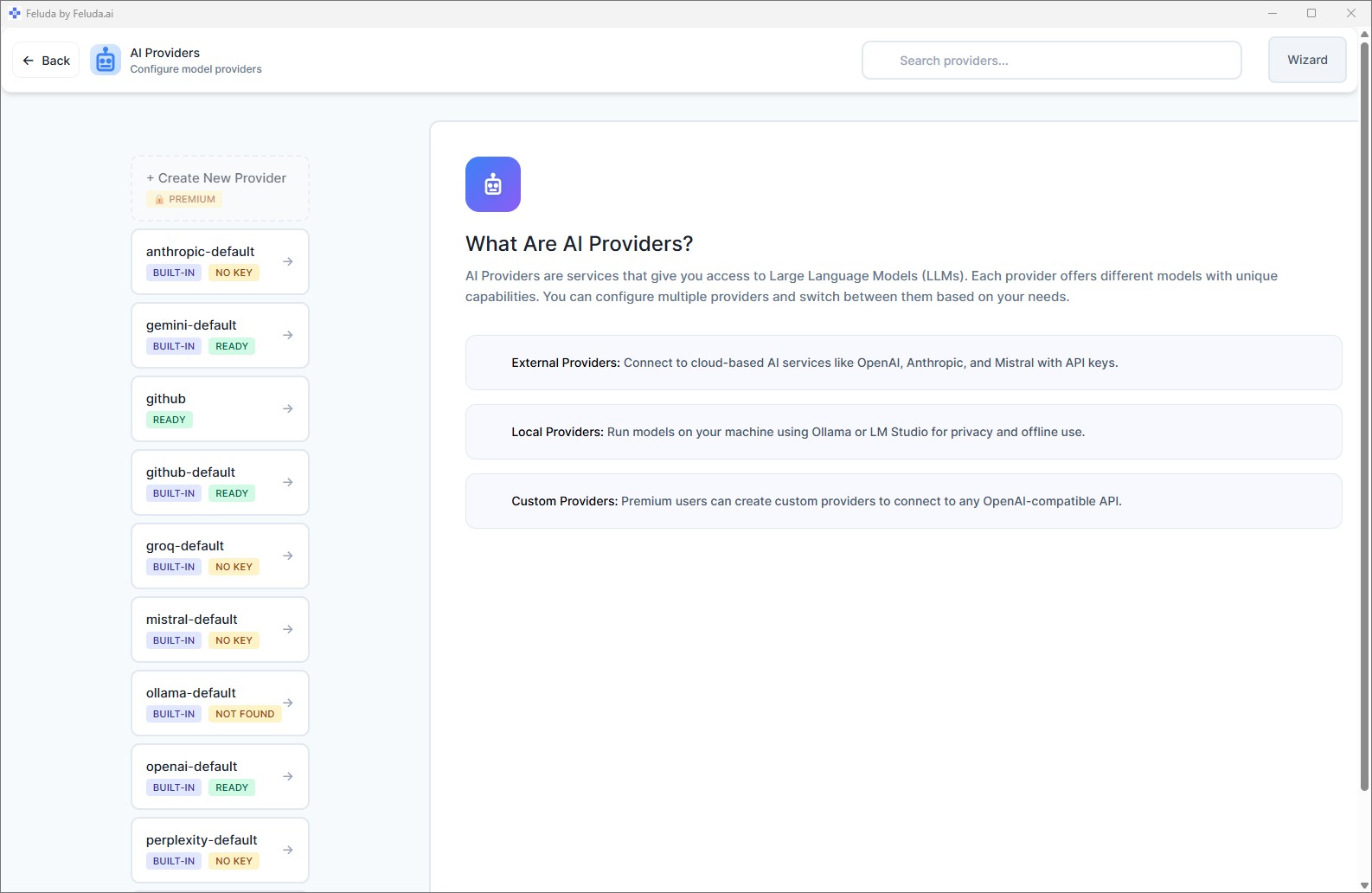
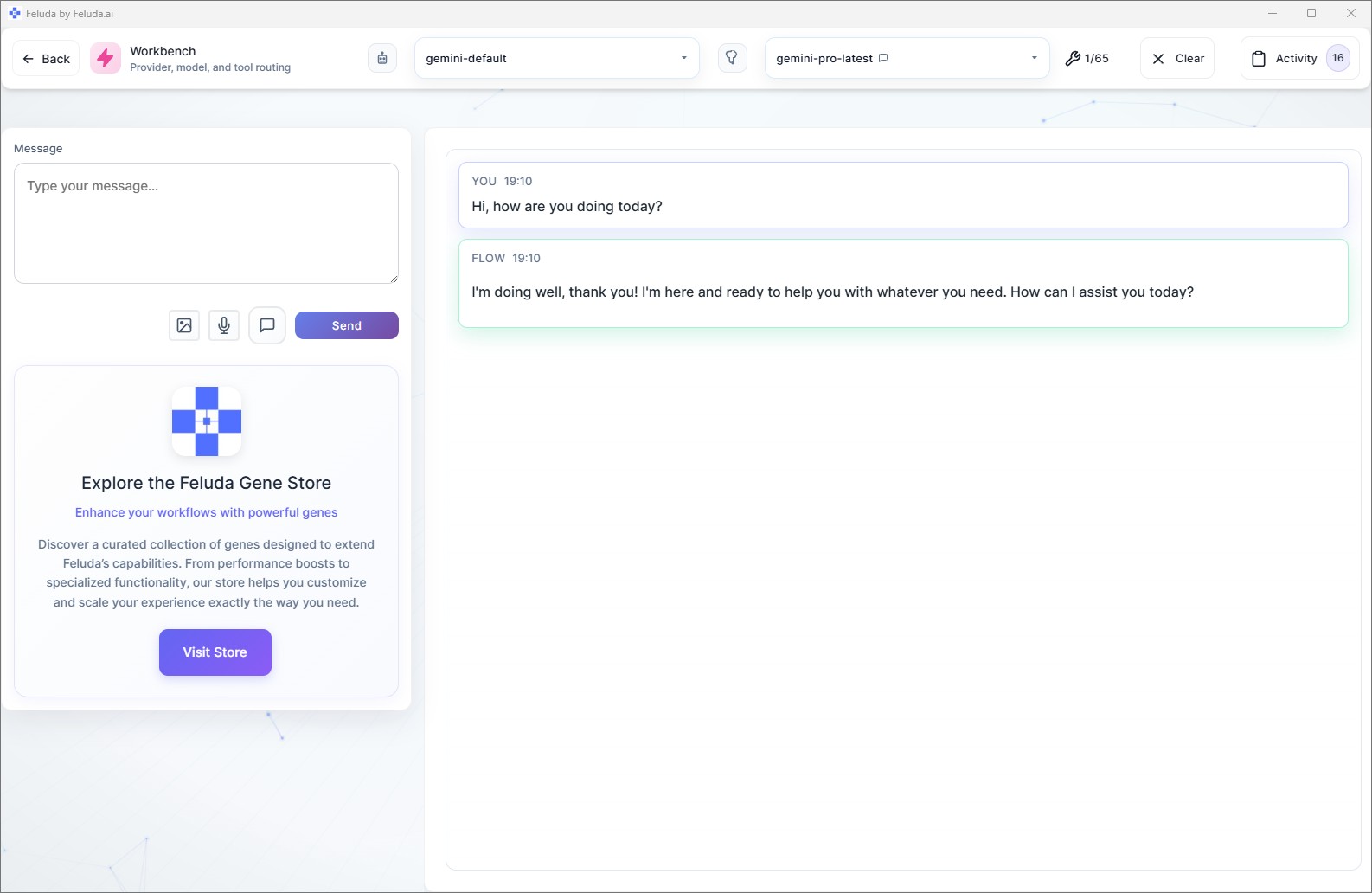
- One desktop app — every AI provider in one place
- Switch between OpenAI, Anthropic, Mistral, Google, or local models with a single click
- Build pipelines that chain providers together automatically
- All your tools, prompts, and results in one interface
Feluda is a single control centre for all your AI work. The Workbench gives you a chat environment with any provider. Studio lets you connect multiple providers in one visual workflow. No more alt-tabbing between browser tabs and terminal windows.
Problem 2 — Manual Copy-Paste Between AI Services
- Generate content in one AI tool
- Copy the output manually
- Paste it into another AI tool for review or transformation
- Copy again, paste into a document
- Repeat for every task, every time
- Build a flow: Input → Generate → Review → Format → Output
- Data flows automatically between blocks
- Run the entire pipeline with one click
- Save it and reuse it as many times as you want
In Studio, you design multi-step workflows visually. The output of one block becomes the input of the next — automatically. No copying, no pasting, no manual hand-off. You build the pipeline once, save it, and run it whenever you need it.

Problem 3 — Cloud AI Privacy Risks
- Every prompt you send goes to a remote server
- Confidential documents are processed in someone else's data centre
- API keys stored in environment variables or config files
- No control over data retention policies
- Regulatory compliance becomes a constant concern
- Use local AI models (Ollama, LM Studio) — data never leaves your machine
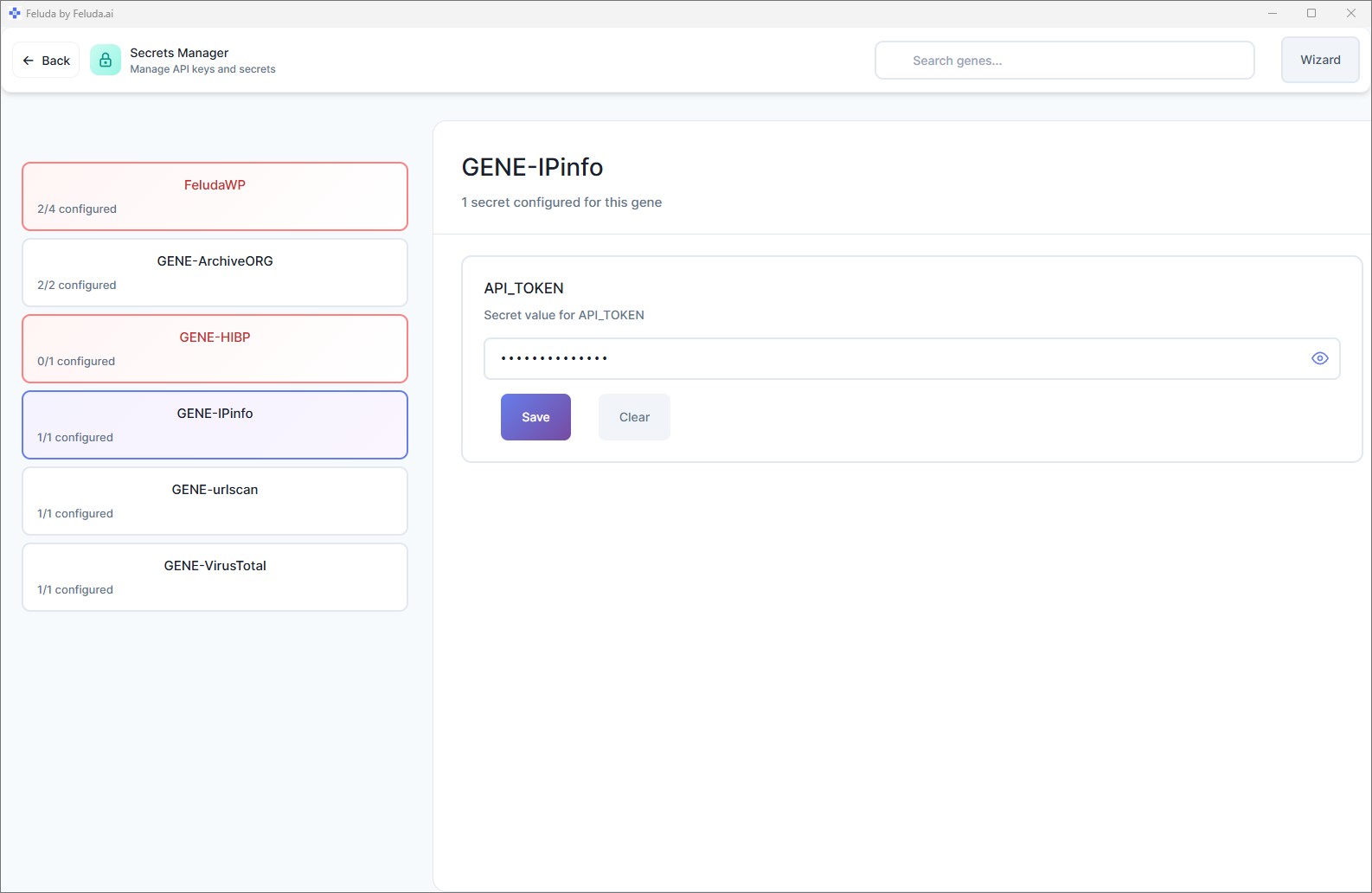
- API keys encrypted in your OS vault (Windows Credential Manager, macOS Keychain, Linux keyring)
- AI models never see your credentials — Feluda injects them at runtime
- Built-in PII detection and redaction before data reaches any model
- No auto-sync — Feluda contacts the server only when you explicitly ask
Feluda takes a privacy-first approach. Your secrets are stored in your operating system's encrypted vault — not in config files. When a tool needs a credential, Feluda injects it directly into the API call at runtime. The AI model itself never receives or sees the raw value. And Feluda supports fully local AI with models like Ollama and LM Studio, so sensitive data never has to leave your computer at all.
Problem 4 — You Need a Developer to Automate AI
- Write Python scripts to call AI APIs
- Handle JSON parsing, error handling, retries
- Install libraries, manage dependencies
- Debug code when something breaks
- Non-technical team members cannot participate
- Drag blocks onto a canvas in Studio
- Connect them with lines — data flows automatically
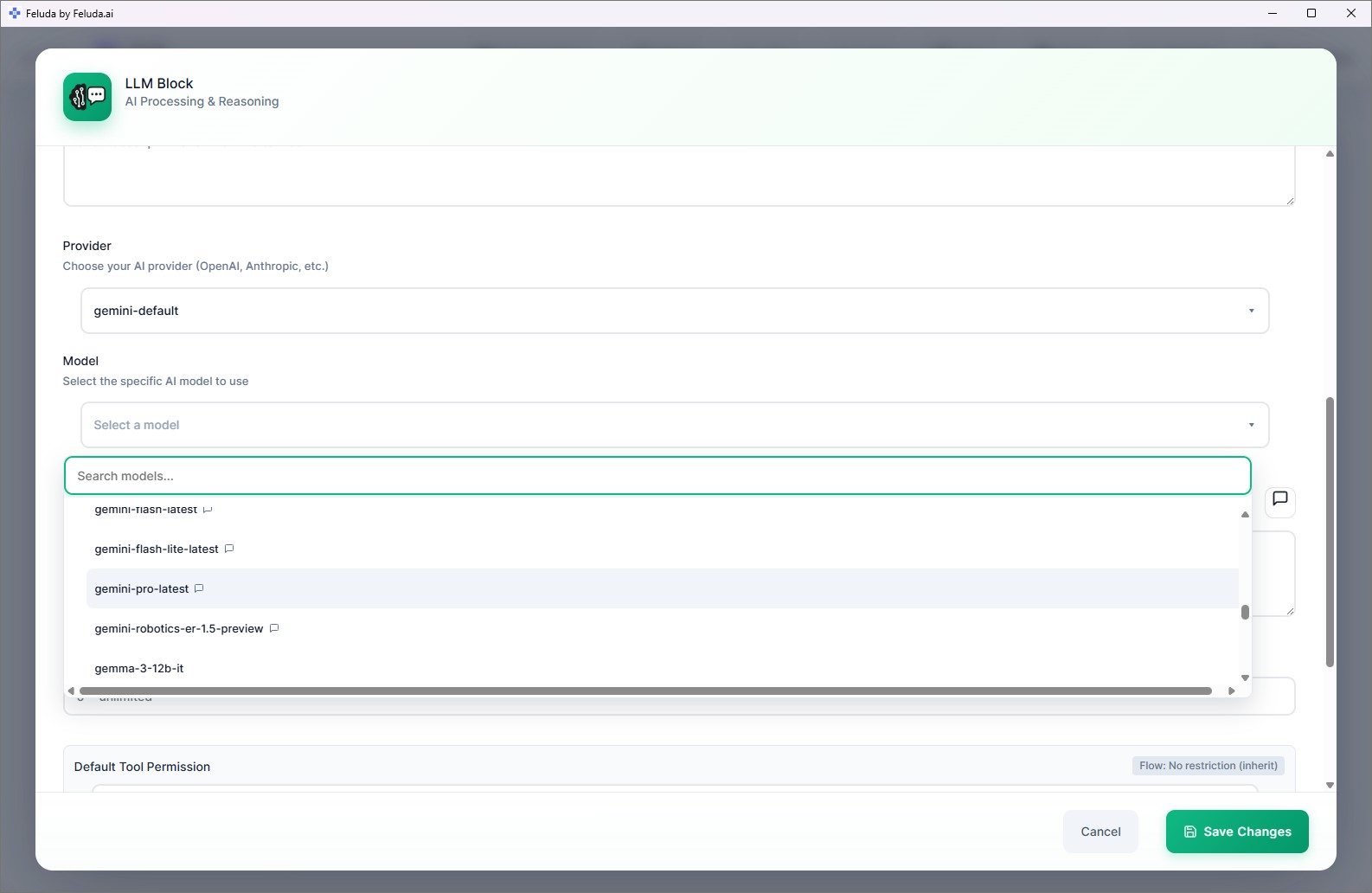
- Select your AI model from a dropdown
- Write a prompt in plain language
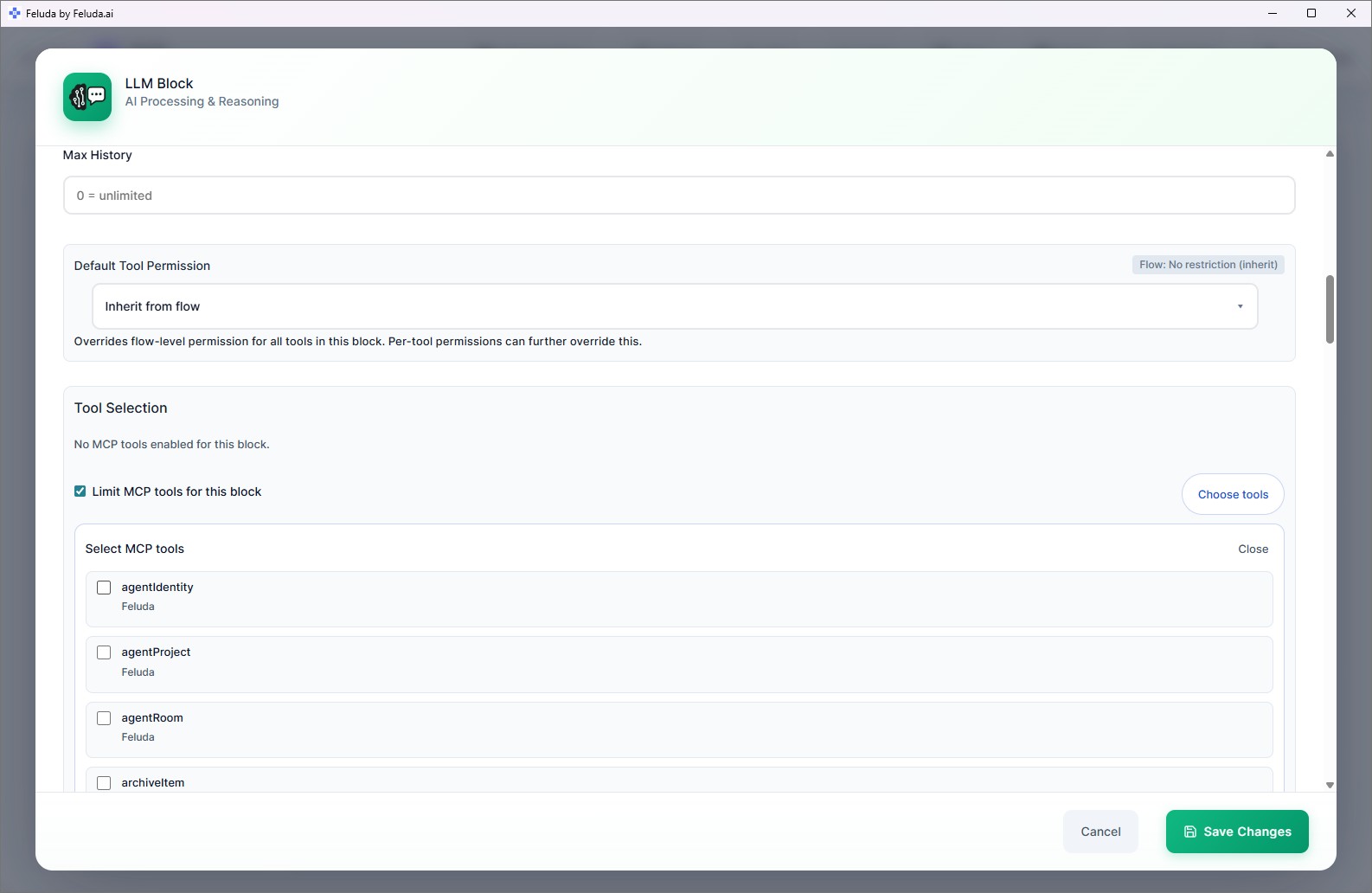
- Click Run — no code, no terminal, no dependencies
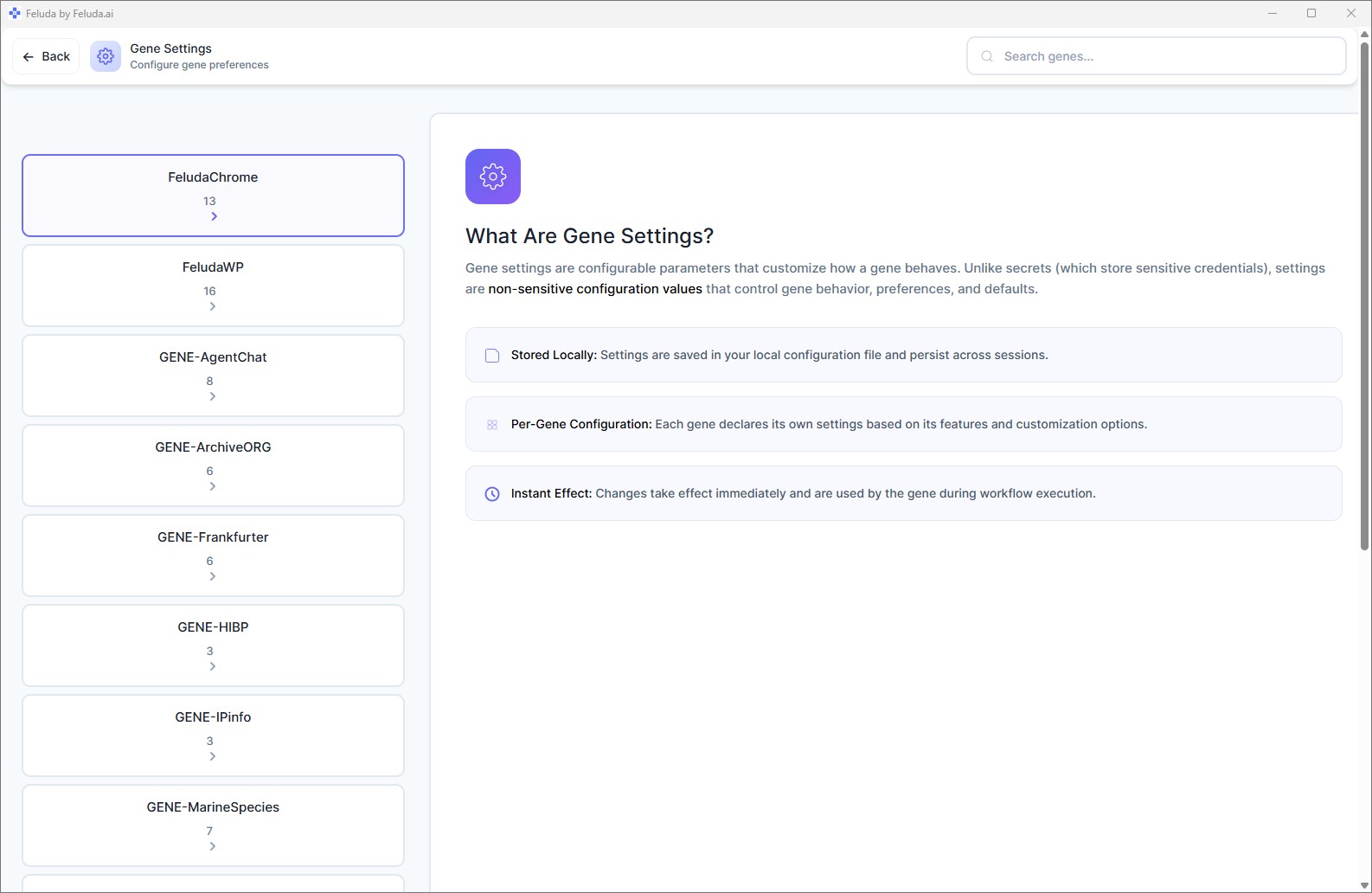
Feluda's Studio is a visual, no-code workflow builder. You design AI pipelines by placing blocks — Input, LLM, Label, Extract, Expression, Generate Image, Output — on a canvas and drawing connections between them. The blocks handle all the technical complexity: API calls, data passing, error routing, and execution. You focus on what you want the AI to do, not how to make it work.
Problem 5 — AI Workflows Crash When Something Goes Wrong
- AI service hits a rate limit — your script crashes
- Network timeout — you have to restart manually
- Content filter blocks your prompt — the entire pipeline stops
- No fallback, no retry, no alternative path
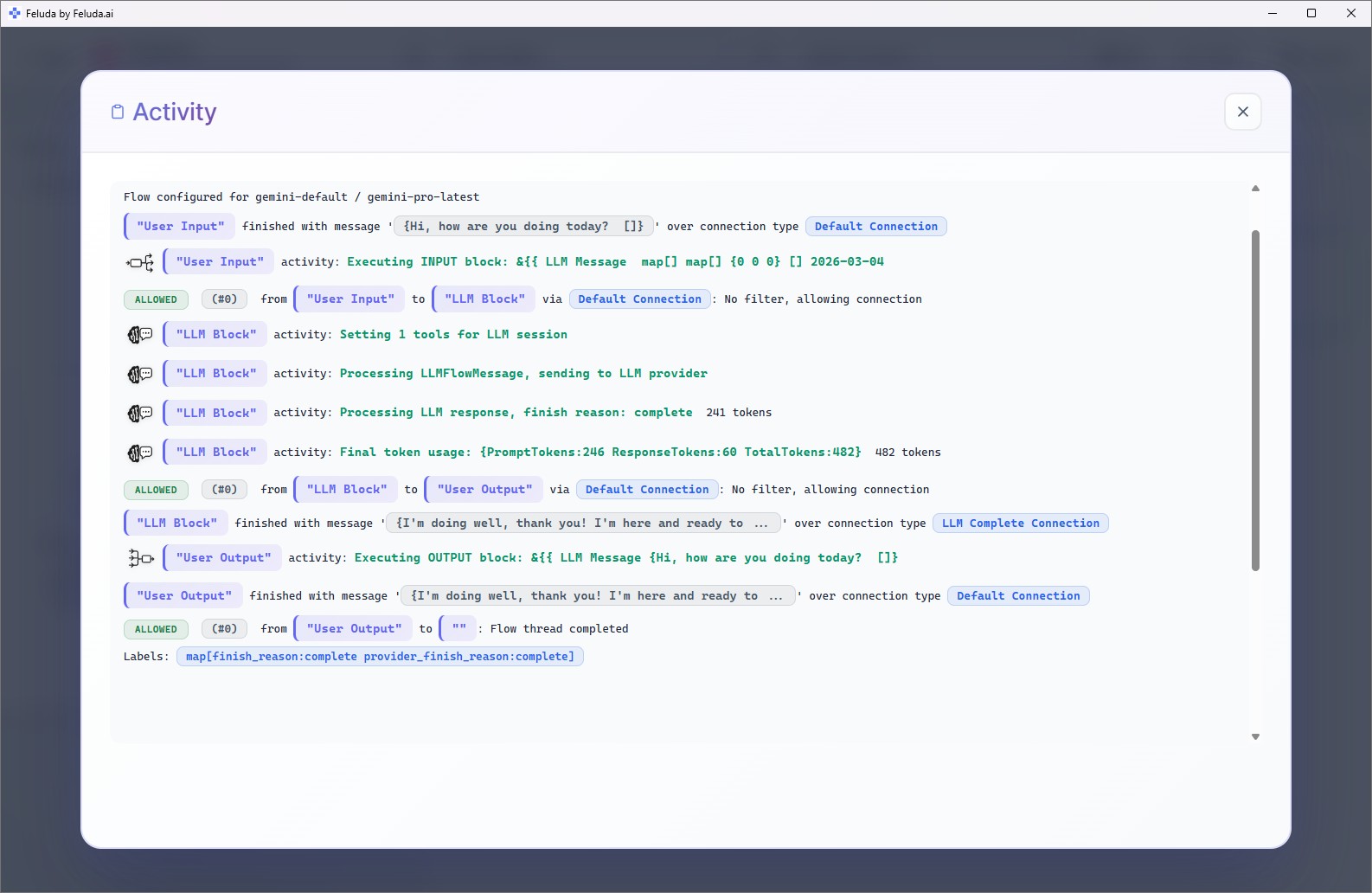
- Every AI block has typed error outputs: rate limit, timeout, content filter, general error
- Route each error type to a fallback provider, a retry step, or a notification
- Mix providers in one flow — if OpenAI fails, route to Anthropic automatically
- Your workflow keeps running even when a service goes down
In Studio, every AI block exposes typed error connections. A rate-limit error can route to a different provider. A timeout can trigger a retry. A content-filter block can escalate to a human review step. This means your automated workflows are resilient by design — no code, no try-catch blocks, just visual connections.
Problem 6 — You Cannot Schedule or Automate AI Tasks
- Every AI task requires you to sit down and run it manually
- No way to schedule a nightly report or a weekly check
- No persistent log of what the AI did and when
- Cloud automation tools like Zapier charge per execution
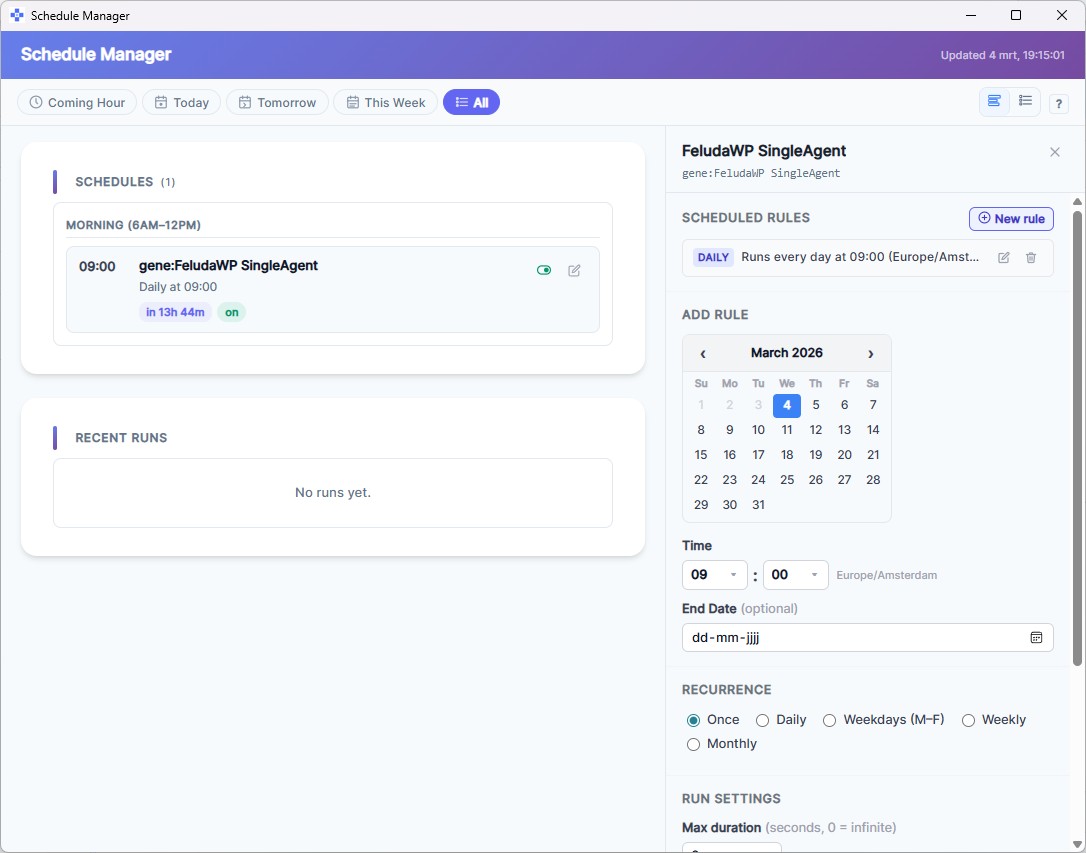
- Schedule Manager — run flows once, daily, weekdays, weekly, or monthly
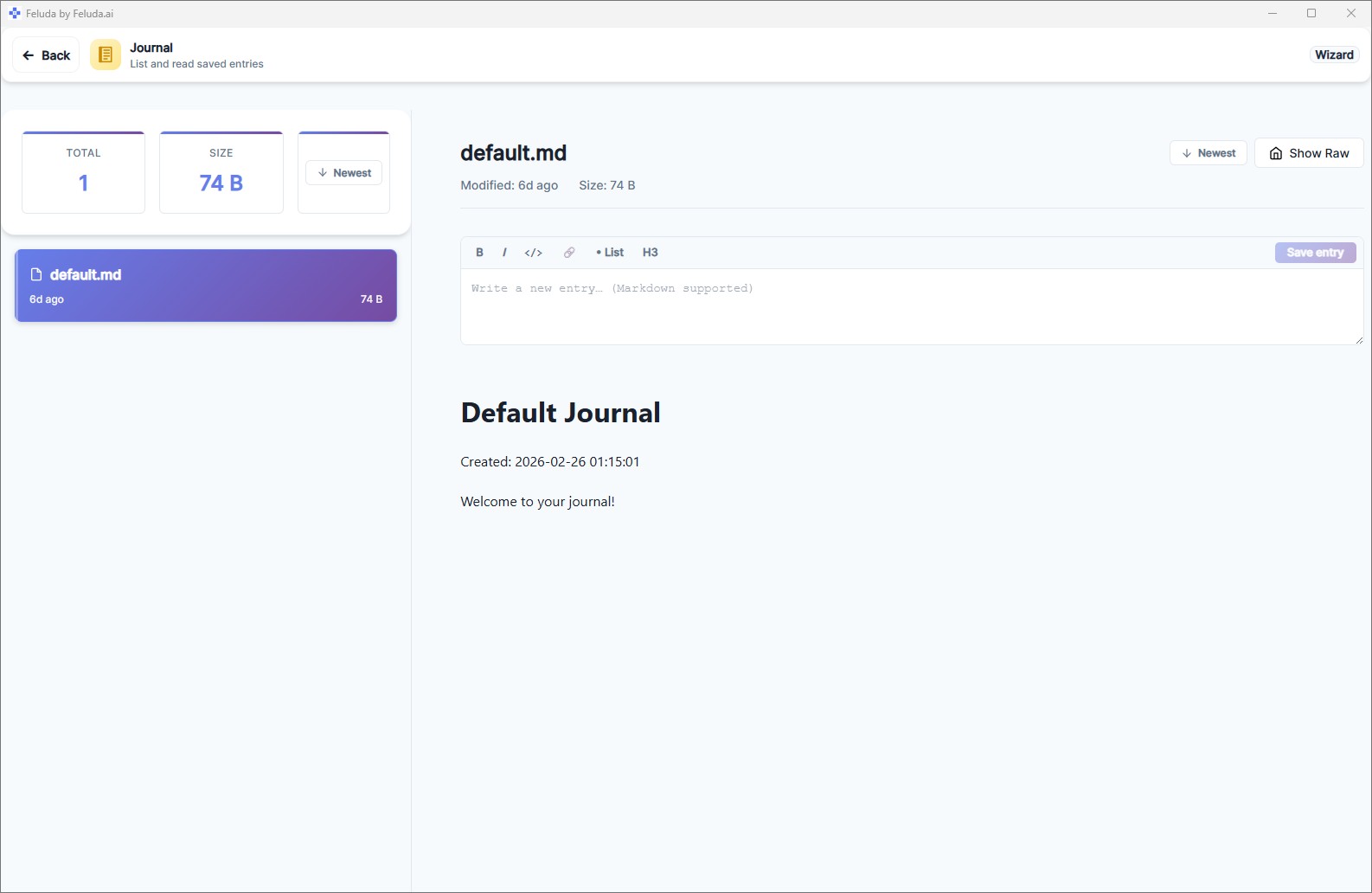
- Journal — an offline log where AI agents record their work during execution
- Review results at your convenience — no need to watch in real time
- Runs on your desktop — no per-execution cloud fees
Build your AI workflow once in Studio, then hand it to the Schedule Manager. Set it to run daily at 7 AM, weekly on Monday, or on any cadence you choose. Enable the Journal tool so the AI writes its findings during execution. Open the Journal whenever you want to review results. Scheduling is available on paid plans.
Real-World Problems Feluda Solves
These are real scenarios where people and teams use Feluda to solve problems that were previously painful, manual, or impossible without a developer.
Automatically sort hundreds of inbound emails into categories — billing, support, returns, general — using an LLM Label block. Schedule it to run every 15 minutes.
Pull structured data — names, dates, financial figures, locations — from unstructured reports using LLM Extract blocks. Hours of manual work become seconds.
Detect and redact personally identifiable information (names, emails, credit cards, IBANs, and 15+ data types) before documents reach any AI model or external service.
Run port scans, domain lookups, and automated security checks on a weekly schedule. AI generates human-readable reports written to the Journal.
One input brief produces a blog draft, social media posts, a tone classification, and a featured image — all in a single flow execution.
Test the same prompt across OpenAI, Anthropic, and a local model. Compare quality, speed, and cost in the Workbench before committing to a provider.
Feluda vs. the Typical AI Experience
Most people use AI through a web browser. Here is how the typical experience compares to Feluda.
| Challenge | Typical AI Tools | Feluda |
|---|---|---|
| Multiple providers | Separate website for each | All providers in one app |
| Chaining AI steps | Manual copy-paste or coding | Visual drag-and-drop pipelines |
| Data privacy | Data sent to cloud servers | Runs on your desktop; supports local models |
| Error handling | Crashes or silent failure | Typed error outputs with fallback routing |
| Scheduling | Not available or pay-per-run | Built-in Schedule Manager |
| Tool use | Limited or none | AI calls real tools: web search, file system, port scan, journal |
| Coding required | Often yes, for anything beyond chat | No code — visual builder for everything |
| Cost model | Per-token or per-execution fees | Free tier; local models cost nothing to run |
Frequently Asked Questions
What problems does Feluda solve?
Feluda solves six core problems: (1) too many disconnected AI tools, (2) manual copy-paste workflows between AI services, (3) cloud privacy risks when sending sensitive data to third-party servers, (4) the need for developers to automate AI tasks, (5) no error handling when AI services fail, and (6) the inability to schedule AI workflows to run automatically.
How does Feluda protect my data privacy?
Feluda runs entirely on your desktop. API keys are stored in your OS encrypted vault. AI models never see your secrets — Feluda injects them at runtime. You can use local AI models (Ollama, LM Studio) for completely offline, zero-cloud processing. Feluda also includes built-in PII detection for over 15 types of sensitive data.
Can I use Feluda without coding?
Yes. Feluda Studio is a visual drag-and-drop flow builder. You design AI workflows by placing blocks on a canvas and connecting them. No programming, scripting, or command-line knowledge required.
How does Feluda handle AI service failures?
Every AI block has typed error outputs — rate limit, timeout, content filter, and general error. You can route each failure type to a fallback provider, a retry path, or a notification step. Your workflow keeps running even when a specific AI service goes down.
Can Feluda run AI workflows on a schedule?
Yes. The Schedule Manager lets you set flows to run once, daily, on weekdays, weekly, or monthly. Results are logged to the Journal for review. Scheduling is available on paid plans.
Is Feluda free?
Yes. The free plan includes Studio (visual flow builder), Workbench (AI chat), RunFlows (execution), the Journal, and the built-in MCP server with up to 3 tools per session. Paid plans unlock more tools, custom providers, custom MCP servers, and flow scheduling.
How is Feluda different from ChatGPT?
ChatGPT is a single-turn cloud chat interface. Feluda is a desktop application that lets you build multi-step AI workflows visually, chain multiple providers together, give AI real tools, schedule automations, and keep everything private on your machine. It is a workflow platform, not just a chat window.
Does Feluda work with sensitive or regulated data?
Yes. Feluda runs on your own computer and supports fully local AI models — suitable for GDPR, HIPAA, and other data-residency requirements. Built-in PII detection can redact over 15 types of personally identifiable information before data reaches any model.
Ready to Solve These Problems?
Download Feluda for free. Build your first AI workflow in minutes — visually, privately, on your own machine.