
The Problem Feluda Solves
Working with AI today usually means juggling multiple chat windows, copying outputs between tools, and trusting cloud services with sensitive data. If you want to chain AI steps together or give an AI model real tools, you typically need a developer. Feluda changes that.
Switching between AI chat windows, scripts, and dashboards wastes time and breaks focus.
Taking output from one AI tool and feeding it into another by hand is slow and error-prone.
Sending sensitive documents or API keys to third-party servers is a risk many teams cannot take.
Connecting AI services together usually requires coding — putting automation out of reach for most people.
Feluda Is the Answer
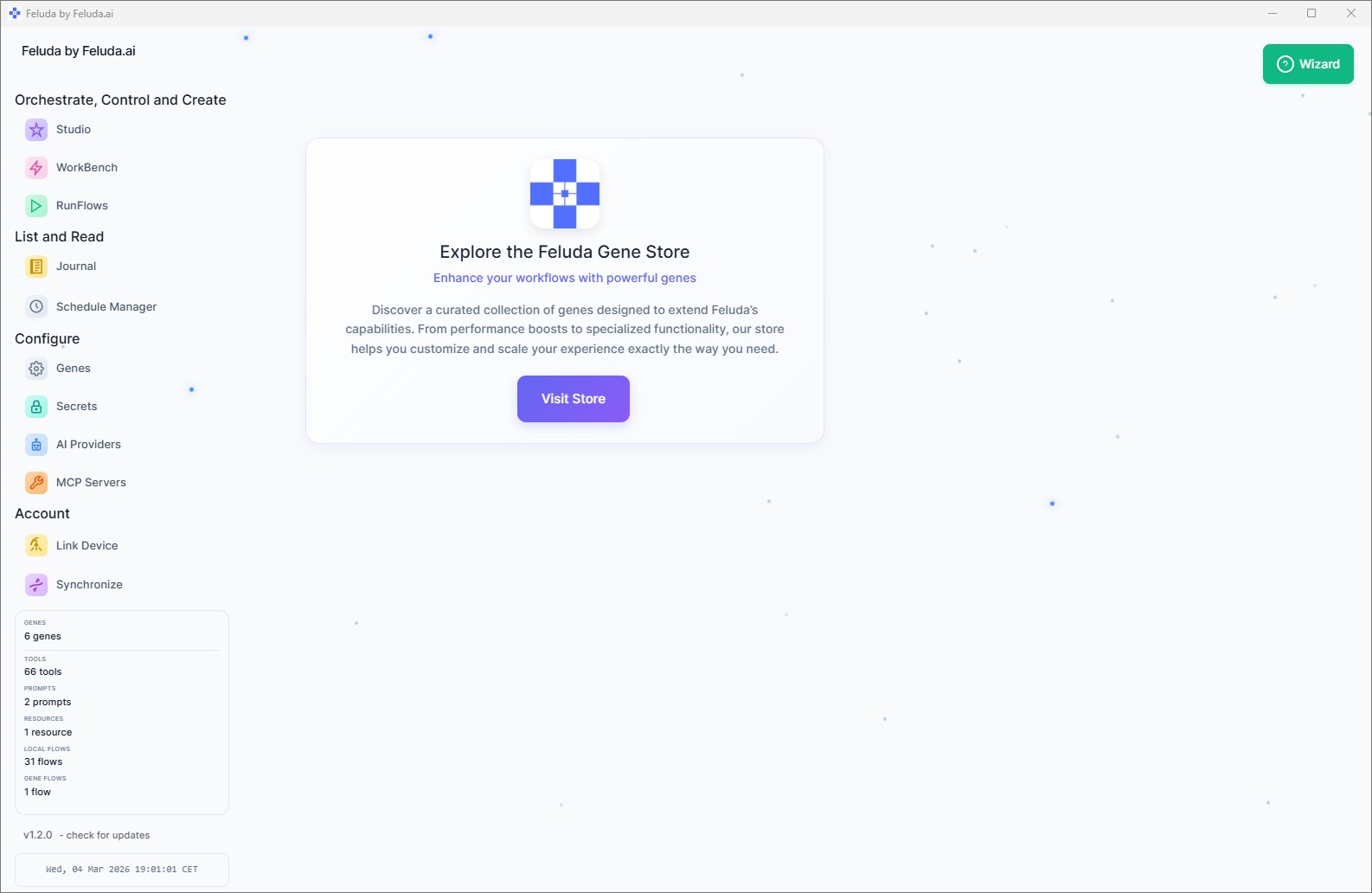
Feluda is a desktop application for Windows, macOS, and Linux that gives you a single environment to design, run, and manage AI-powered workflows. Everything runs on your own computer. You choose which AI models to use, what tasks they perform, and how results are delivered — all through a visual interface.
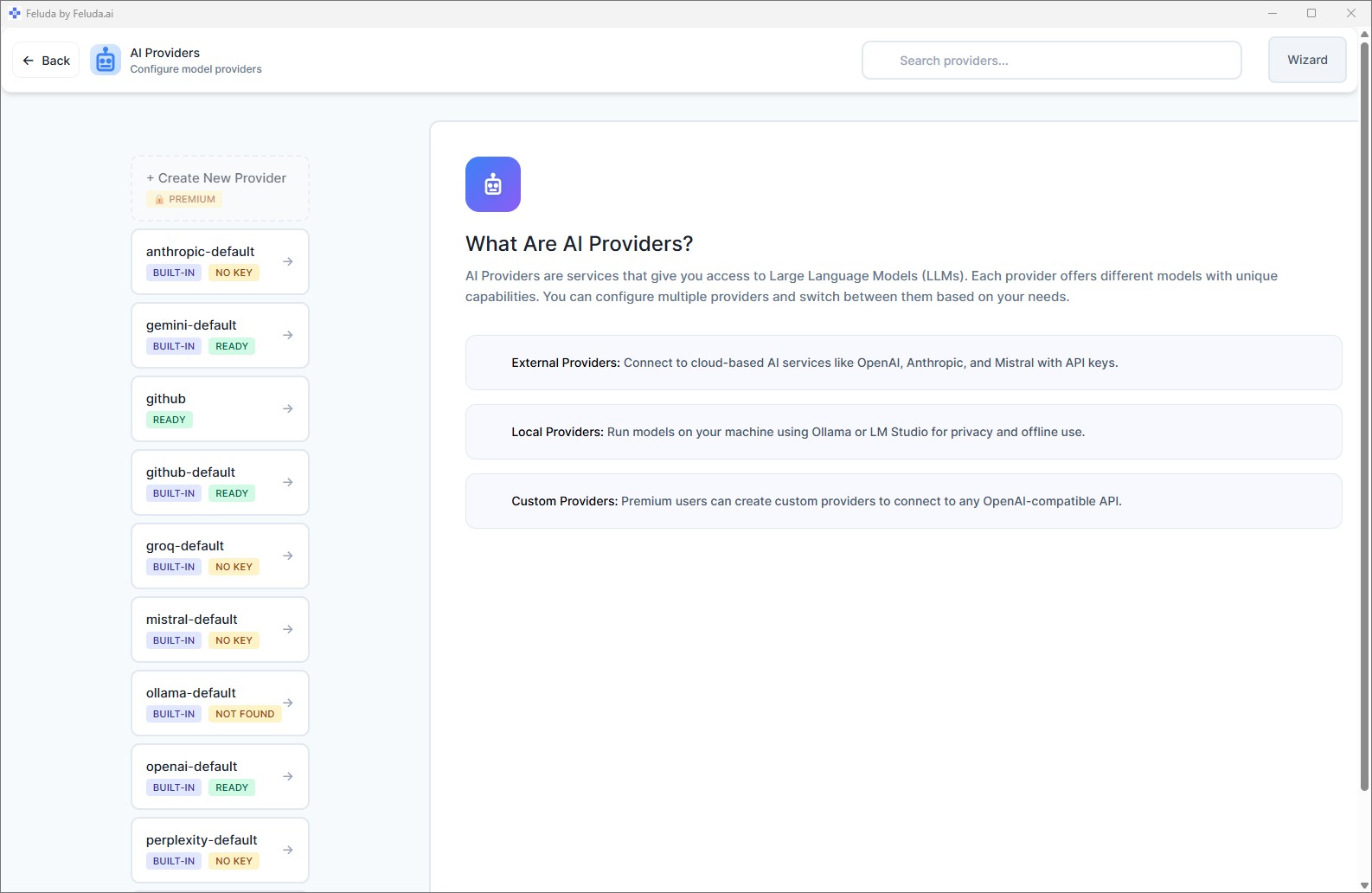
Think of it as a control center for artificial intelligence. You bring your own AI providers (OpenAI, Anthropic, Mistral, Google, or local models like Ollama and LM Studio), and Feluda gives you the tools to put them to real work.
How Feluda Works — Three Steps
Connect Your AI
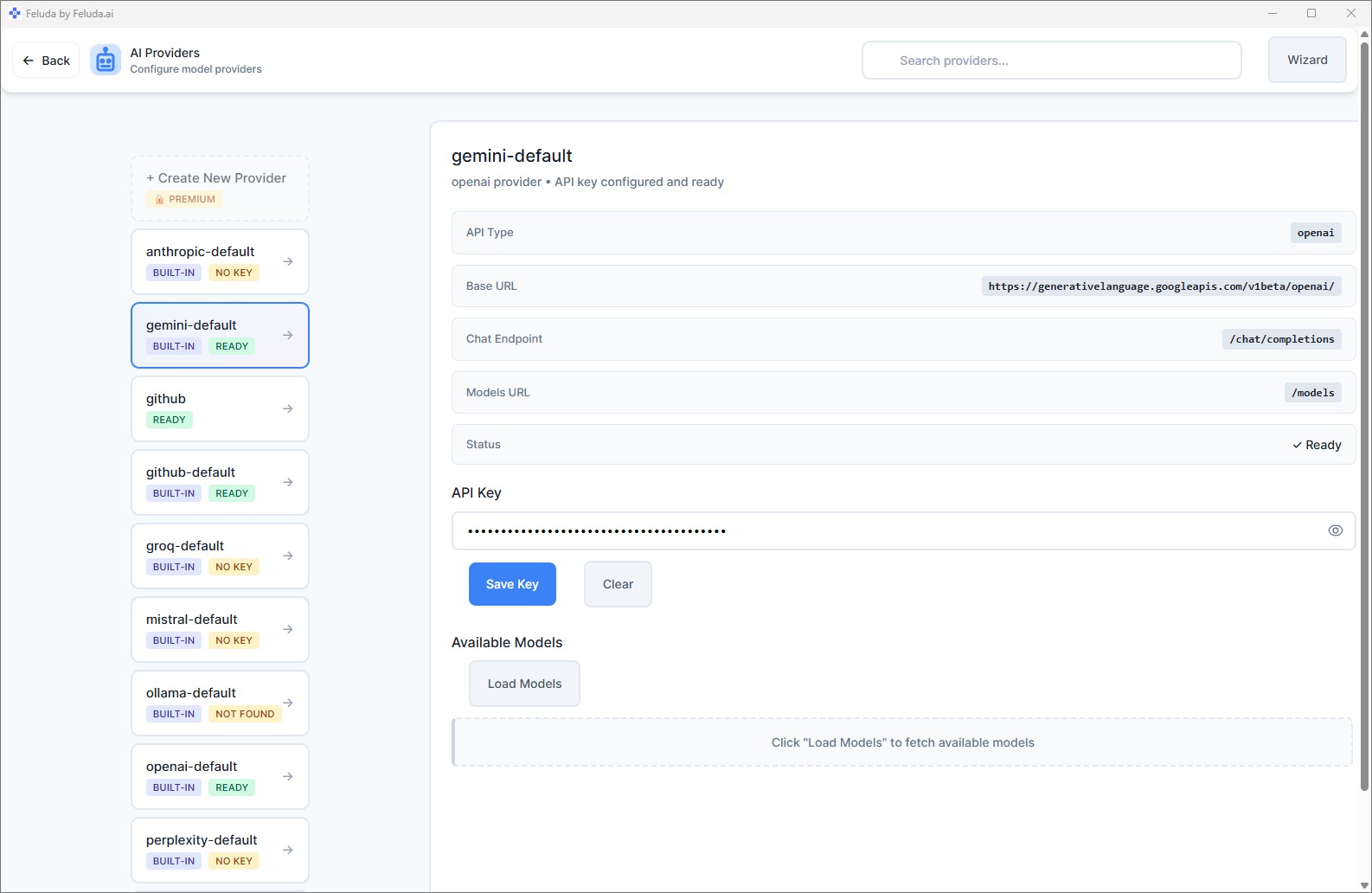
Add API keys for cloud providers or point to a local model. Feluda supports OpenAI, Anthropic, Mistral, Google, Ollama, LM Studio, and more.
Build or Install a Workflow
Drag blocks onto the Studio canvas and connect them — or install a pre-made package called a Gene from the store.
Run It
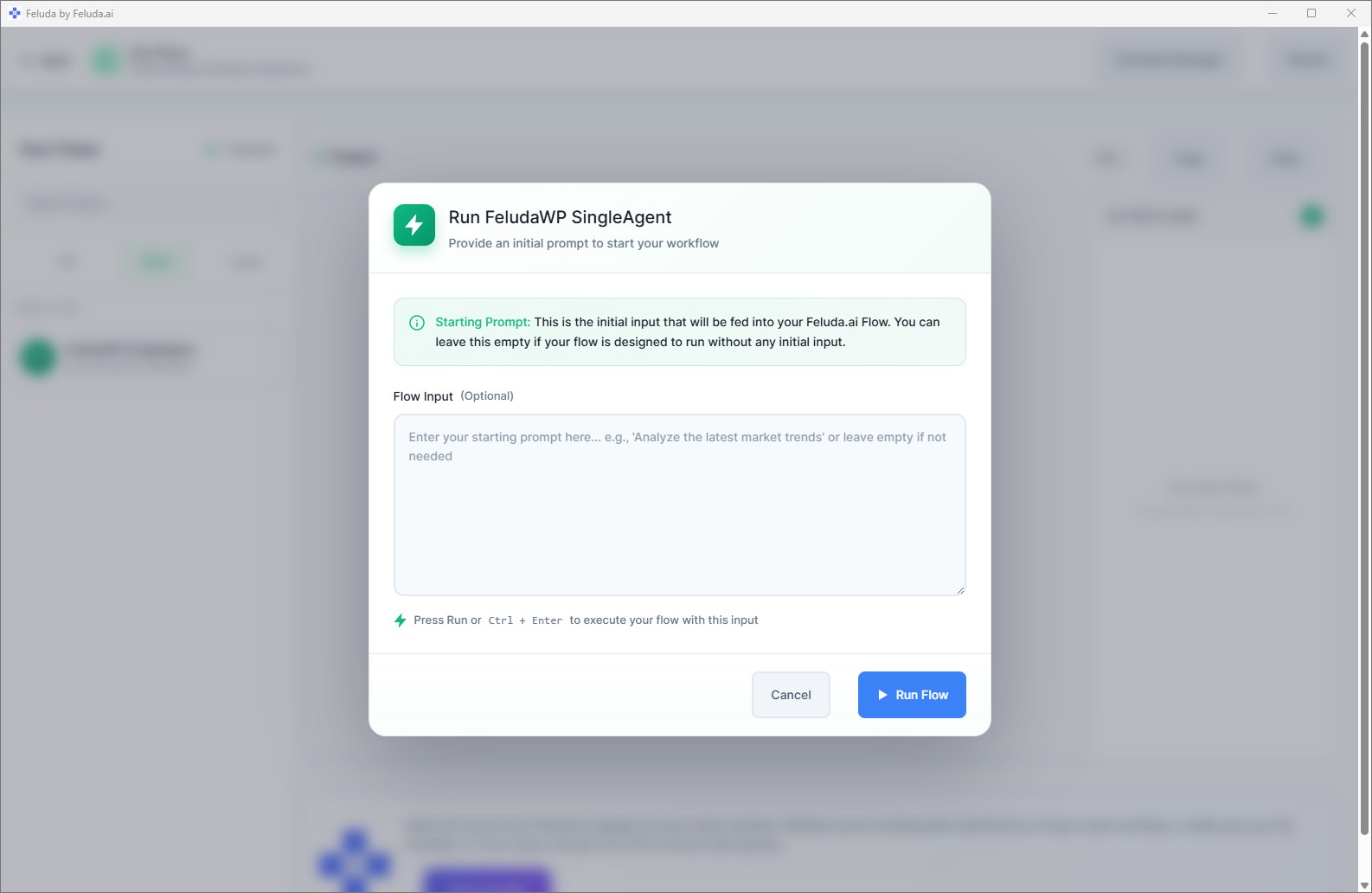
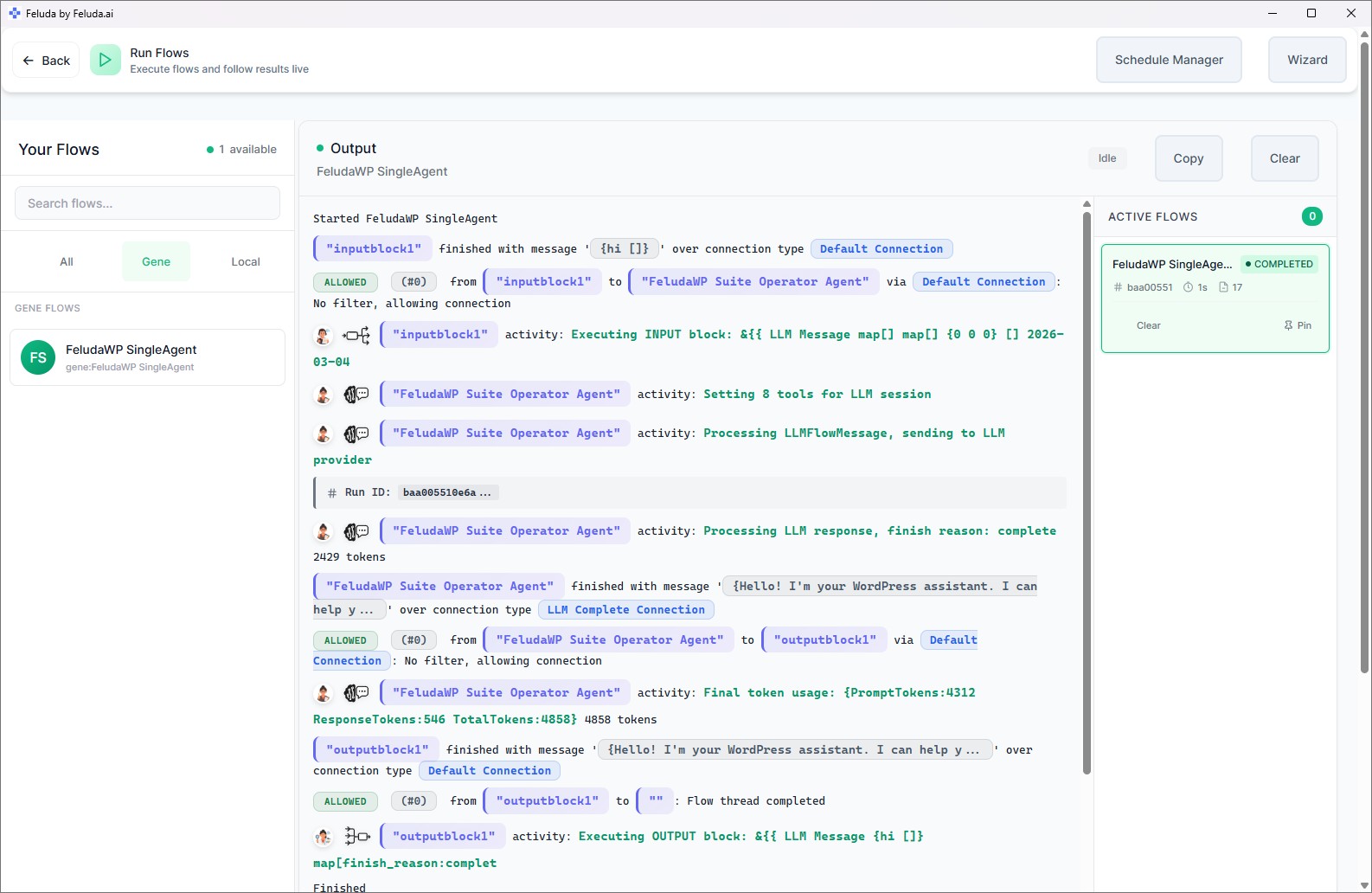
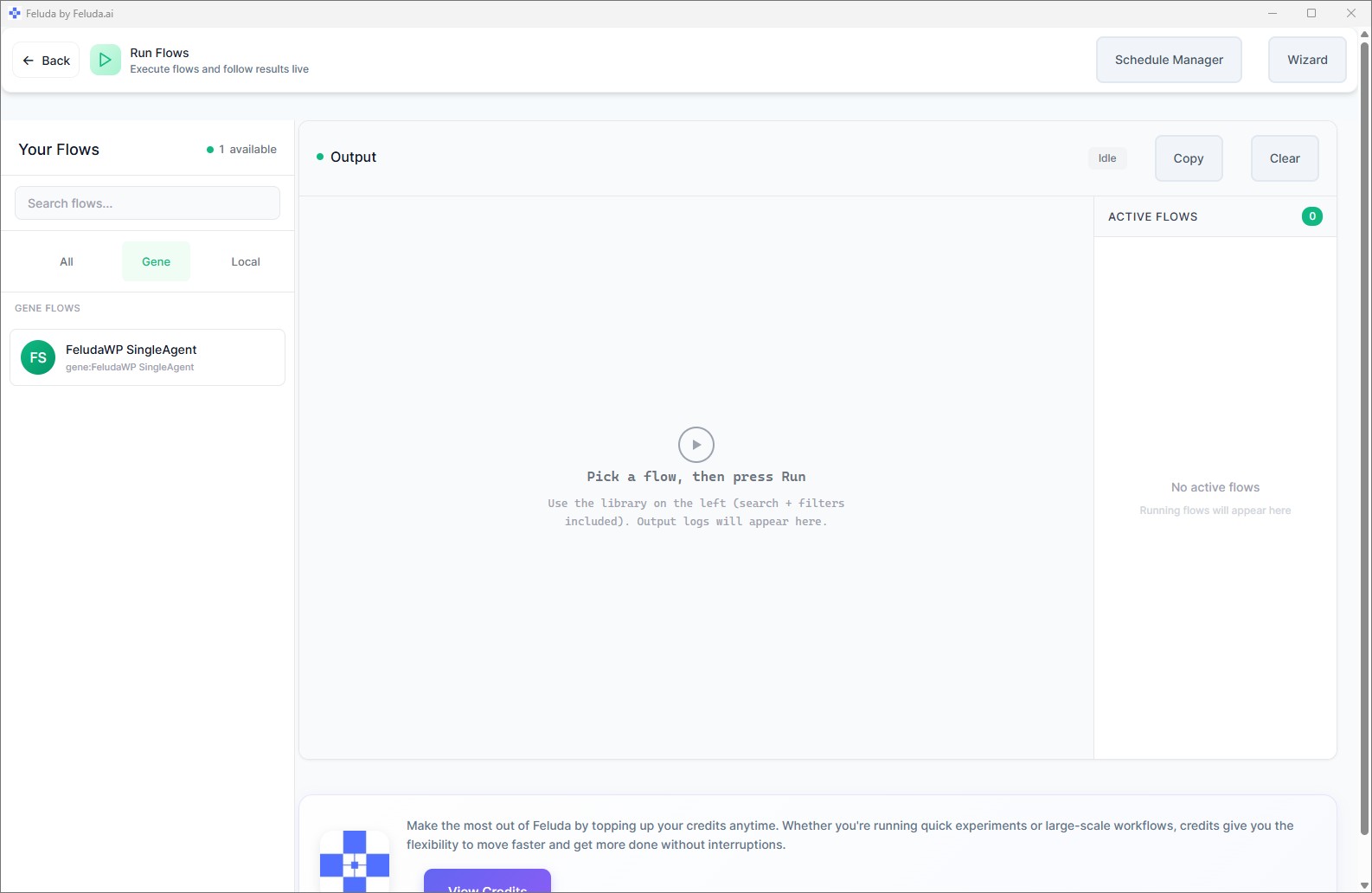
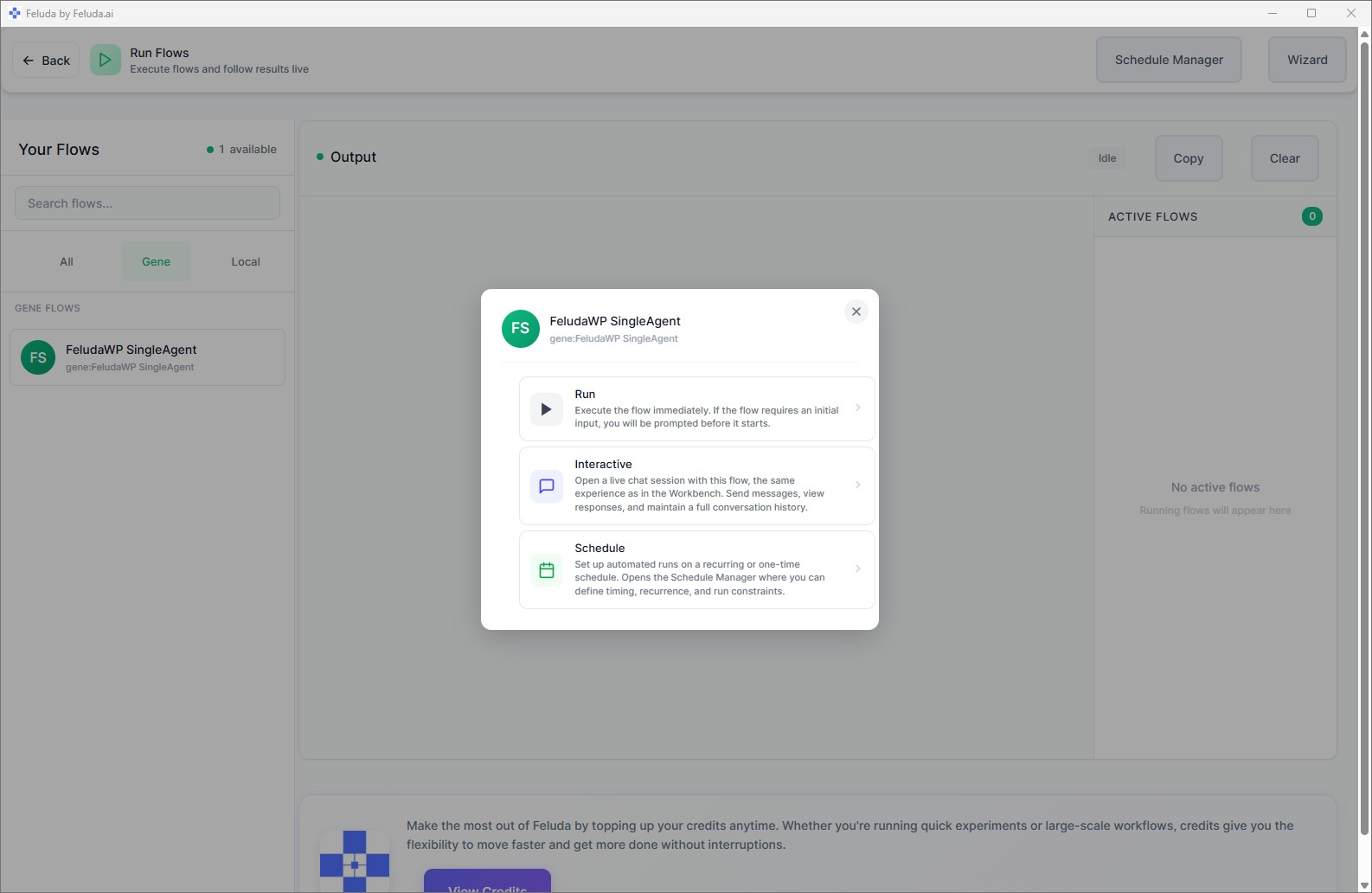
Execute with one click, chat with your workflow interactively in the Workbench, or schedule it to run automatically on any cadence.
See Feluda in Action
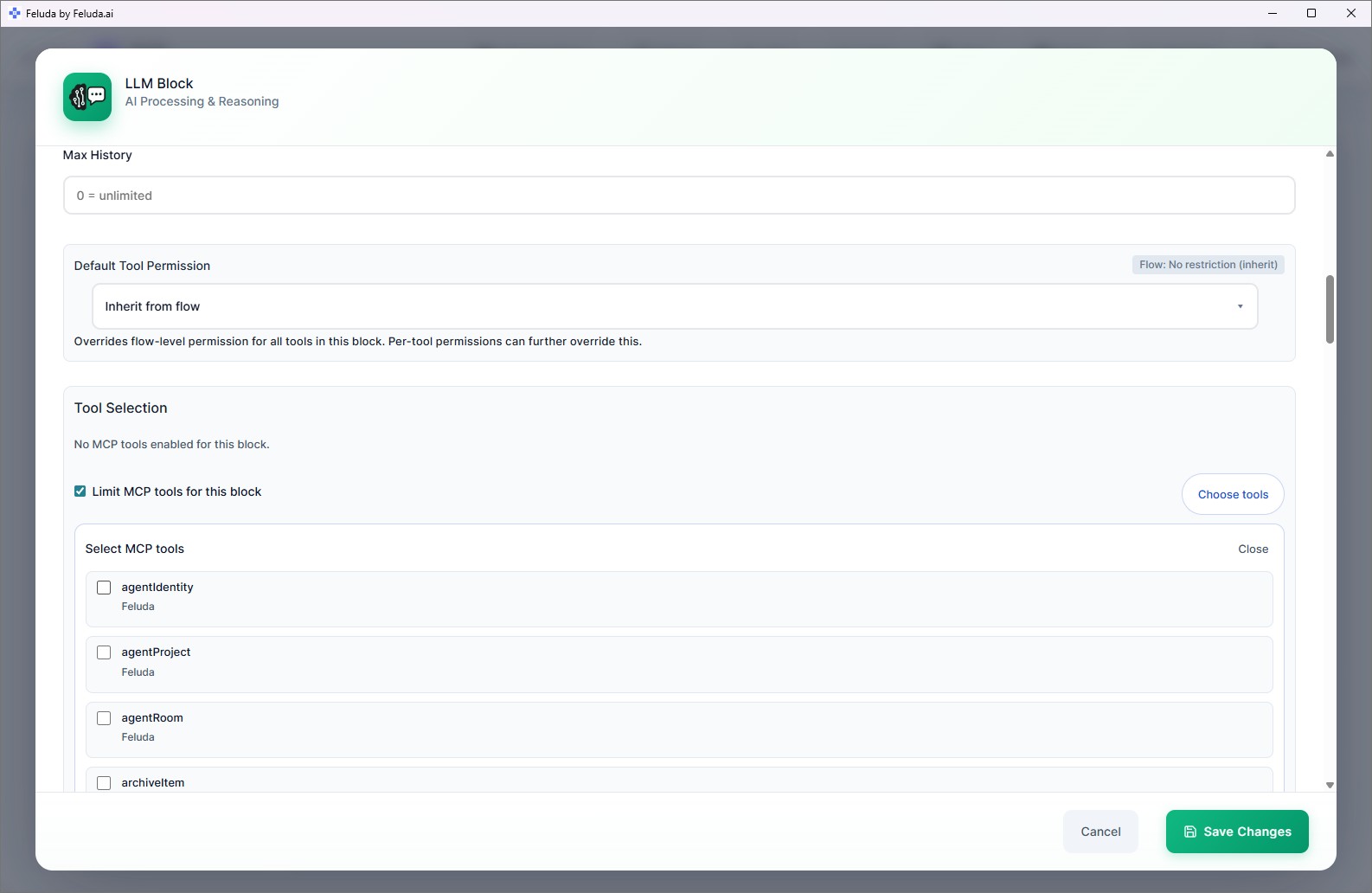
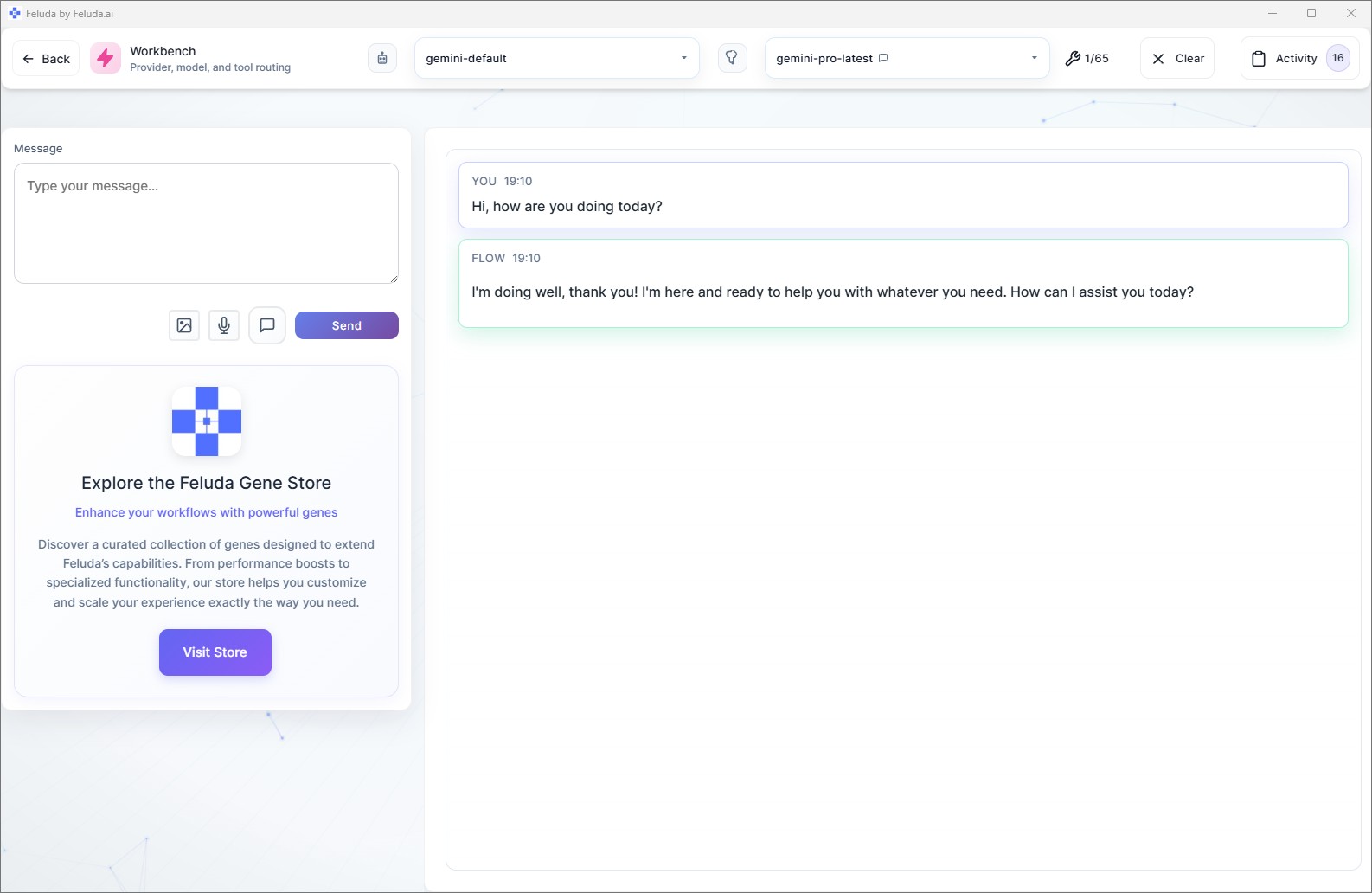
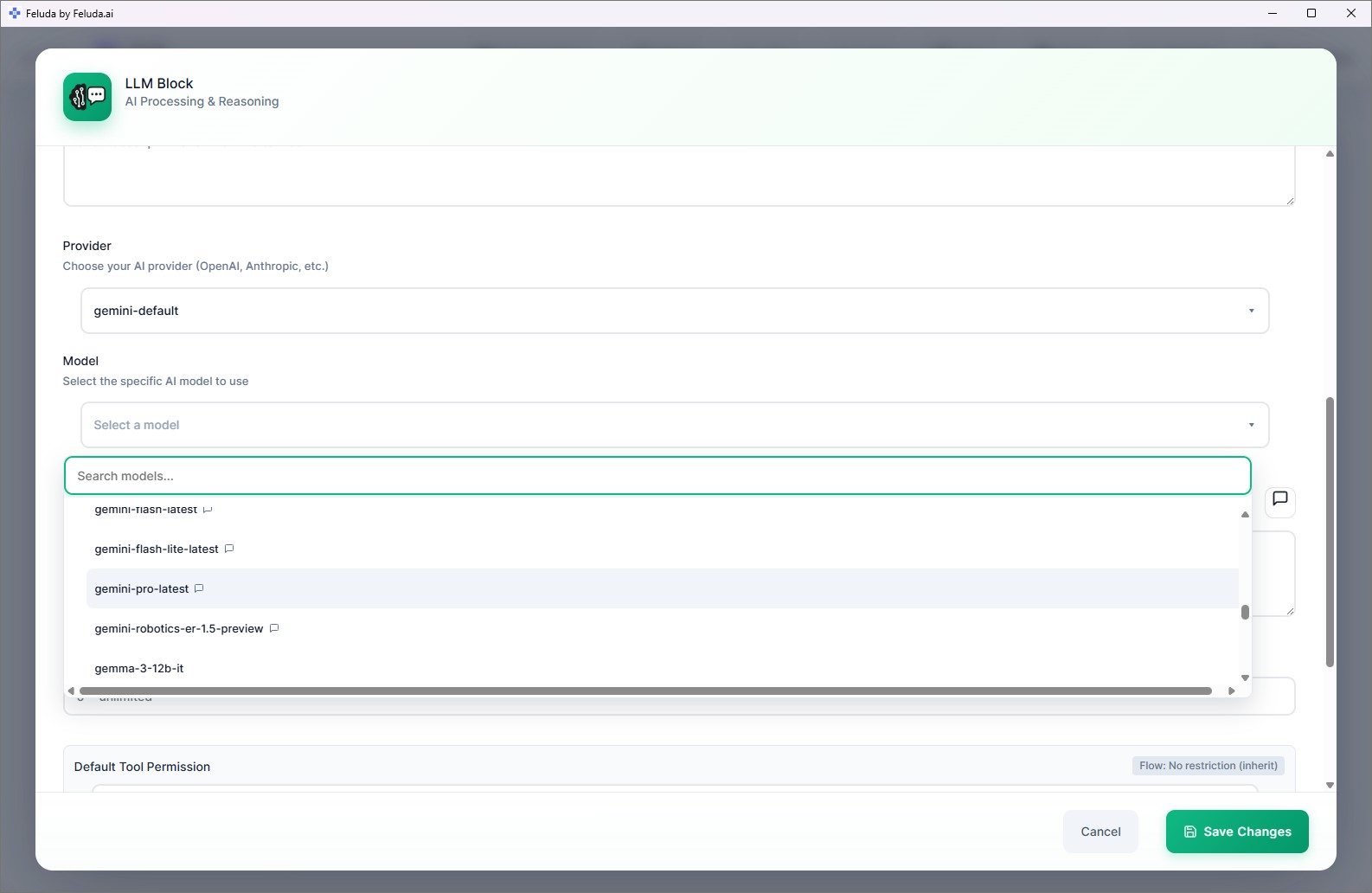
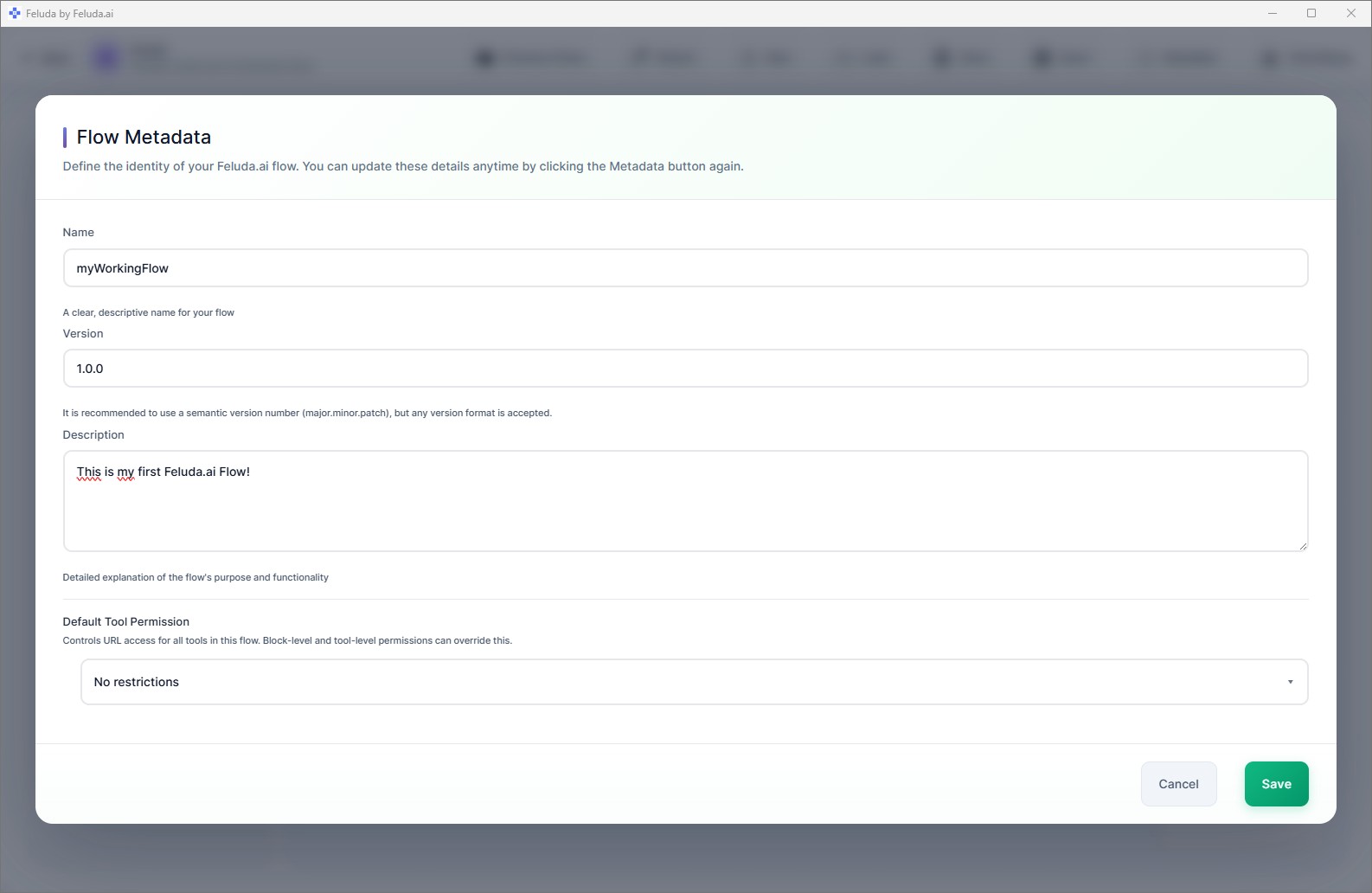
Feluda is a native desktop application with a clean, modern interface. Click any screenshot to view it full-size.
Main Screens

Building in Studio
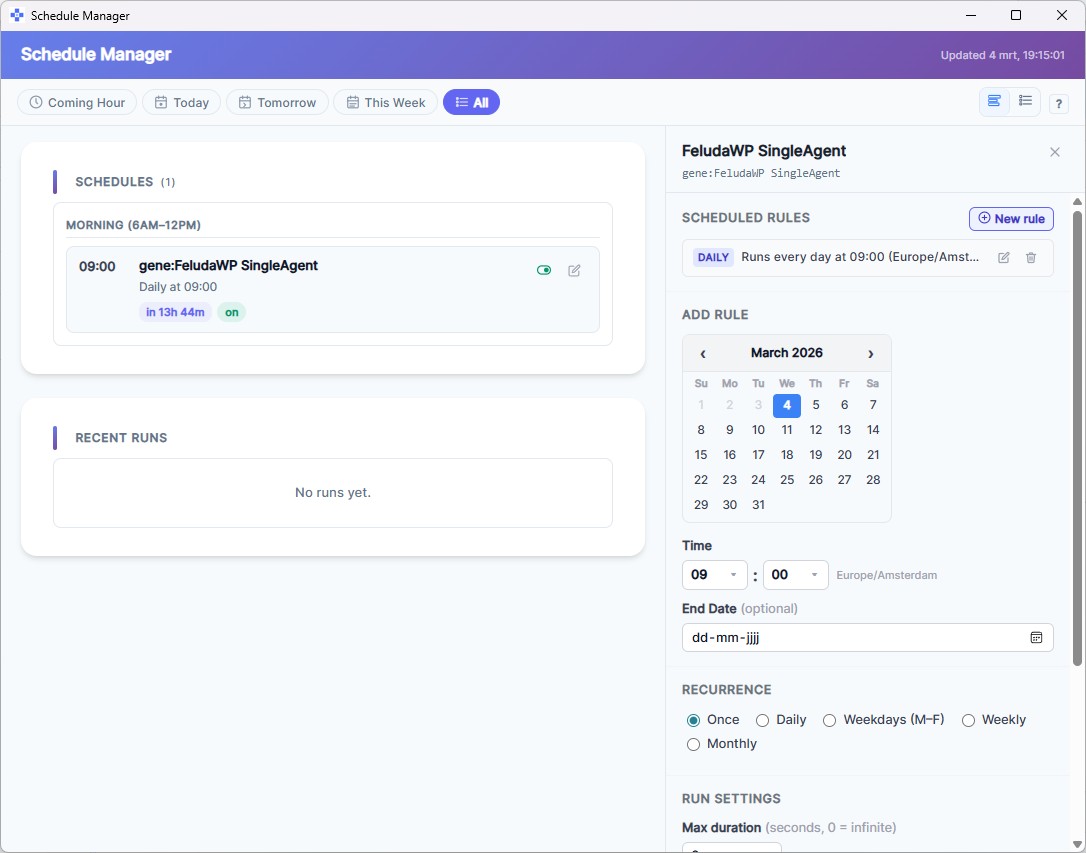
Running Workflows
Workbench Deep Dive
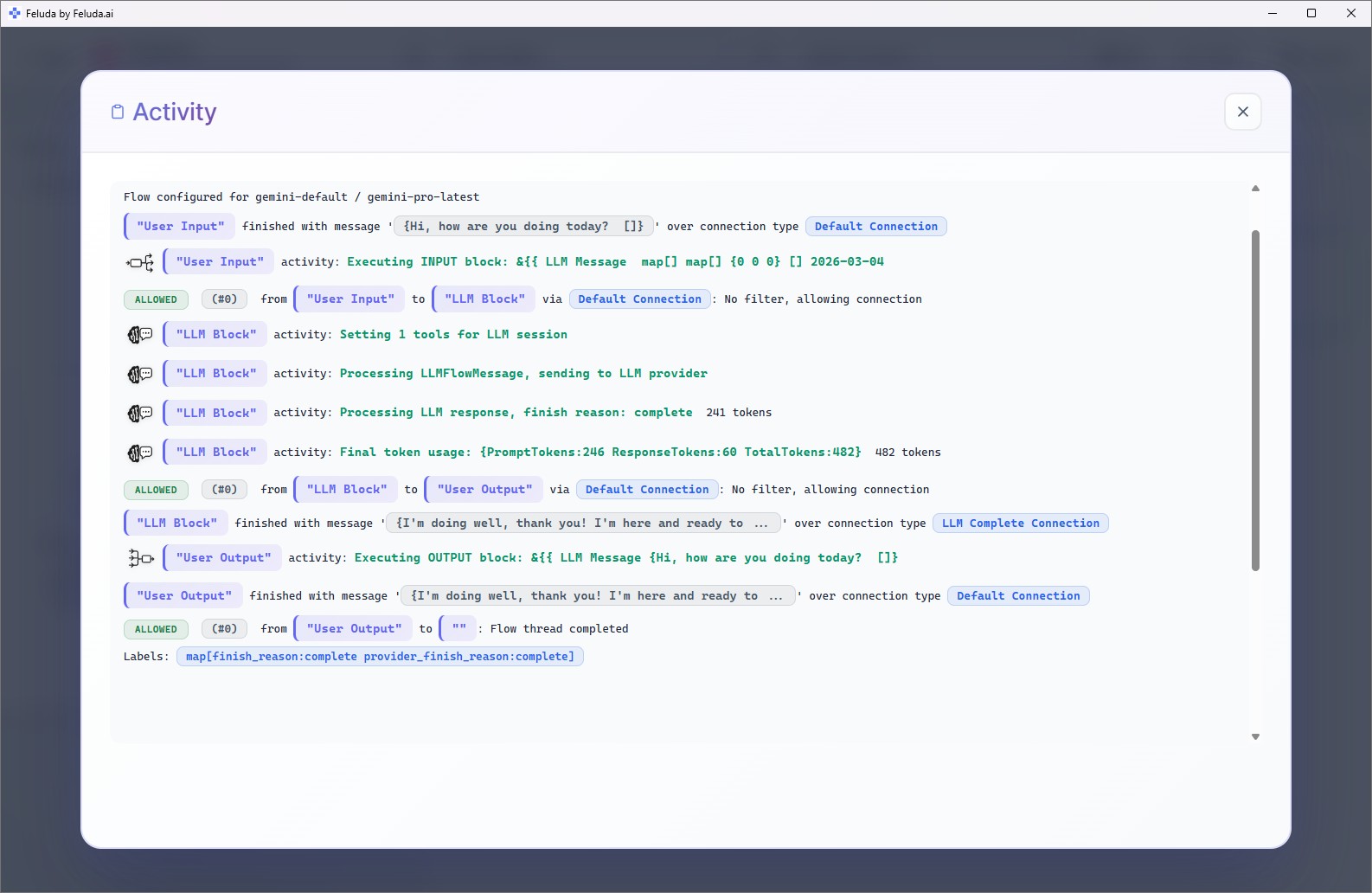
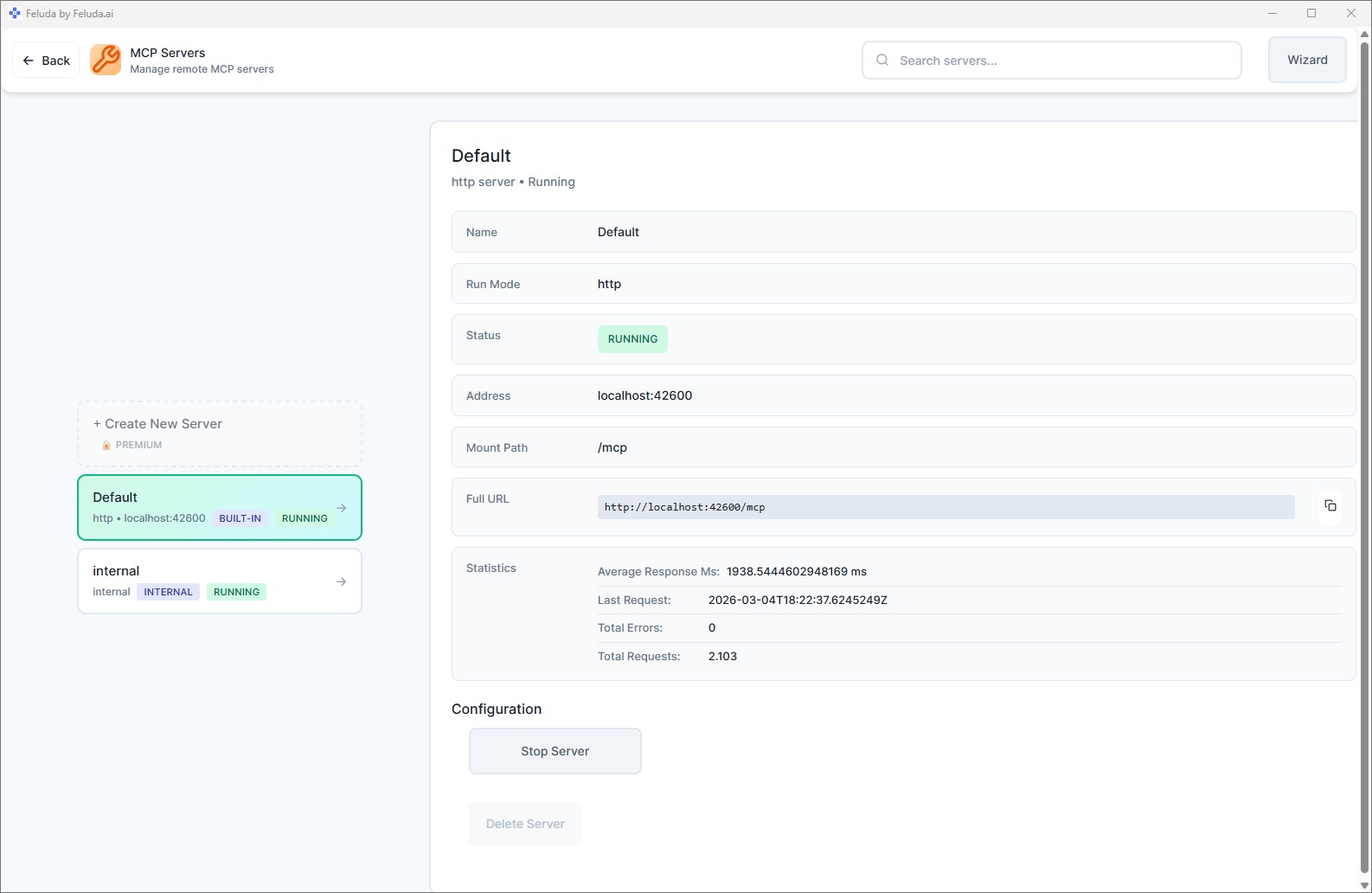
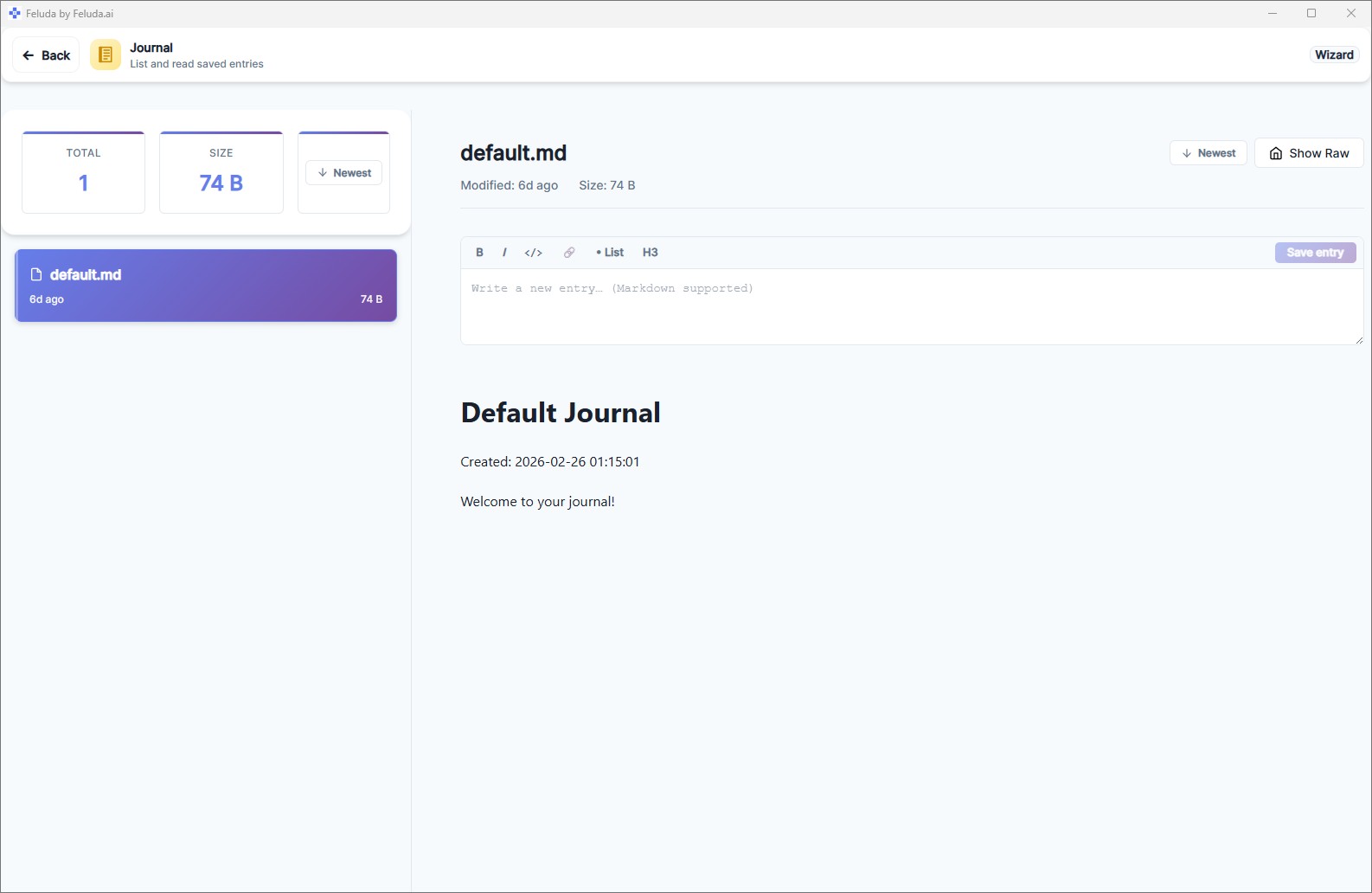
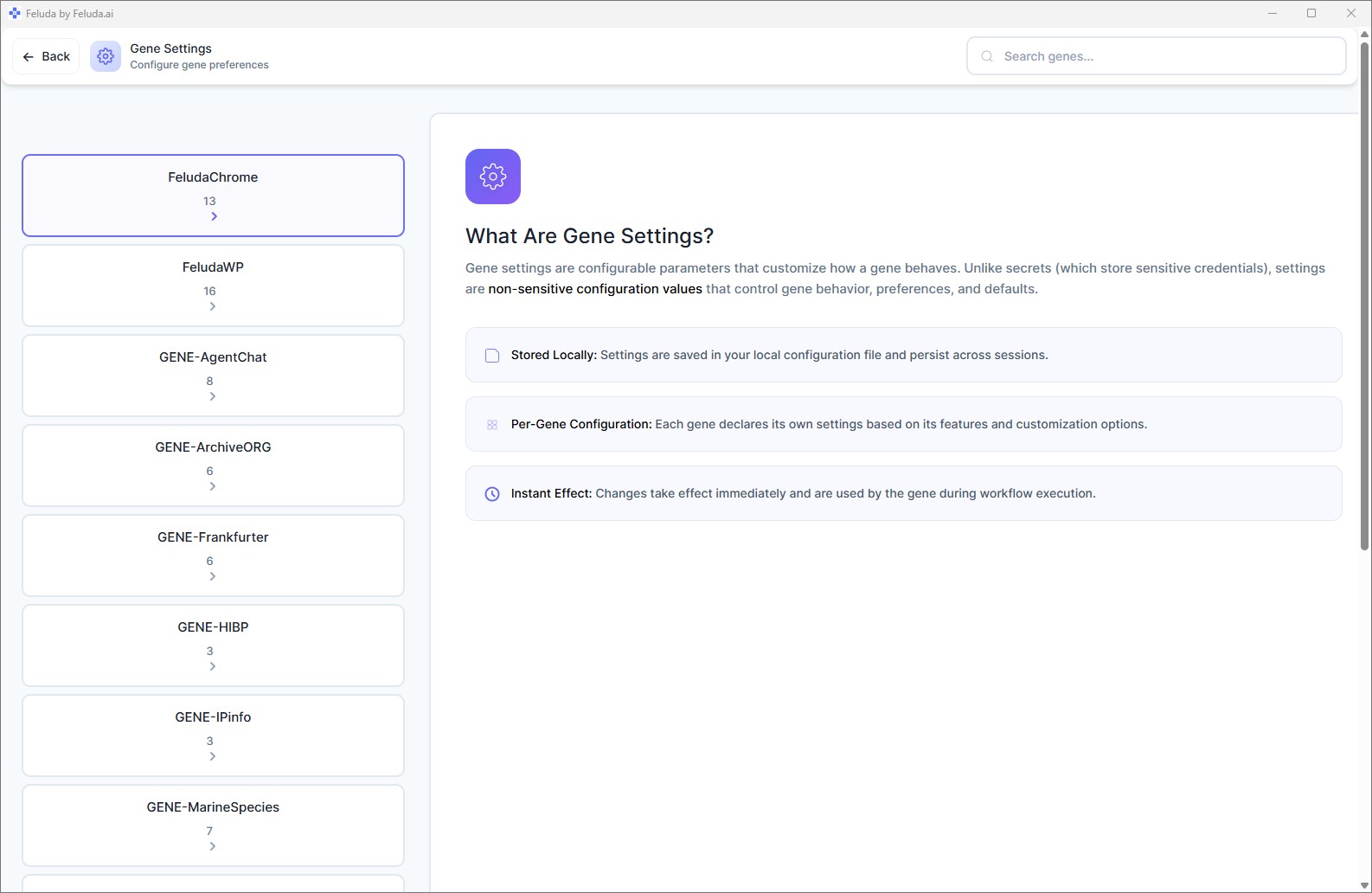
Configuration & Management
What Feluda Can Do
Visual Flow Builder
Design multi-step AI workflows by dragging blocks onto a canvas and connecting them. Classify text, extract data, generate images, chain reasoning steps — all without code.
Any AI Provider
Connect to OpenAI, Anthropic, Mistral, Google, or run models locally with Ollama and LM Studio. Switch providers with a single click — your workflows stay the same.
Tool-Augmented AI
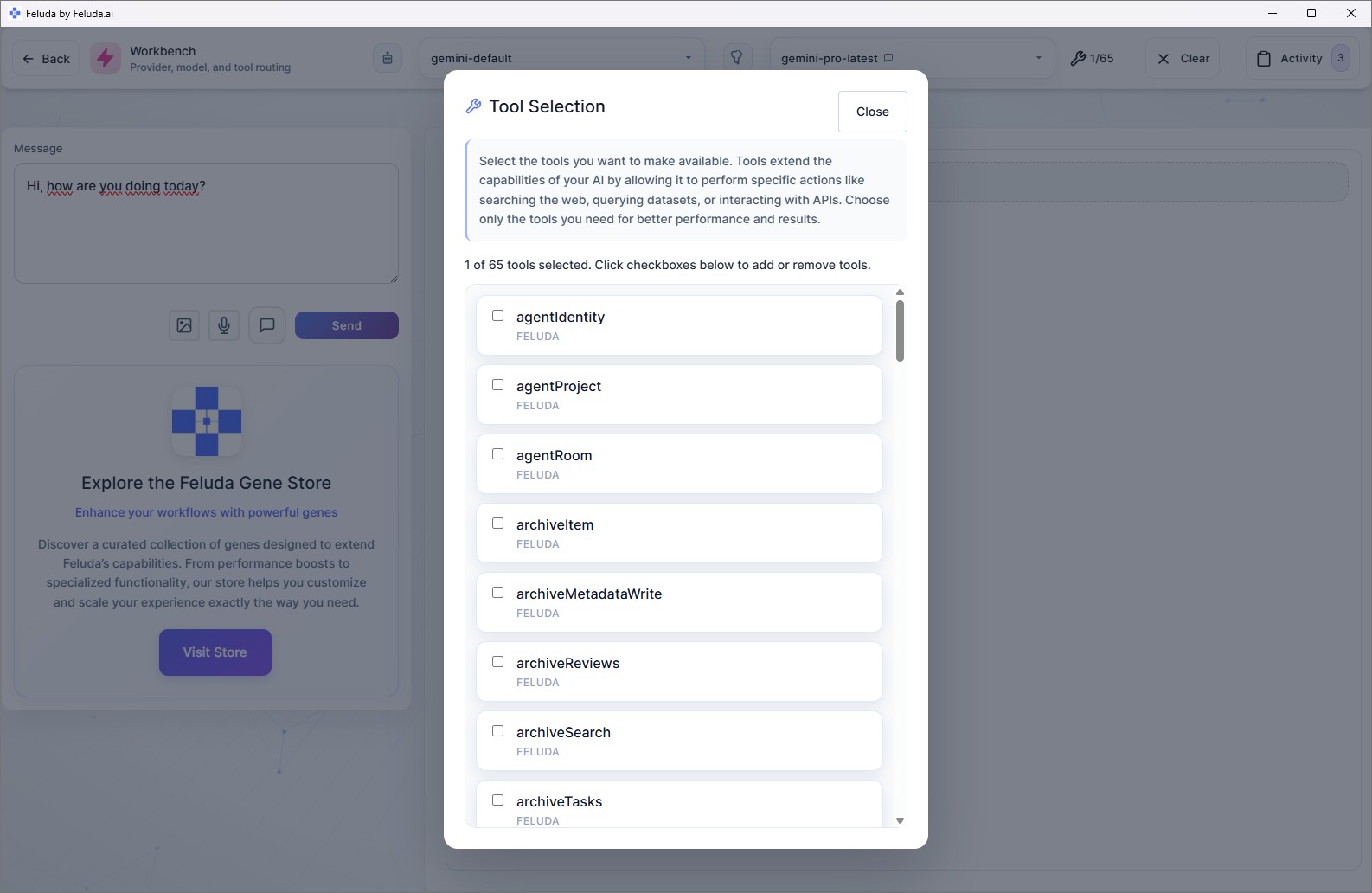
Give your AI real capabilities: web search, file access, port scanning, journal writing, and more. AI models call these tools during workflows to take action, not just generate text.
Interactive Chat
The Workbench lets you chat with any AI model in real time, with tools enabled. Think of it as a supercharged AI assistant that can actually do things.
Scheduling & Automation
Set any workflow to run automatically — hourly, daily, weekly, or at a specific time. Results are logged to the Journal so you can review them later.
Genes — Add-On Packages
A Gene bundles tools, prompts, resources, and ready-made flows into a single installable package. Browse the Gene Store or build your own.
MCP Server
Feluda includes a built-in Model Context Protocol server so external AI clients (like Claude Desktop) can use the tools from all your installed Genes.
Error Resilience
Workflows handle failures gracefully. Route rate-limit errors to a backup provider, timeout errors to a notification, or content-filter errors to a review queue — all visually configured.
Who Is Feluda For?
Anyone who wants to put AI to practical use — without writing code and without giving up control of their data.
Automate reports, classify documents, triage emails, and extract data from unstructured text.
Generate text, images, and structured content with multi-step flows that handle the entire pipeline.
Run analysis pipelines, extract information from documents, and journal findings automatically.
Scan ports, look up domain information, detect PII, and run automated security checks — all locally.
Experiment with different models, compare providers side by side, and build personal AI assistants.
Share pre-built workflow packages across the company. Enterprise deployments run fully on your own infrastructure.
Privacy First — Always
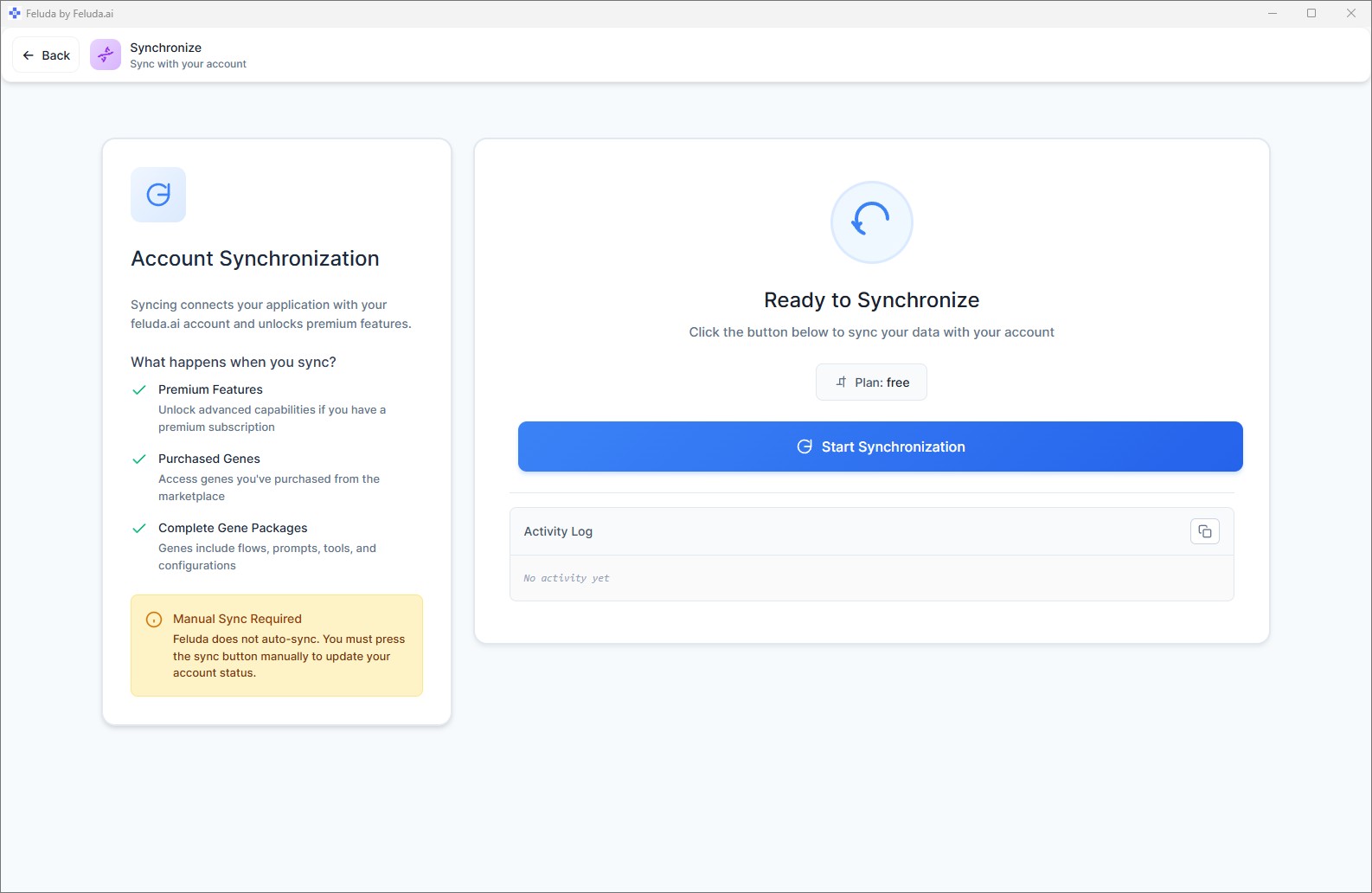
Feluda was designed from the ground up to keep your data under your control. Nothing is sent to Feluda servers unless you explicitly synchronise your account.
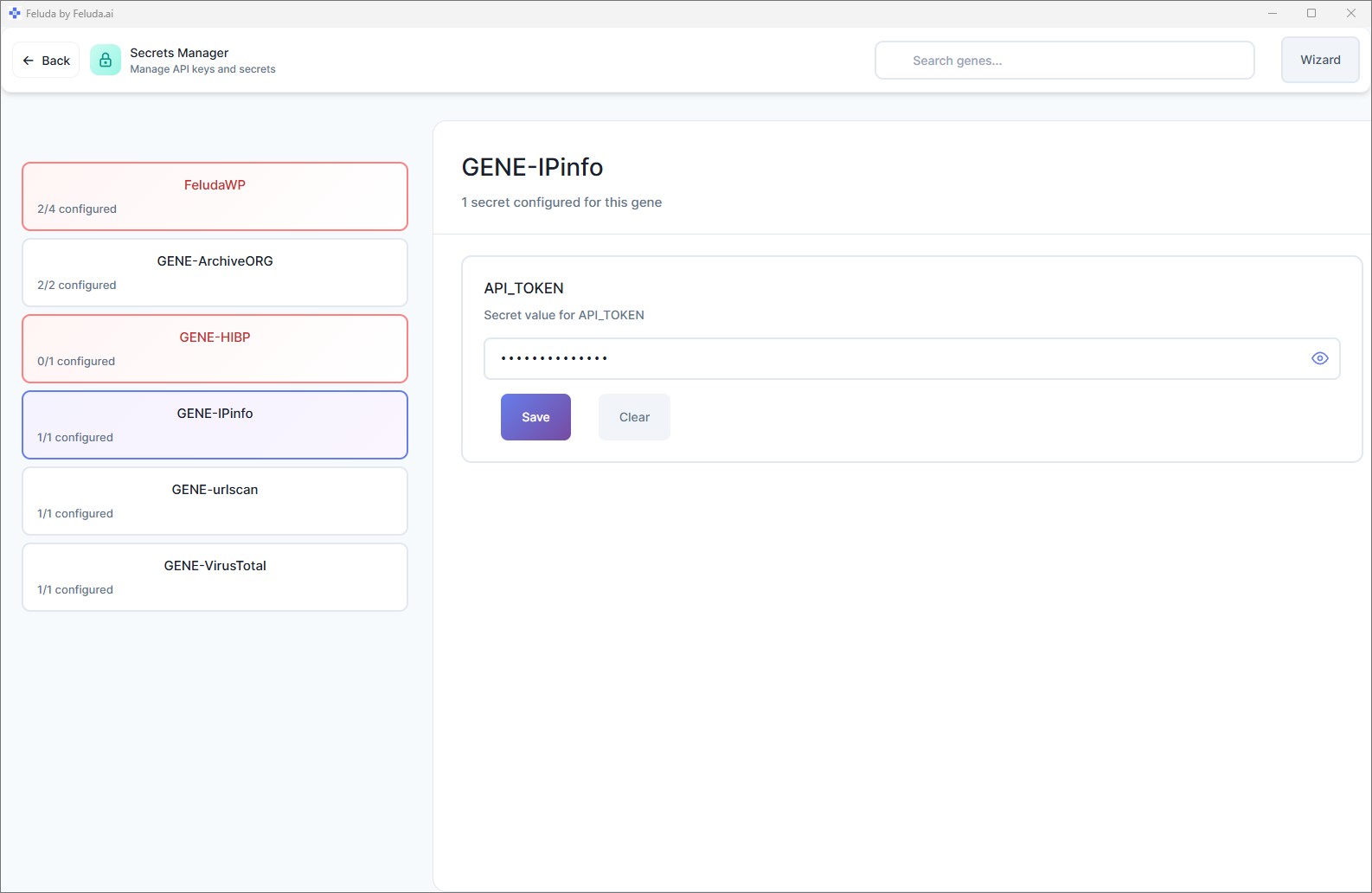
API keys and credentials are encrypted in your operating system's secure vault — never in plain text, environment variables, or config files.
When a tool needs a credential, Feluda injects it at runtime. The AI model itself never receives it.
Pair Feluda with a local model (Ollama, LM Studio) and everything runs on your machine — no internet required.
Synchronisation only happens when you press the Sync button. Your data is yours.
Available on Every Desktop Platform
Feluda runs natively on Windows, Linux, and macOS. Download the latest version and get started in minutes — no cloud account required.
Windows
Windows 10 or later. Installer or portable executable.
Linux
AppImage, .deb, .rpm, or standalone binary.
macOS
Apple Silicon, Intel, or universal binary.
Ready to see what Feluda can do? Download the app or explore the product pages to learn more.