
The Problem with Manual AI Prompting
Every time you open ChatGPT, you start from zero. You type the same instructions, paste the same context, and hope the output matches what you got last time. If you need to run the same AI task fifty times — for fifty documents, fifty emails, fifty reports — you do the same manual work fifty times.
This is not a workflow. It is a typing exercise. Repeatable AI workflows solve this problem by letting you design the process once and execute it on demand — with the same steps, the same logic, and consistent results every time.
How Feluda Makes AI Workflows Repeatable
Feluda gives you four pillars of repeatability. Together, they transform one-off AI prompts into reliable, reusable processes.
Save and Reload
Every workflow you build in Studio can be saved as a file. Blocks, connections, configurations, tool selections, permissions — everything is preserved. Open it next week or next year and it works exactly as you designed it.
Genes — Portable Capability Packages
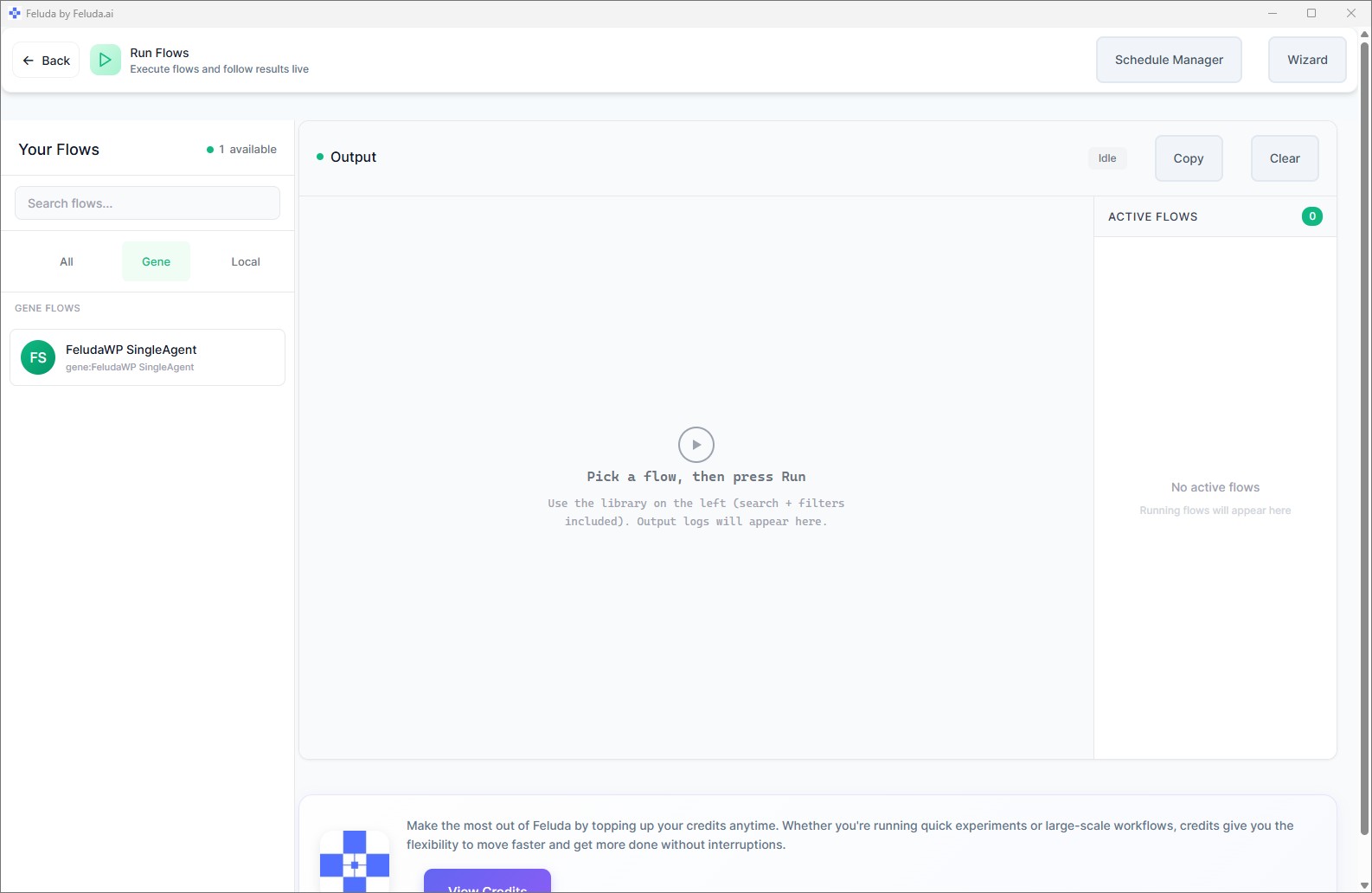
A Gene bundles tools, prompts, resources, and ready-made workflows into one installable package. Get a Gene from the Gene Store, install it, fill in credentials, and run the included workflows immediately. No setup from scratch.
Scheduled Runs
The Schedule Manager runs your workflows automatically — hourly, daily, weekly, or on specific dates. Your repeatable workflow becomes a fully automated process that operates without your involvement.
Consistent Execution
Every run uses the same blocks, the same connections, the same AI instructions, and the same tool permissions. The only variable is the input data. Results are consistent, auditable, and comparable across runs.
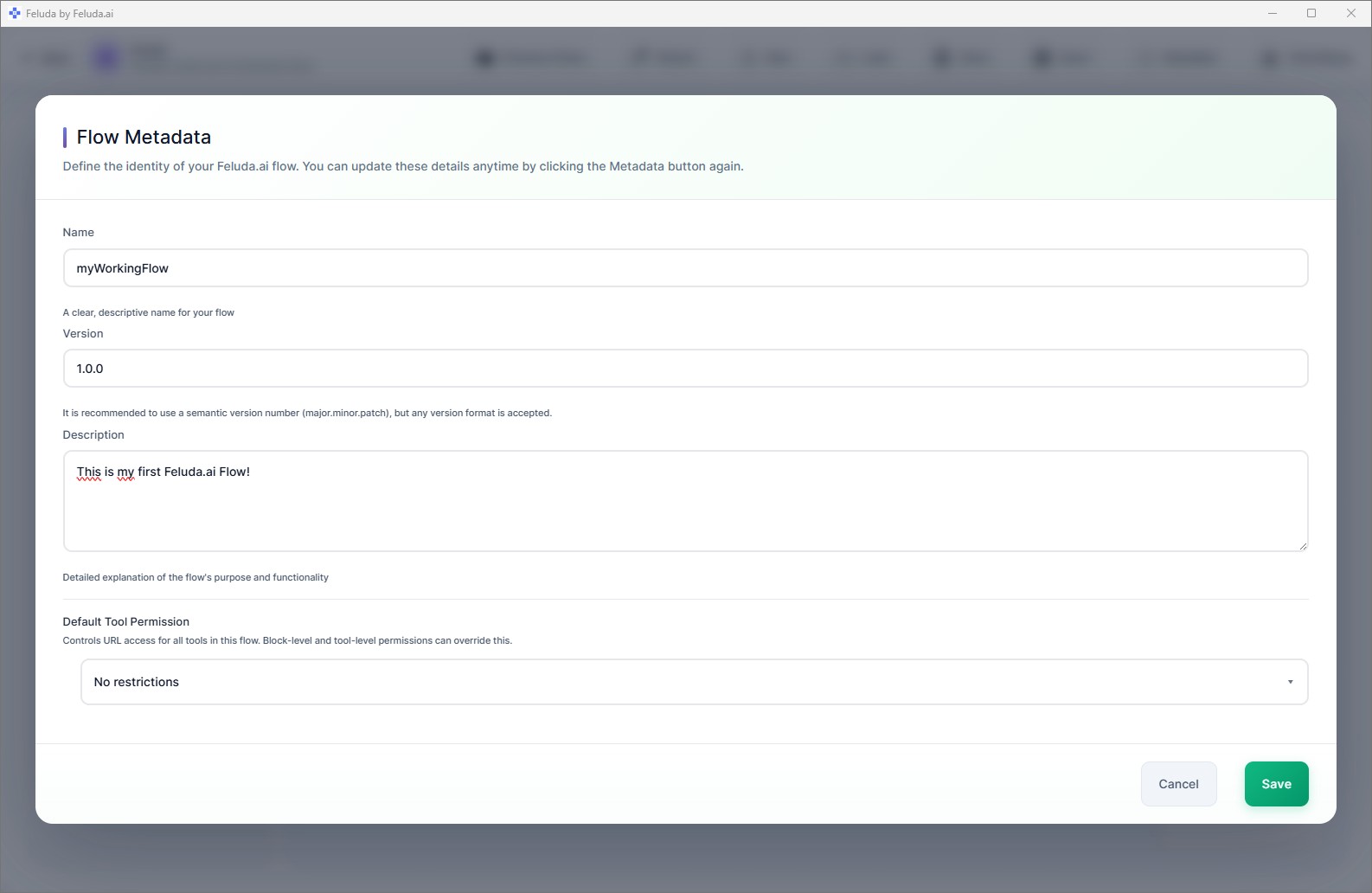
From Manual Prompt to Repeatable Workflow: An Example
The manual way: You open ChatGPT. You paste a contract. You type "extract all party names, effective dates, and monetary amounts." You copy the output. You open the next contract and do it again. Fifty contracts, fifty sessions, fifty copy-paste cycles.
The Feluda way: You build a workflow in Studio: Input → LLM Extract (parties, dates, amounts) → Output. You save it. You run it fifty times with different input — or batch it with a schedule. Same extraction logic, consistent structured output, zero re-prompting.
The workflow is saved. Next month when fifty new contracts arrive, you open it and run it again. Same results. Same format. Same reliability.
Why Repeatability Matters for Serious AI Use
Consistency
Manual prompting produces variable results — different phrasing leads to different outputs. A repeatable workflow uses the same instructions every time, so results are comparable and reliable.
Speed
Building a workflow takes minutes. Running it takes seconds. The setup cost is paid once; every subsequent run is nearly instant. The more you reuse it, the more time you save.
Auditability
Enable the Journal tool and your AI agents can write down their findings, decisions, and results as they work. You review the entries later — a readable, timestamped notebook that builds across all runs of a repeatable workflow.
Shareability
A saved workflow or a Gene can be shared with teammates, clients, or the community. Others install it and get the same process, the same quality, and the same results — without rebuilding anything.
Frequently Asked Questions
How can I create repeatable AI workflows instead of prompting manually?
Build your workflow visually in Feluda Studio, save it as a file, and run it whenever you need it. The same blocks, the same configuration, consistent output — no re-prompting.
Can I share my workflows with teammates?
Yes. Workflows are saved as files you can share. You can also bundle them into a Gene — a portable package containing tools, prompts, and workflows — that anyone with Feluda can install and use immediately.
What are Genes?
Genes are pre-packaged bundles of tools, prompts, resources, and ready-made workflows. Install a Gene from the Gene Store and its workflows are ready to run — no building from scratch. Learn more about how Genes work.
Can repeatable workflows run on a schedule?
Yes. The Schedule Manager automates any saved workflow — daily, weekly, hourly, or on specific dates. Your repeatable workflow becomes a fully automated, unattended process.
Build It Once. Run It Forever.
Download Feluda for free. Create your first repeatable AI workflow in minutes.