
The Missing Piece for Local AI
Local AI models are impressive. You install Ollama, download a model, and chat with it from a terminal. But chatting is not automation. You cannot chain multiple model calls, route errors, add tool access, classify data, extract structured fields, or schedule runs — at least not without writing code.
Feluda is the missing piece. It connects to your local models and wraps them in a visual workflow builder with everything you need for real automation: multi-step pipelines, tool access via MCP, error handling, and scheduling. Your model stays local. Feluda makes it useful.
Supported Local Model Runners
Ollama
The most popular local model runner. Download open-source models (Llama, Mistral, Phi, Gemma, and many more) and serve them locally. Feluda connects to Ollama's local API automatically — no API key required. Free, open-source, and runs on macOS, Windows, and Linux.
LM Studio
A desktop application with a friendly interface for downloading and running GGUF models locally. Feluda connects to LM Studio's local server. Great for users who prefer a graphical model manager. Free for personal use.
Custom OpenAI-Compatible Endpoints
On paid plans, connect to any server that speaks the OpenAI API format. Run a fine-tuned model on your team's GPU server, a university research cluster, or a private cloud — and use it in Feluda workflows like any other provider.
What Local Models Can Do Inside Feluda Workflows
Multi-Step Chains
Chain your local model through multiple steps: classify → extract → reason → output. Each step can use a different model or the same one with different instructions. Learn more about multi-step AI tasks.
Tool Access via MCP
If your local model supports function calling, it can use any MCP tool — web search, file operations, port scanning, journaling, and more. The same tools available to cloud models work with local ones.
Classification and Extraction
Use LLM Label blocks to classify data and LLM Extract blocks to pull structured fields — both powered by your local model. Route different categories to different pipeline branches.
Scheduled Runs
Schedule your local-model workflow to run automatically — daily, weekly, or hourly. No cloud scheduler, no cron jobs. The Schedule Manager runs on your desktop.
Error Handling
Every LLM block exposes typed error outputs. If the local model fails, times out, or returns an unexpected response, the error routes to a recovery path — a different model, a retry, or an Output block.
Mix With Cloud Models
Use a local model for sensitive steps and a cloud model for tasks requiring a larger model. Each block in a workflow can use a different provider. Privacy and power in one pipeline.
Frequently Asked Questions
How can I use local AI models in automation workflows?
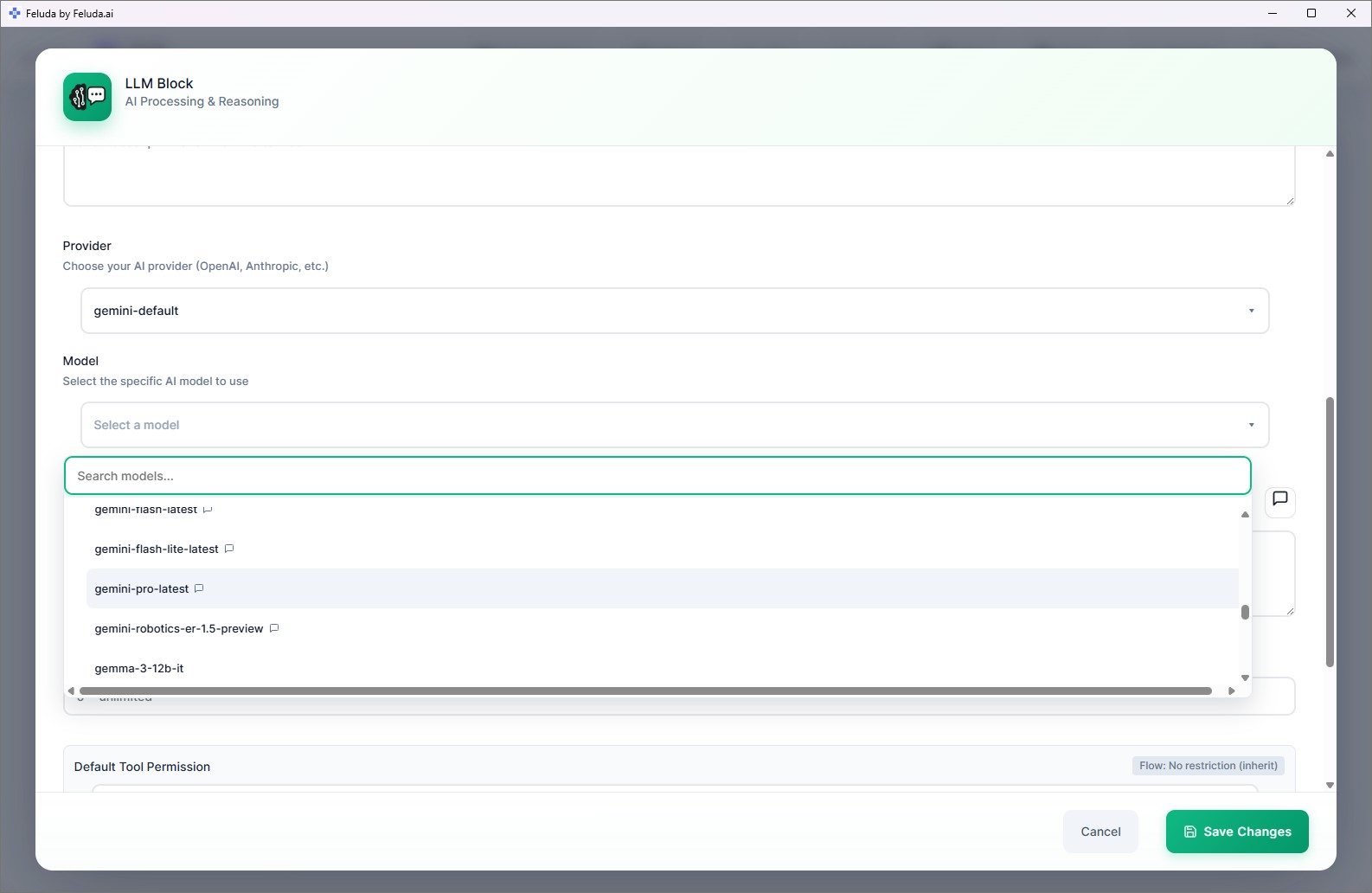
Install Ollama or LM Studio. Download a model. Open Feluda, go to AI Providers, and connect to your local runner. In Studio, select the local model for any LLM block. Your workflow is now powered by a model running on your machine.
Can local models use tools like web search?
Yes, if the model supports function calling. Feluda exposes the same MCP tools to local models as it does to cloud models. Web search, file operations, journaling — all available.
Are local models slower than cloud APIs?
It depends on your hardware. Modern GPUs can run many models at speeds comparable to cloud APIs. For simpler tasks, even CPU-only inference is fast enough. The trade-off is privacy and zero cost versus raw speed.
Can I use different models in different blocks of the same workflow?
Yes. Each LLM block in a workflow can use a different provider and model — a local Ollama model for classification, a cloud model for generation, a fine-tuned model for extraction. Mix freely.
Your Local Models Deserve Real Workflows
Download Feluda for free. Turn your local AI into automated, scheduled pipelines.