
The Risk of Sensitive Data in AI Tools
When you use a cloud AI tool, every prompt you send — every document, every database field, every customer record — travels to a remote server. You hope the provider deletes it after processing. You hope no employee accesses it. You hope there is no data breach. Hope is not a security strategy.
Protecting sensitive data when using AI requires a different architecture: one where your data stays on your machine, your credentials are encrypted and invisible to AI, and you control exactly which provider handles which task.
How Feluda Protects Your Sensitive Data
Encrypted Secrets Vault
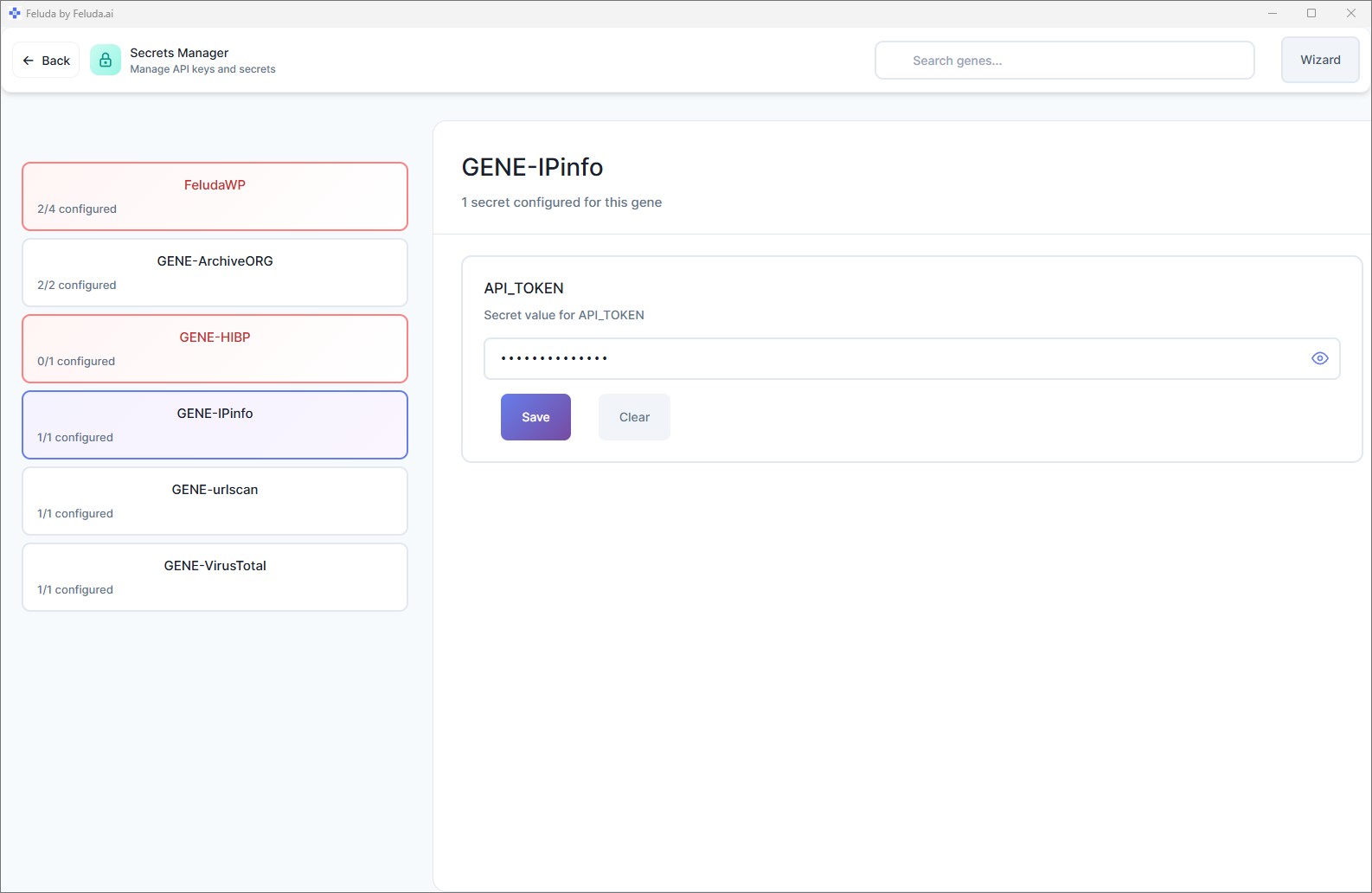
API keys, tokens, and passwords are stored in your operating system's encrypted credential vault: macOS Keychain, Windows Credential Manager, or Linux Secret Service. They are encrypted at rest, protected by your OS login, and never stored in plain text files.
AI Never Sees Credentials
When a tool needs an API key — for example, to query an external service — Feluda injects the credential at runtime. The AI model sees the tool's result, never the key that made the request. This is enforced by architecture, not by configuration.
Desktop-Native Execution
Feluda is not a web app. It runs on your computer. Your workflow files, configuration, and results live on your local file system. There is no server in between. Learn about cloudless workflows.
Local AI Model Support
Use Ollama or LM Studio to run AI models on your hardware. When you use a local model, your prompts and data never leave your machine — zero exposure. Set up local models.
Per-Block Provider Choice
Each block in a workflow can use a different AI provider. Use a local model for sensitive steps (PII extraction, classification) and a cloud model only for non-sensitive tasks. You decide block by block.
Pre-Flight Validation
Before a workflow runs, Feluda validates that all required secrets are present and that all provider connections are configured. You see any issues before data is processed — not after.
Data Protection Principles
- No telemetry on your data. Feluda does not collect, upload, or transmit your workflow data, results, or prompts to feluda.ai or any third party.
- No auto-sync. Synchronisation with your feluda.ai account happens only when you press Sync manually — and only for purchased Genes, not your data.
- No cloud dependency. With local models, Feluda runs entirely offline. Data does not leave your machine for any reason.
- Credential isolation. AI models interact with tools, but the credentials powering those tools are injected by Feluda at the infrastructure level — invisible to the model.
- Per-tool permissions. You enable tool access per workflow block. An AI model can only use the specific tools you grant — nothing more.
Frequently Asked Questions
How can I protect sensitive data when using AI?
Use Feluda. It runs on your desktop, stores secrets in your OS's encrypted vault, and supports local AI models so your data never leaves your machine. Credentials are never exposed to AI models.
Does Feluda store my API keys in a file?
No. Secrets are stored in your operating system's encrypted vault — macOS Keychain, Windows Credential Manager, or Linux Secret Service. Never in plain text, never in a config file.
Can the AI model access my API keys?
No. Feluda injects credentials at the runtime level when a tool needs them. The AI model receives the tool's result but never sees the key, token, or password used to make the call.
Can I process sensitive data without using cloud AI?
Yes. Connect a local model like Ollama and your data never leaves your machine. Even the AI inference runs locally — zero cloud exposure. Learn about local AI automation.
AI Automation That Respects Your Data
Download Feluda for free. Encrypted secrets, local execution, credential isolation — built in.