
The actual problem
Monitoring mentions and feedback is noisy, manual, and easy to misread
Brand teams rarely struggle because there is no data. They struggle because the data is scattered and unstructured. Mentions sit in one dashboard. Reviews sit somewhere else. Campaign reactions appear in comments, support notes, or reports. By the time someone has manually scanned enough of it to explain what changed, the moment for a fast response or clear internal briefing has already narrowed.
Feluda lets you build that monitoring process once in Feluda Studio. You can ingest exports or notes, cluster themes, summarize sentiment shifts, and surface urgent or unusual items. In Feluda Workbench, you can test the output before you rely on it. If privacy matters, Feluda supports local AI models so raw brand signals do not have to leave your machine.
What changes with Feluda
A repeatable monitoring system, not just another prompt box
Brand work is full of recurring analysis tasks: collect source material, group it by theme, identify what changed, and produce a summary or recommendation someone else can use. Feluda fits that pattern well because it is built around multi-step workflows. You define the process visually in Feluda Studio, test and refine it in Feluda Workbench, and then run it the same way every time.
This matters because brand teams do not just need output. They need consistency. A weekly brand health briefing should have the same structure every week. A response-support workflow should extract the same categories every time. That is what the repeatable workflow model gives you.
Privacy for sensitive brand and campaign data
Campaign plans, PR notes, customer complaints, embargoed materials, and performance commentary can be commercially sensitive. Feluda runs locally on your machine and supports local AI models through providers like Ollama, so source material does not have to leave your environment. API keys and credentials are encrypted in your operating system's secure vault. For teams that need organisational governance, see Feluda Enterprise.
What it looks like
Build the workflow in Studio, verify in Workbench, run on demand or on schedule
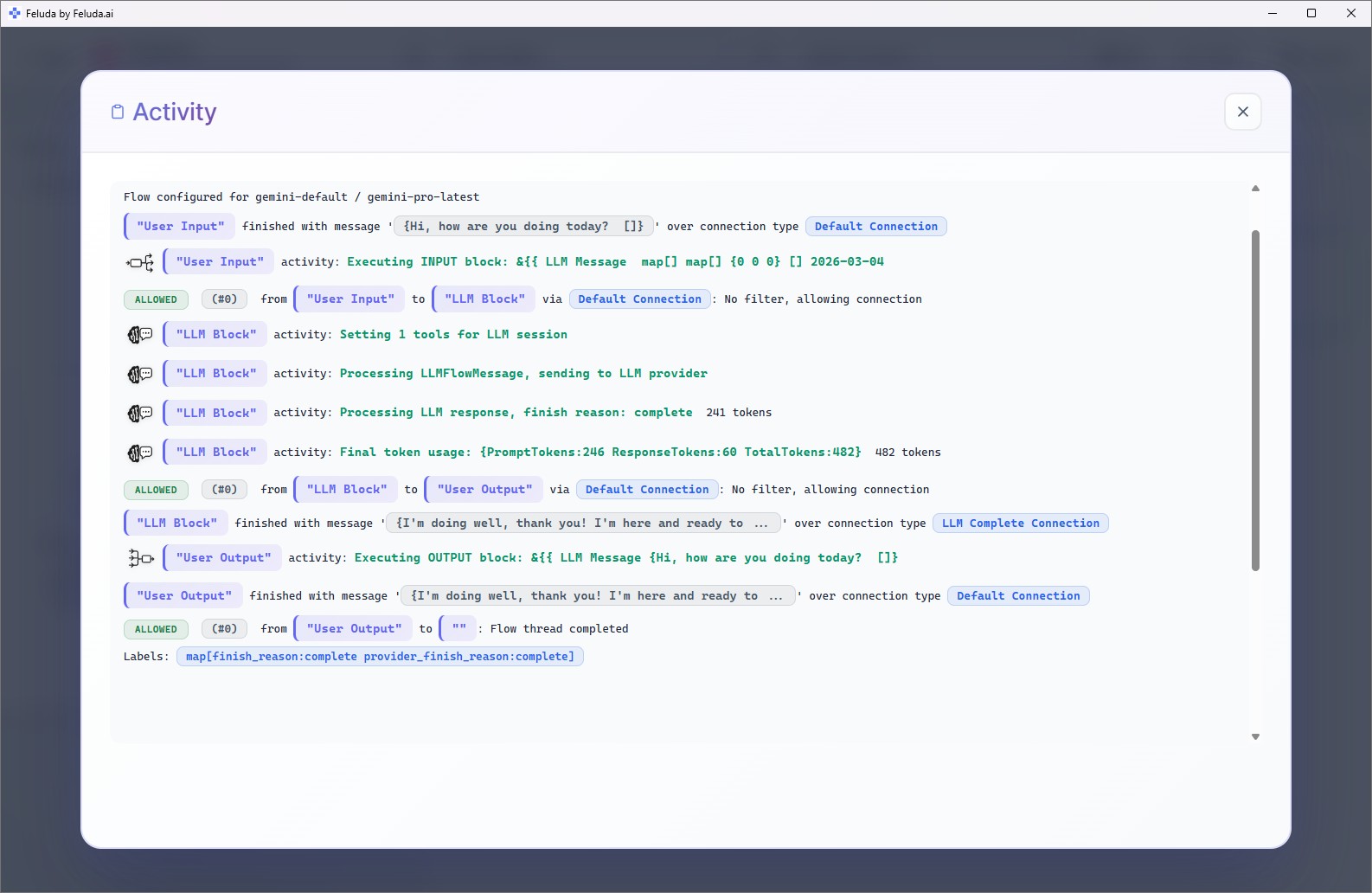
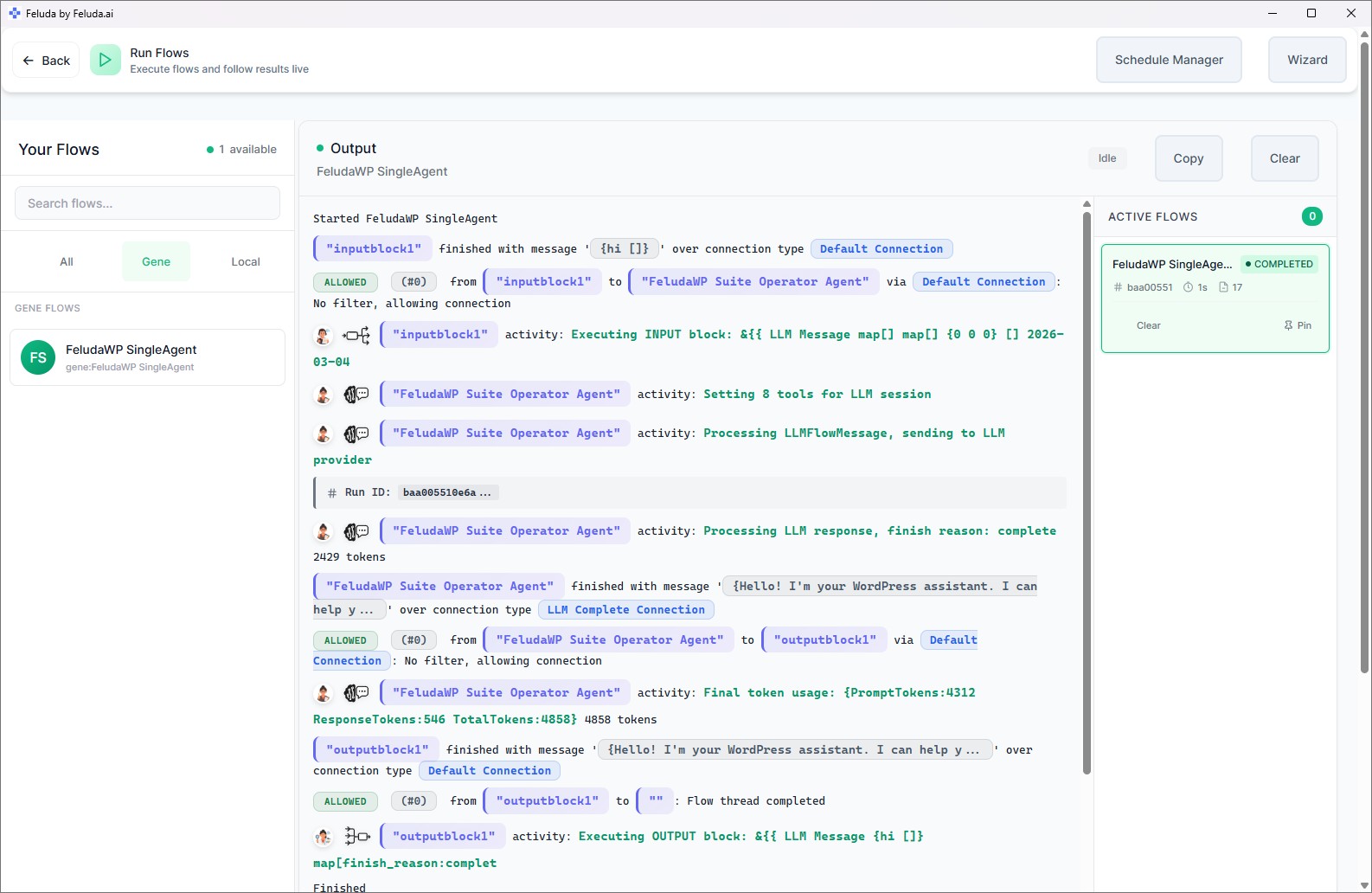
The process is straightforward. In Studio, connect blocks on a canvas: an input block for your feedback or mention exports, AI reasoning blocks that summarize and classify, and an output block that formats the result. Test the workflow in Workbench to make sure the categories and summaries are useful. Then run it after a campaign launch, after a review export, or schedule it to run automatically for weekly brand reviews.

A realistic use case
A weekly brand health review that writes the first draft for you
Instead of spending Monday morning scanning reviews, campaign comments, and feedback exports by hand, build a Feluda flow that does the assembly. Feed it the latest source material. The workflow groups feedback by theme, highlights what changed from the prior period, flags unusual negative patterns, and drafts a concise brand health note. The output can land in the Journal, giving the team a searchable record of what was observed and what needs action.
Collect the inputs
Feed in mention exports, review comments, campaign reactions, PR notes, or customer feedback from the past period.
Cluster and summarize
The AI groups the material by theme, product area, or sentiment and summarizes the recurring issues and notable shifts.
Flag risks and responses
The workflow highlights unusual spikes or sensitive issues and drafts response-support language or internal talking points for review.
Deliver the briefing
A concise brand health summary with risks, trends, and next actions is ready for stakeholders, campaign teams, or weekly review meetings.
Questions before adoption
What brand teams usually want to know
Will this replace our analytics or campaign tools?
No. Feluda does not replace your monitoring, analytics, or campaign systems. It works as a workflow layer around them. You bring in exports, summaries, or notes from the tools you already use, and Feluda turns that raw material into structured analysis, brand briefings, and response support.
Do I need technical skills to build a monitoring workflow?
No. Feluda Studio is a visual builder, so you connect blocks on a canvas instead of writing code. If you understand the sequence you want — collect feedback, group it, summarize it, format the output — you can build the workflow yourself. Feluda Academy can help teams get their first workflow running faster.
Can it surface recurring themes and high-risk signals?
Yes. Build a workflow that clusters source material by theme, sentiment, or issue type, then highlights recurring complaints, unusual spikes, or patterns worth escalating. Because the process is repeatable, you can compare one reporting cycle to the next more consistently and schedule it to run automatically.
How is campaign and customer data protected?
Feluda runs locally on your machine. You can use local AI models so campaign exports, customer feedback, and PR notes stay in your environment. API keys and credentials are encrypted in your operating system's secure vault. For organisation-wide governance and controls, see Feluda Enterprise.
Build brand workflows that turn noise into clear action
Use Feluda to turn mention streams, feedback, and campaign signals into structured summaries, faster issue detection, and more consistent response support — running locally so sensitive brand data stays on your machine.