
The actual problem
After-call work creates friction exactly when speed and consistency matter most
Call center work does not end when the call ends. Agents still need to log what happened, capture the resolution, note any promised follow-up, document transfers or callbacks, and create enough context that the next person can understand the case quickly. Under queue pressure, that admin layer becomes one of the hardest parts of the job: too much detail slows the agent down, too little detail makes the next interaction worse.
The operational damage is bigger than slow typing. Weak notes create repeat explanations, bad escalations, and poor continuity across teams. Supervisors then review inconsistent records, not consistent data. Feluda cuts through that by making the summary the output of a workflow, not a separate manual task. In Feluda Studio you build a multi-step workflow that takes rough call notes and produces a structured after-call record. In Feluda Workbench you refine the output until it matches your ticketing format. Because Feluda runs locally, customer data stays on your machine, and you can also use local AI models when privacy requirements are strict.
What changes with Feluda
A repeatable logging and review system, not another thing to type into
Feluda fits call center agents because the work is highly structured and highly repetitive. Every interaction needs some version of the same record: what the issue was, what action was taken, whether it was resolved, what the customer was told, and what happens next. Build that once as a repeatable workflow in Feluda Studio and the documentation step becomes more consistent across the whole team.
This is where Feluda is more useful than a generic chat tool. You are not starting from scratch after each call. You define the process once, test it in Workbench, and then use the same flow after each interaction or over a full batch of notes for supervisor review. The same logic can support front-line agents who need speed and supervisors who need cleaner data for coaching, escalation review, and recurring-issue analysis.
Privacy for customer and complaint data
Call notes can contain personal data, account details, complaint history, and internal comments that teams should control carefully. Feluda runs on your machine and supports local AI models so customer data does not have to leave your environment. API keys and credentials are encrypted in your operating system's secure vault. For organisation-wide compliance and policy controls, see Feluda Enterprise. This matters most in environments where agents are handling complaints, billing issues, account changes, or regulated customer information all day long.
What it looks like
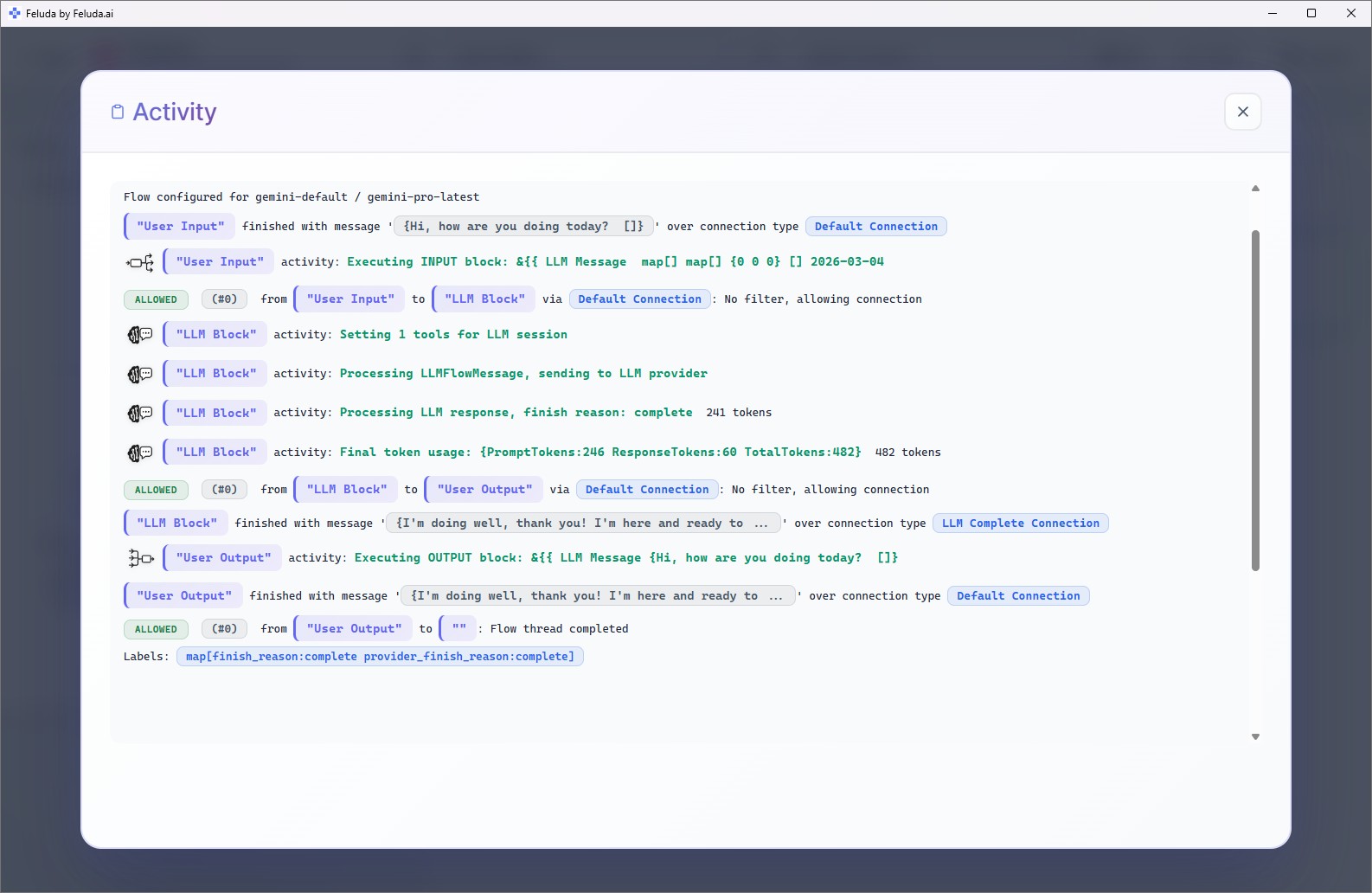
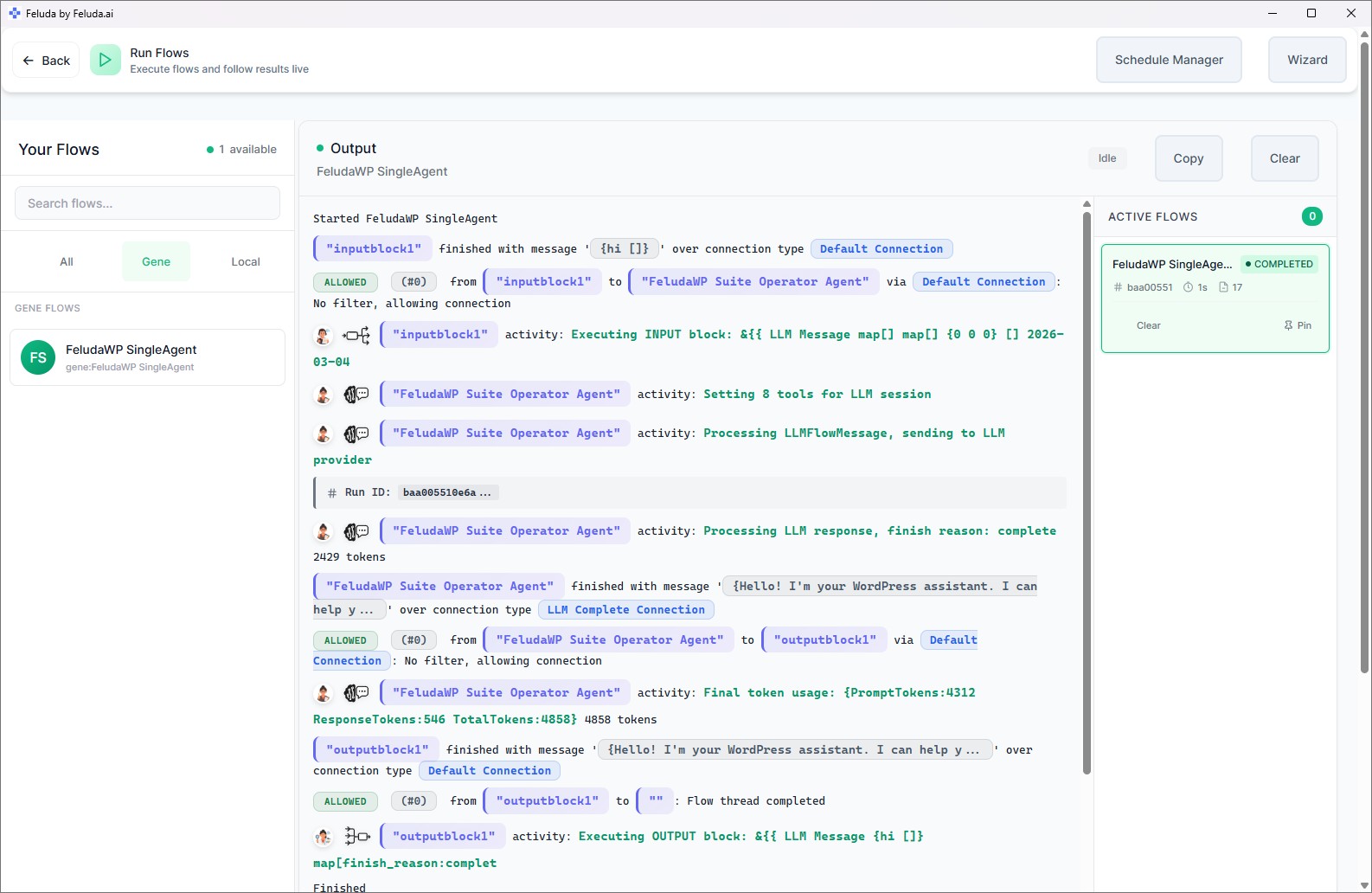
Build the workflow in Studio, verify in Workbench, run after calls or in batches
Use Feluda Studio to design the after-call workflow visually: connect the note input, chain classification and summary steps, and format the output for your ticket system. Test it in Workbench with real examples to make sure the structure is useful, the categories are meaningful, and the handover note reads like something another agent can actually use. Then run it after each call, or use RunFlows and scheduled workflows for daily quality-review batches.

A realistic use case
An after-call workflow that helps both agents and supervisors
A practical Feluda workflow for call center agents is straightforward: paste rough notes from the call, let the AI classify the issue, determine resolution status, flag any escalation requirement, and produce a formatted ticket note. But the real value is that the same structure then feeds supervisor review, escalation triage, and recurring-issue analysis. Instead of hundreds of differently written notes, the team gets a more consistent operational record. The output can also be written to the Journal as a searchable history for later review.
Input the raw notes
Paste rough notes covering what the customer reported, what you checked, what action you took, what you told the customer, and any commitments or follow-up needed.
Classify the interaction
The AI categorises the issue type, determines the resolution status, and identifies whether an escalation, callback, or unresolved follow-up is required.
Produce the case record
Output a structured note formatted for your ticketing system with issue type, action taken, customer-facing summary, resolution status, and next step.
Feed review and coaching
The same record can feed a daily quality batch flow so supervisors can see call outcomes, unresolved contacts, recurring issue patterns, and documentation gaps more clearly.
Questions before adoption
What call center agents usually want to know
Does this replace our ticketing or call-center system?
No. Feluda produces the structured note that you paste or copy into your existing ticketing system. It handles the write-up workflow; your CRM, helpdesk, or call-center platform still stores and tracks the case. Feluda works as the workflow layer around the systems you already use, not as a replacement for them.
Do agents need technical skills to use it?
No technical skills are required. Feluda Studio is a visual builder, so the workflow is created by connecting blocks rather than writing code. Feluda Academy walks through setup step by step, and teams can start with a simple after-call structure, then refine the output format as they learn what supervisors and downstream teams actually need.
Can supervisors use this for quality monitoring and coaching?
Yes. Build a separate batch flow that supervisors run at shift end or on a schedule: feed in the day's call notes, classify by outcome, flag unresolved contacts, summarize recurring issue themes, and identify weak or incomplete handovers. That gives supervisors a clearer starting point for coaching, escalation review, and trend analysis.
How does Feluda handle customer data privacy?
Feluda runs on your machine and supports local AI models, so customer data can stay within your own environment. Credentials are encrypted in the operating system's secure vault, not left in plain-text configuration files. For organisations with strict data residency or regulatory requirements, see Feluda Enterprise and air-gapped AI automation.
Build after-call workflows that improve continuity, not just speed
Use Feluda to turn rough call notes into structured ticket records, clearer escalation handovers, and supervisor-ready quality summaries so every interaction leaves behind something the next person can actually work with.