
The actual problem
Content production slows down when the same idea has to be rebuilt over and over
Content creators rarely start with no material. They usually start with too much of it: a transcript, an interview, a call recording, an existing article, a rough brief, a campaign message, or a set of research notes. The hard part is turning that raw material into something structured enough to publish, then reshaping it again for other channels without losing the original point.
That is where the repetition lives. One piece becomes five deliverables. One transcript becomes a blog draft, email copy, social snippets, landing page language, and internal review notes. Feluda turns that into a repeatable process. In Feluda Studio you build a workflow that ingests source material, extracts structure and key points, and outputs outlines, variants, and repurposed assets. In Feluda Workbench you refine tone and structure before using the workflow more widely.
What changes with Feluda
A repeatable content system, not just a one-off prompt box
Content production follows repeatable steps: ingest a brief, transcript, or draft; extract structure and key points; generate variants; then output channel-specific assets. Build this once in Feluda Studio, refine tone and wording in Feluda Workbench, and run it every time a new asset needs to be produced.
This is where Feluda becomes more useful than a normal chat tab. You are not rewriting the same instructions for every article, campaign, or post. You define the workflow once as a repeatable workflow, and the same process can support outlines, repurposing, and draft expansion again and again. The multi-step workflow model is what makes it operational instead of ad hoc.
Privacy for unreleased and proprietary source material
Drafts, transcripts, creative briefs, campaign plans, and customer research often contain unreleased messaging or proprietary context. Feluda runs on your machine and supports local AI models so source material stays private while you generate content. API keys and credentials are encrypted in your operating system's secure vault. For organisation-wide controls, see Feluda Enterprise.
What it looks like
Build the workflow in Studio, verify it in Workbench, run it whenever a piece needs to multiply
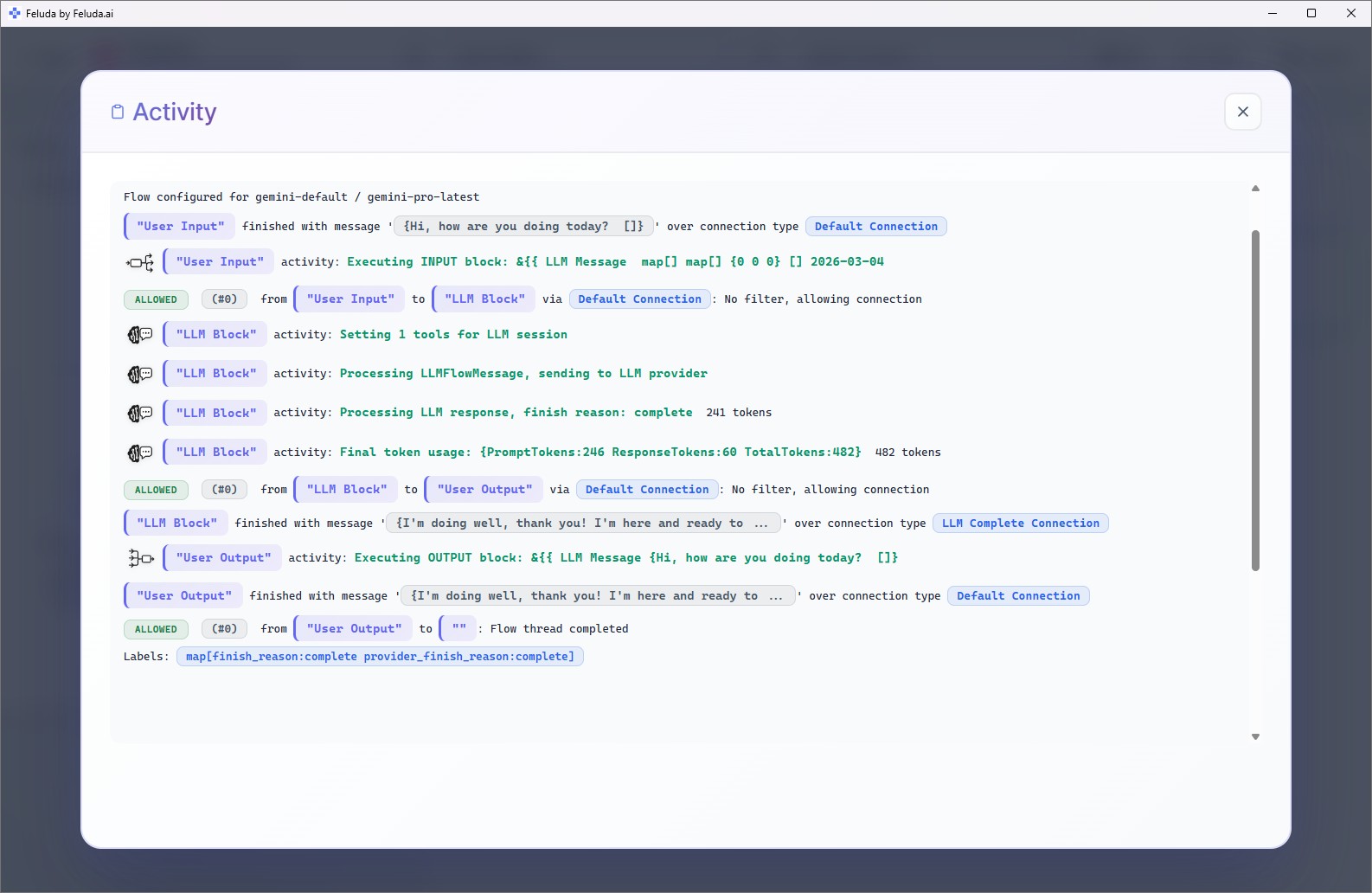
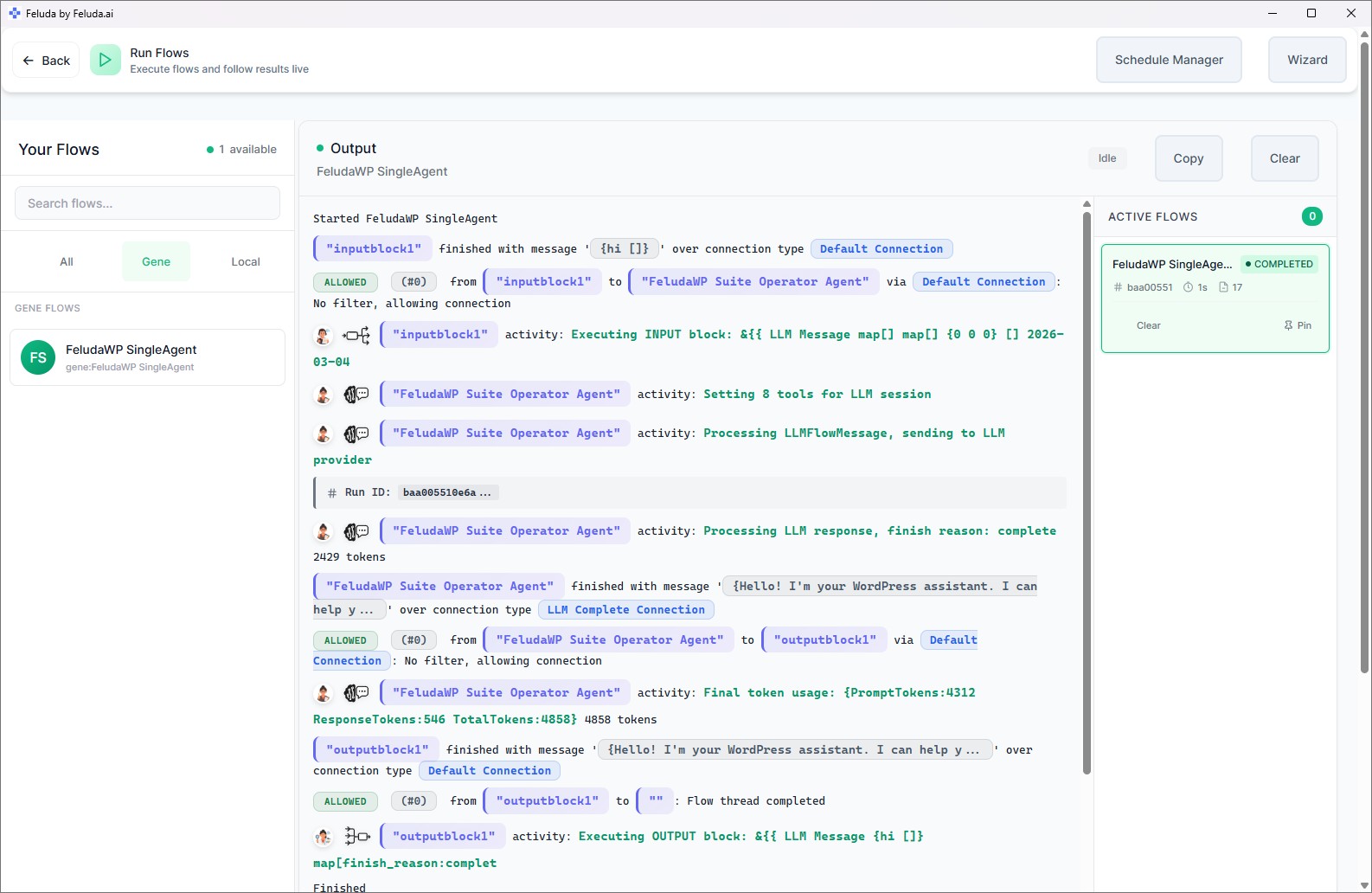
Use Feluda Studio to design a content workflow: ingest a brief, transcript, or draft, extract structure and key points, and output an outline, multiple draft variants, and channel-specific snippets. Use Workbench to test tone, structure, and factual grounding before relying on the workflow. Then run it per brief, per campaign, or as part of a repeatable repurposing process when one source asset needs to become many outputs.

A realistic use case
A long-form source asset becomes a full content set
A practical Feluda workflow for content creators starts with a strong source asset: a transcript, interview, webinar, or long-form draft. The workflow extracts the key message and structure, produces an outline, expands it into draft variants, and then repurposes the same material for supporting formats such as email copy, social snippets, or landing-page sections. Instead of treating repurposing like a second project, you make it part of the original workflow.
Input the source asset
Paste a transcript, creative brief, interview notes, webinar notes, or an existing draft into the workflow as the starting material.
Extract structure
The AI identifies the core message, supporting points, tone cues, and reusable fragments worth expanding or reformatting for other channels.
Generate draft assets
Produce outlines, multiple draft variants, headline options, hooks, and short-form derivatives tailored to different channels or editorial needs.
Export and refine
Export the selected outputs for editing, review, publishing, or handoff to the rest of the creative team while keeping the source workflow reusable for the next asset.
Questions before adoption
What content creators usually want to know
Will this replace my writing process?
No. Feluda handles the repetitive structuring, repurposing, and first-pass drafting work, but you still control the final voice, edits, and publishing decisions. The goal is not to remove the creator. It is to reduce the amount of repetitive production work around the creator.
Do content creators need technical skills to use it?
No. Feluda Studio is a visual builder, so you connect blocks on a canvas instead of writing code. If you understand the sequence you want — extract structure, generate variants, format the outputs — you can build the workflow yourself. Feluda Academy can help teams get their first workflow running faster.
Can it repurpose one asset into several formats?
Yes. A single workflow can turn a transcript or article into a blog outline, email copy points, social snippets, hook options, and alternate framing for testing. That is one of the clearest use cases for a repeatable content workflow because the same repurposing logic can be used every time a long-form asset is produced.
How are drafts and source materials protected?
Feluda runs locally and supports private model execution so transcripts, briefs, and unreleased messaging stay on your machine. Credentials are encrypted in your operating system's secure vault rather than stored in plain-text configuration files. For enterprise-level isolation and policy controls, see Feluda Enterprise.
Build content workflows that multiply one good source asset into many useful outputs
Use Feluda to turn briefs, transcripts, and drafts into outlines, content variants, and channel-specific assets automatically while keeping your source material private on your own machine.