
The actual problem
Copy work slows down when the same thinking has to be rebuilt for every format
Copywriters rarely struggle because they have no input. They usually have too much of it: product notes, positioning, customer research, feature lists, previous campaign copy, competitor references, meeting notes, and feedback from multiple stakeholders. The hard part is turning that material into a clear message hierarchy, then carrying that logic across all the places the copy needs to live.
That is where time disappears. A landing page needs a headline system, section logic, and CTA flow. The email version needs a sharper angle. The ad version needs shorter, tighter language. The same offer gets rewritten again and again, and the more rushed the team is, the more the message drifts. Feluda makes that repeatable: in Feluda Studio you build a writing flow that ingests briefs, research, or source copy, extracts the core message, and outputs structured drafts, A/B variants, and channel-specific copy. In Feluda Workbench you refine tone and accuracy before using the workflow more broadly.
What changes with Feluda
A repeatable copy system, not a one-off prompt box
Copywriting follows repeatable steps: absorb the brief, identify the offer and audience, decide what matters most, structure the message, and then generate variants for the places that message needs to appear. Build this sequence once in Feluda Studio, tune voice and accuracy in Feluda Workbench, and reuse the flow across briefs and campaigns.
This is where Feluda becomes more useful than a normal chat interface. You are not rewriting the same instructions every time a new page, email, or ad set needs copy. You define the process once as a repeatable workflow. The multi-step workflow model lets you separate research interpretation, message extraction, headline generation, and formatting into explicit steps instead of hoping one prompt gets everything right in one pass.
Privacy for positioning, offers, and unreleased messaging
Early drafts and positioning often contain confidential product details, pricing logic, campaign concepts, and strategic messaging. Feluda runs on your machine and supports local AI models so those drafts do not leave your environment. API keys and credentials are encrypted in your operating system's secure vault. For organisation-wide controls and governance, see Feluda Enterprise.
What it looks like
Build the workflow in Studio, verify it in Workbench, run it wherever copy has to multiply
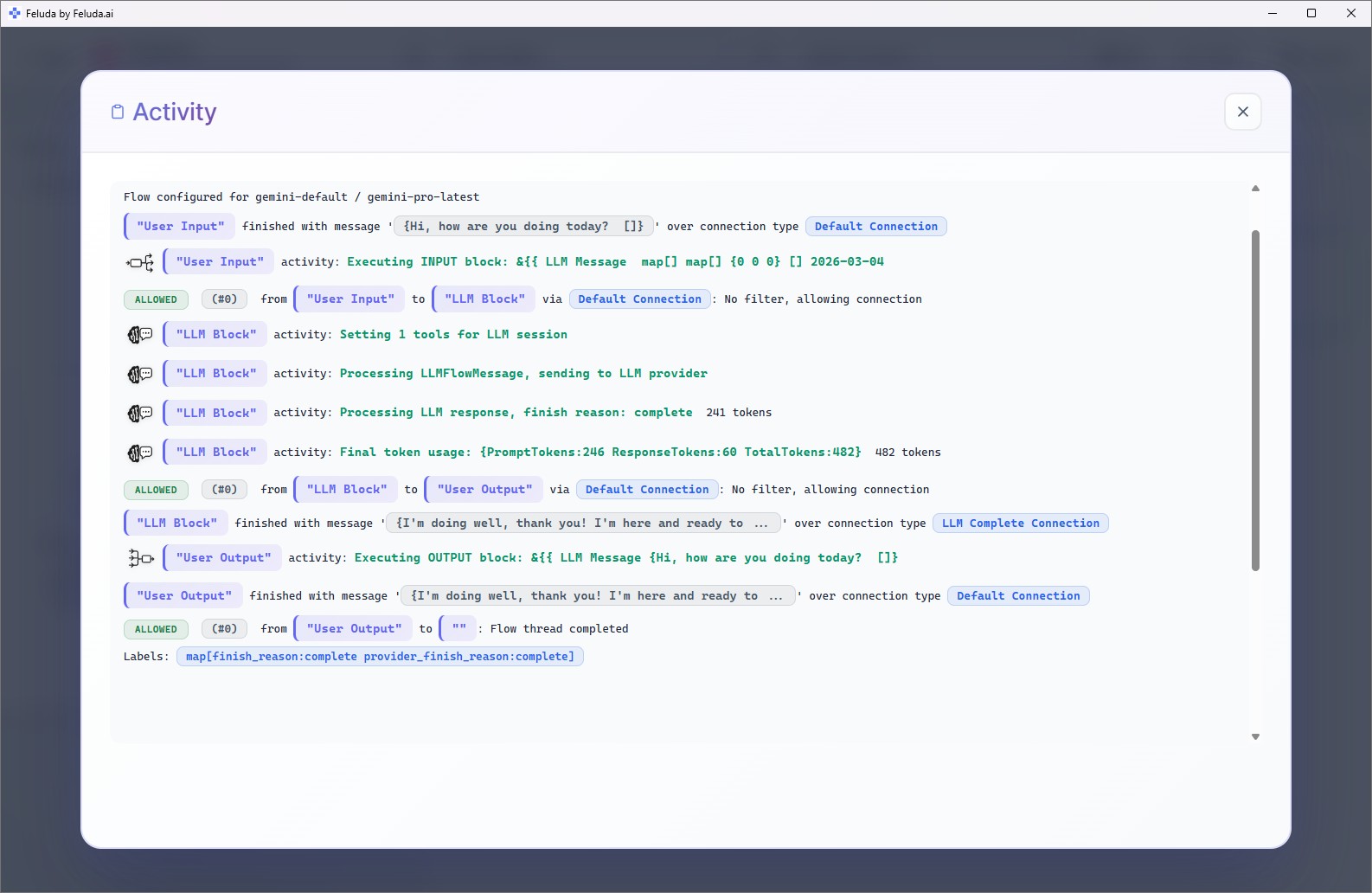
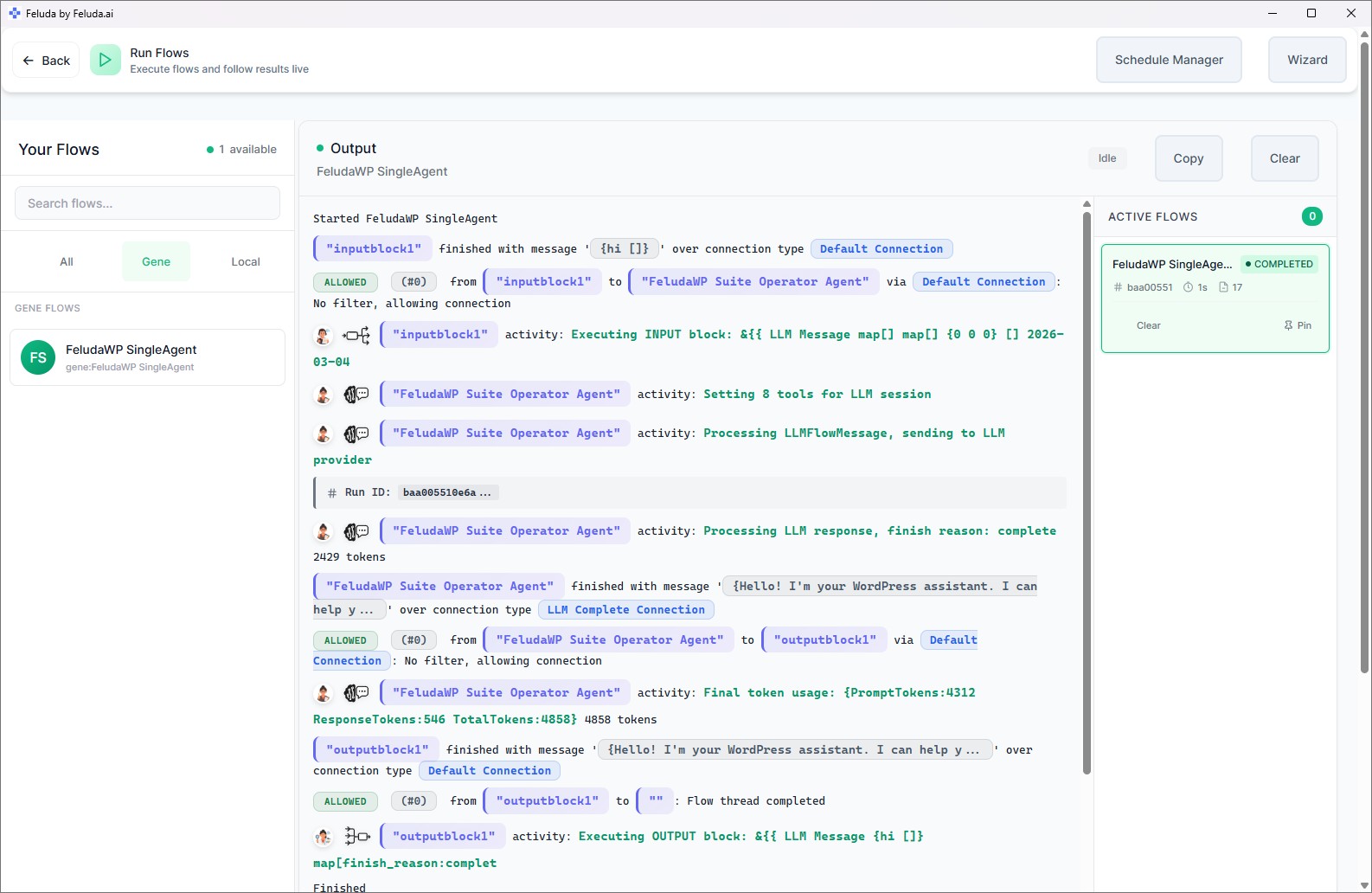
Design a writing flow in Feluda Studio that ingests a brief, research pack, or transcript; extracts the core proposition; produces an outline and multiple draft variants; and formats outputs for ads, landing pages, and email. Use Workbench to compare wording, tone, and clarity before you rely on the workflow. Then run it whenever one strategic message needs to become many usable assets.

A realistic use case
One offer becomes a landing page, email, and testable variants
A practical Feluda flow for copywriters starts with the offer and the source material behind it. Ingest the brief, research, product notes, or previous campaign copy. The workflow extracts the core promise, surfaces supporting points, generates a first structured draft, and then creates controlled variants for headlines, calls to action, and shorter channel adaptations. Instead of rewriting the same logic three times, you make the message portable across formats.
Ingest the brief
Drop in the brief, research notes, competitor lines, product details, or existing copy as the starting input.
Extract the message hierarchy
Identify the primary benefit, audience, supporting proof points, and required CTAs that must stay consistent across every version.
Generate structured variants
Produce headline options, body-copy variants, CTA alternatives, and channel-specific snippets ready for review and testing.
Review and export
Refine tone in Workbench, choose the strongest options, and export copy for landing pages, emails, ads, or A/B testing workflows.
Questions before adoption
What copywriters usually want to know
Will this replace copywriters or editors?
No. Feluda speeds draft production, variant generation, and message translation, but human judgement still determines strategy, persuasion quality, brand voice, and final editorial decisions. The goal is to reduce repetitive production work around the writing process, not remove the writer from it.
Do copywriters need technical skills to use it?
No. Feluda Studio is a visual builder, so you connect blocks on a canvas instead of writing code. If you understand the sequence you want — extract the offer, generate a draft, produce variants, format for channel — you can build the workflow yourself. Feluda Academy can help teams get the first workflow running faster.
Can it help with A/B variants and testing?
Yes. Feluda is well suited to generating controlled headline, CTA, and body-copy variants because the workflow can keep the core message stable while changing only the parts you want to test. That makes it easier to create cleaner sets of options for A/B testing and review.
Is my draft and research data kept private?
Yes. Feluda runs locally and supports on-device or private models so drafts, briefs, research, and strategic messaging stay on your machine. Credentials are encrypted in your operating system's secure vault. For organisation-wide controls, see Feluda Enterprise.
Build copy workflows that keep the strategy intact while the formats multiply
Use Feluda to turn briefs and research into stronger first drafts, cleaner A/B variants, and channel-ready outputs while keeping your positioning, drafts, and IP on your own machine.