
The actual problem
Support slows down when answers, history, and next steps are scattered
Customer service representatives rarely deal with just one clean source of truth. The current ticket says one thing. Older tickets say something else. A prior chat or phone note contains missing context. A workaround may exist in someone's memory, but not in a documented place. The agent ends up reconstructing the case manually before they can even decide what to say.
That is where response quality starts to drift. Replies become inconsistent, escalations arrive without enough context, and customers are asked to repeat information the company already has. Feluda helps by turning those fragments into a predictable, repeatable workflow you can run locally. Use Feluda Workbench to review suggested replies, Feluda Studio to design the flow, and RunFlows to execute the same process consistently without moving sensitive data to an external prompt box.
What changes with Feluda
A repeatable support workflow, not just suggested text
Feluda fits support teams because it makes the common support tasks repeatable: summarize the case, identify the likely issue, draft a first reply, and prepare a clean escalation bundle when needed. You are not asking the AI to improvise from scratch every time. You are defining a process once and running it consistently.
This matters because support work is not just about replying quickly. It is about replying with the right context, preserving continuity, and making sure the next person sees the same picture the first agent saw. The multi-step workflow model in Feluda lets you separate case summarization, reply drafting, escalation preparation, and knowledge capture into explicit steps.
Privacy and control for customer data
Support conversations often contain personal or account-specific details, complaint histories, and sensitive operational notes. Feluda runs on the agent's desktop and supports local AI models so you can keep that information inside your environment. API keys and credentials are encrypted in your operating system's secure vault. For teams needing stronger governance, Feluda Enterprise adds centralized controls.
What it looks like
Build the workflow in Studio, verify it in Workbench, run it wherever support repeats
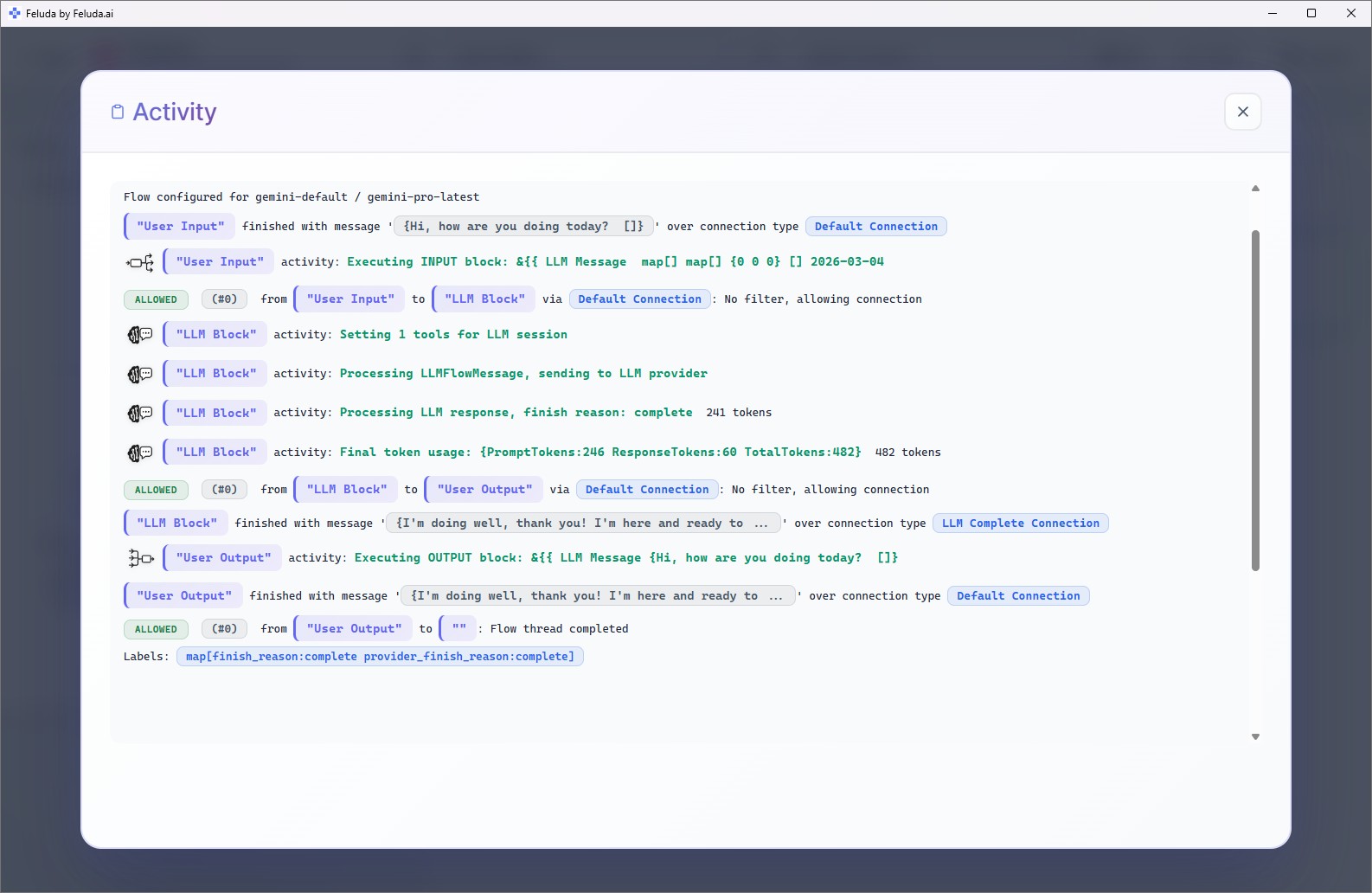
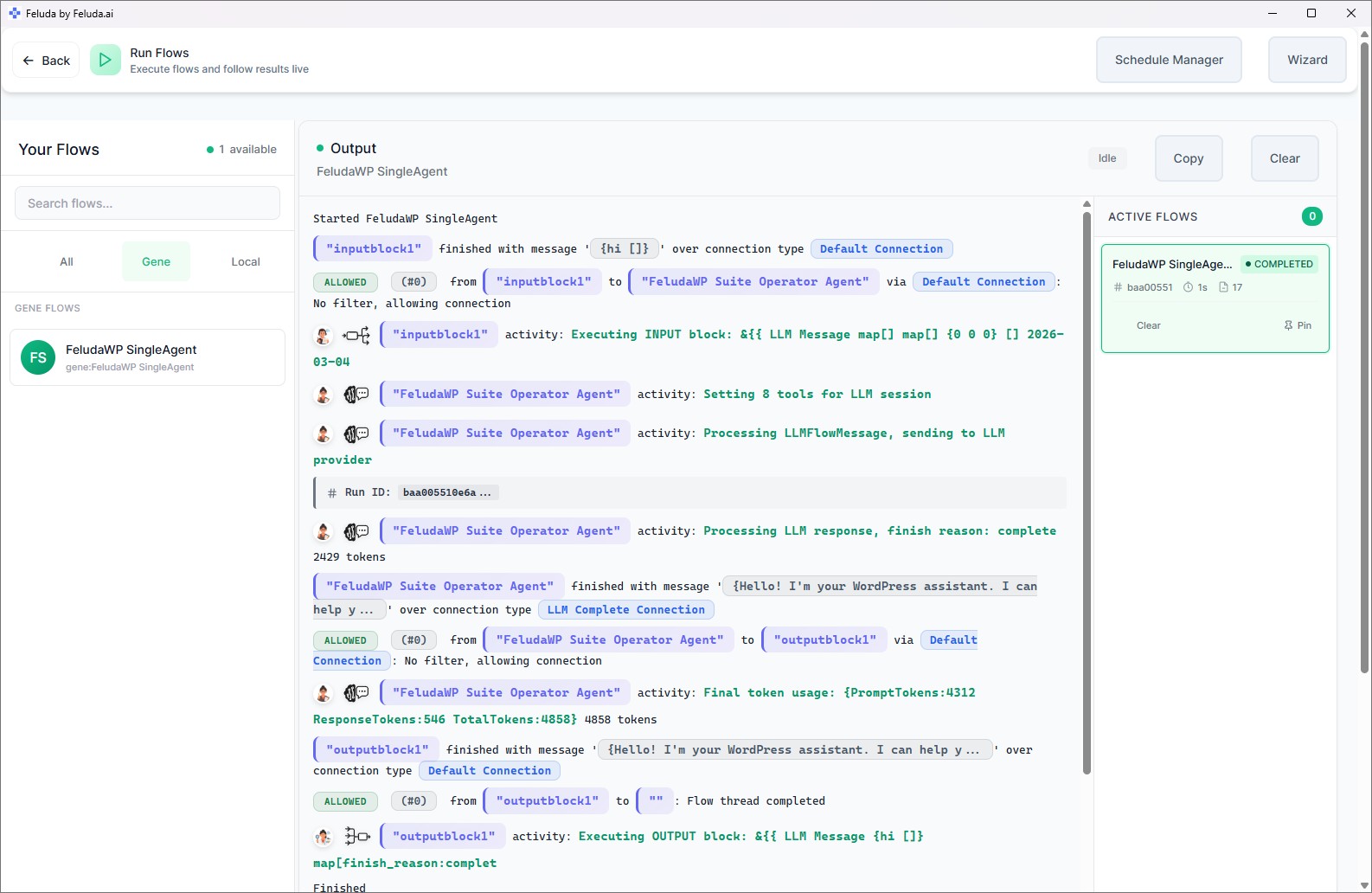
Use Studio to define each step: ingest ticket fields, summarize the issue, propose a reply, and prepare escalation or knowledge output. Test the flow in Workbench so the result reads like something a real support agent would actually use. Then run it manually or as part of a repeatable support process when ticket volume or repetition demands it.

A realistic use case
A support workflow that improves replies, escalations, and knowledge capture
A practical Feluda workflow for customer service representatives starts when a ticket arrives. The flow pulls recent interactions, summarizes the customer's issue, checks for known fixes, drafts a reply, and flags the case for escalation if logs or error patterns suggest a more serious issue. The same workflow can also surface whether the case contains reusable knowledge worth preserving. The agent still reviews the final output, but the repetitive assembly work is already done.
Ingest case history
Collect recent tickets, chat transcripts, notes, and relevant logs into the workflow so the current issue is seen in context.
Summarize and diagnose
Produce a concise summary with the likely issue, current state, attempted fixes, and suggested next steps.
Draft reply
Suggest a response consistent with company tone, previous fixes, and the actual case history, ready for agent review and adjustment.
Escalate or close
Prepare an escalation bundle or extract reusable knowledge for the KB and close the case, depending on the outcome.
Common questions
What customer service representatives usually ask
Will this slow me down with false suggestions?
No. Workbench is designed for quick review. Flows produce suggested replies that an agent can accept, edit, or discard, so the agent stays in control. The point is to reduce repeated manual summarizing and drafting, not to force automated replies into the workflow.
Can I keep private customer data off the cloud?
Yes. Feluda supports local models and desktop-first deployment so sensitive case content can remain inside your environment. For centralized governance, consider Feluda Enterprise or, in stricter environments, pages like air-gapped AI automation.
Does it integrate with my ticketing system?
Feluda can ingest ticket text and export outputs, which makes it practical as a workflow layer around your existing support stack. Many teams start with copy-paste or exports, then refine the process over time as they decide what is worth formal integration.
How quickly can I build a usable flow?
A simple triage flow can be designed and tested in Studio and Workbench quickly, then refined over time as you see the suggestions in action. Feluda Academy can help teams get their first support workflow running faster without requiring technical skills.
Turn scattered support context into clearer replies and cleaner handoffs
Use Feluda to make support work faster, more consistent, and less dependent on manual reconstruction. Build local-first workflows that help agents reply better, escalate better, and preserve more of what the team learns.