
The actual problem
Executive decisions slow down when context arrives as fragments instead of a brief
Executives usually do not have a data shortage. They have a signal compression problem. The numbers exist, but they are spread across dashboards, spreadsheets, status notes, messages, and meeting documents. By the time someone has assembled enough of that material into a coherent picture, the meeting has already started or the decision window has narrowed.
That creates a familiar pattern: too much time spent assembling context, too little time spent evaluating implications. Feluda fills that gap with repeatable workflows that run locally. In Feluda Workbench you can inspect and adjust briefing outputs. In Feluda Studio you define a multi-step workflow that pulls KPIs, summarizes trends, extracts open issues, and formats a decision-ready brief. If privacy matters, Feluda also supports local AI models so sensitive information stays in your environment.
What changes with Feluda
A repeatable briefing system, not just another dashboard
Feluda fits executives because leadership work values clarity, consistency, and trust in the numbers. You do not need more raw reports. You need repeatable briefs that surface what changed, what matters, what needs a decision, and what can wait until later.
This is where Feluda differs from a normal AI chat. You are not re-prompting the same request before every meeting. You define the process once as a repeatable workflow, then run it whenever you need a board-prep brief, weekly operational review, or decision summary. The same process can run manually or via the Schedule Manager on a recurring cadence.
Privacy for board-prep, strategy, and financial material
Executive workflows often include sensitive financials, strategic discussions, customer concentration risks, hiring plans, or board-prep material. Feluda runs on your machine and supports local-first workflows so those materials can remain under your control. API keys and credentials are encrypted in your operating system's secure vault. For organisation-wide governance, see Feluda Enterprise.
What it looks like
Build the briefing workflow in Studio, verify it in Workbench, run it on demand or on schedule
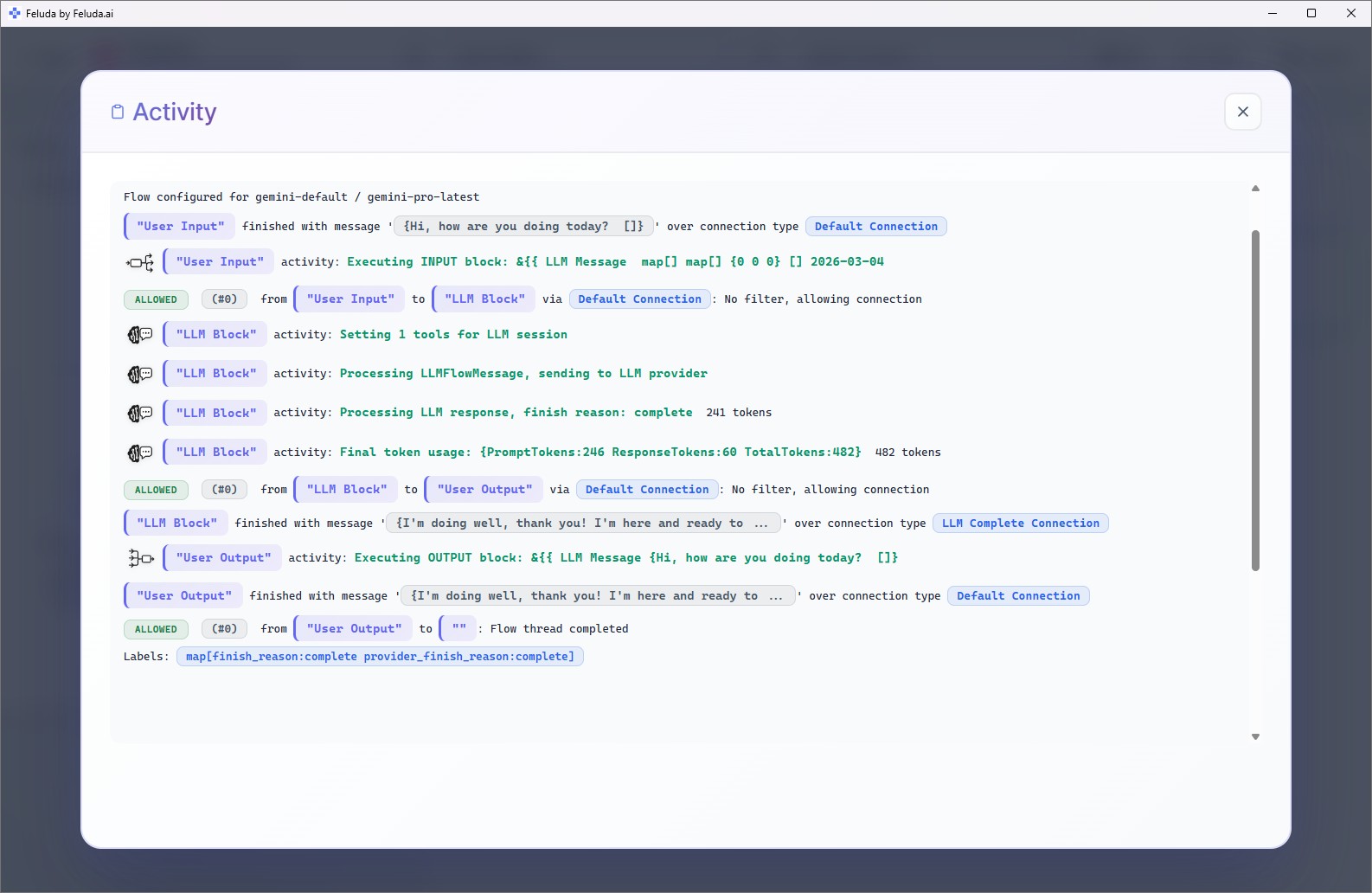
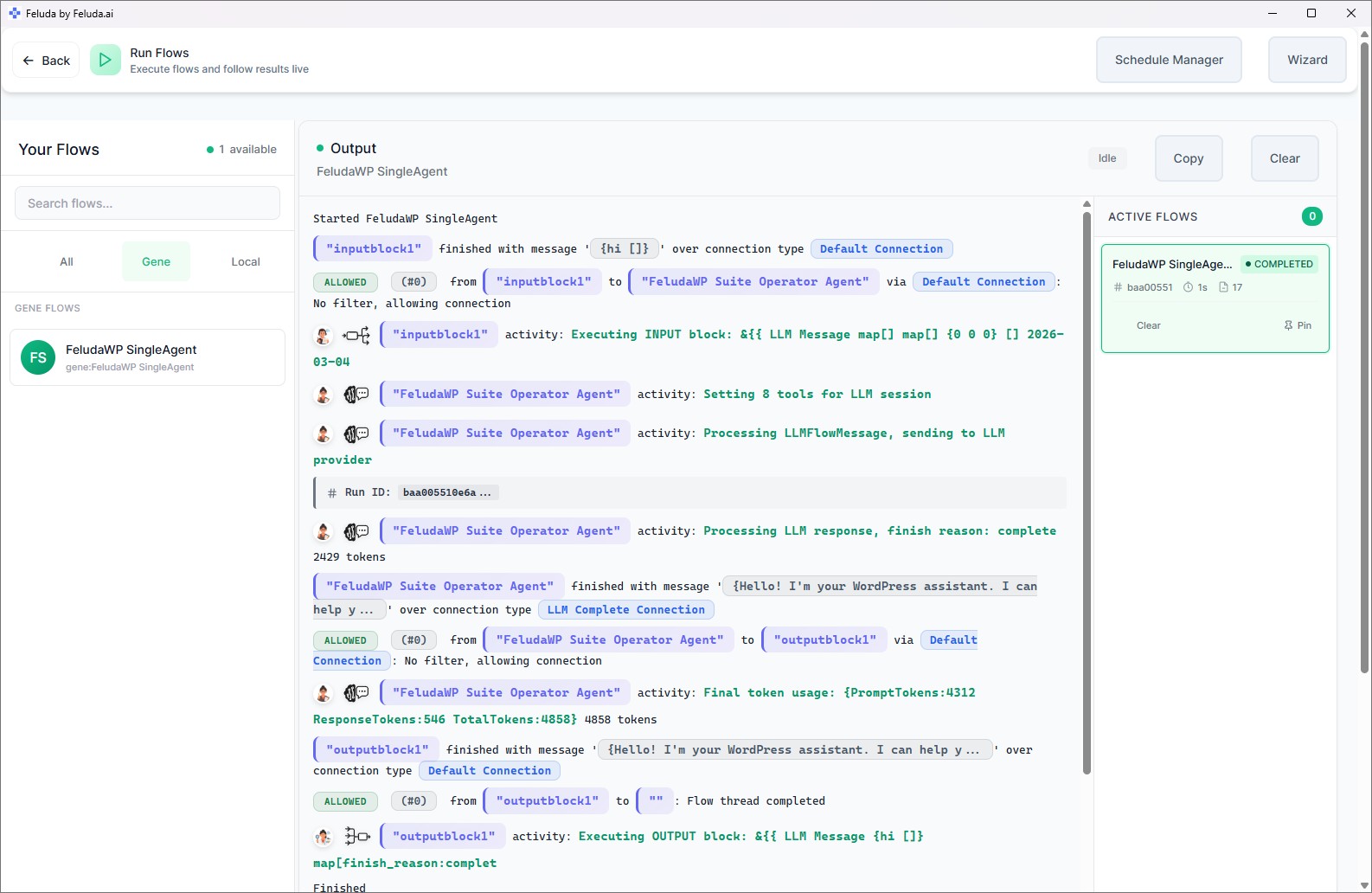
Use the visual builder to define the briefing flow, test outputs in Workbench, and run it on demand or on schedule. You are not writing code. You are defining the steps that reliably turn raw metrics, meeting notes, and operational updates into readable decision support. That can be a morning brief, a weekly executive review, or pre-read material before a leadership meeting.

A realistic use case
A weekly executive review that writes the first draft for you
A practical Feluda workflow for executives starts with the same material leadership teams already review: KPI snapshots, operational updates, support signals, and notes from the week. The workflow summarizes what changed, surfaces open issues and blockers, flags anomalies that need attention, and formats the result into a one-page briefing. That turns scattered input into a consistent executive review instead of another manual assembly exercise.
Collect inputs
Pull sales figures, cash position, support queues, delivery or operational updates, and recent meeting notes into one workflow.
Summarize what changed
Produce a concise summary of notable changes, likely drivers, and the context leaders need before discussing responses.
Draft the briefing
Format a one-page executive brief with decisions, actions, open risks, and talking points for the next review meeting.
Flag anomalies and follow-up
Highlight exceptions such as abnormal churn, cash swings, or operational interruptions so the meeting can focus on action instead of reconstruction.
Questions before adoption
What executives usually want to know
Do I need technical skills to use it?
No. Feluda is designed around a visual builder. If you understand the sequence of work you want, you can define the automation sequence without writing code. Feluda Academy can help teams get the first workflow running faster.
Will this replace dashboards?
No. Feluda complements dashboards and BI tools by turning metrics, notes, and updates into a readable narrative and action-oriented brief for meetings. The dashboard remains the source of raw data; Feluda becomes the workflow layer that turns it into executive reading material.
Can this help with strategic planning?
Yes. By surfacing trends, risks, recurring operational issues, and anomalies in a consistent format, Feluda provides concise inputs that improve planning conversations and make weekly or monthly reviews easier to run with less prep overhead.
What if my brief contains sensitive information?
Feluda runs locally and supports local models so sensitive financials and strategy notes can remain under your control. For centralized governance and policies see Feluda Enterprise. In stricter environments, pages like air-gapped AI automation explain the privacy model further.
Build executive briefing workflows that compress noise into decisions
Use Feluda to turn metrics, updates, and meeting notes into consistent executive briefings, faster prep, and earlier issue detection, all running locally so sensitive leadership material stays under your control.