
The actual problem
Managers are rarely missing data. They are missing assembled context.
The management burden is not a lack of information. It is that the information is fragmented across standups, chats, tickets, email threads, project boards, and one-on-one notes. By the time a manager has reconstructed what changed, which blockers are still open, and what leadership needs to know, the day is already spent on coordination instead of decisions.
Feluda fills that gap with repeatable workflows that run on your machine. In Feluda Workbench you can test summaries, compare output formats, and refine prompts using real team material. In Feluda Studio you turn that process into a reusable workflow for weekly reviews, one-on-one prep, and follow-up. Because it runs locally, sensitive employee and project information stays under your control — see running AI workflows without the cloud.
What changes with Feluda
A repeatable operating system for managers, not just another note tool
Feluda fits managers because it is built around repeatable AI workflows. Management work has a cadence: standup review, blocker escalation, one-on-one prep, weekly leadership summary, monthly performance reflection. Define those processes once in Feluda Studio, then run them every cycle without rebuilding them from scratch.
Why desktop deployment matters for managers
Manager workflows often include employee feedback, performance patterns, internal escalations, and project-risk context. Feluda runs on your machine and supports local AI execution so that sensitive team information does not pass through cloud tools you cannot fully control. For governance and broader rollout controls, see Feluda Enterprise.
What it looks like
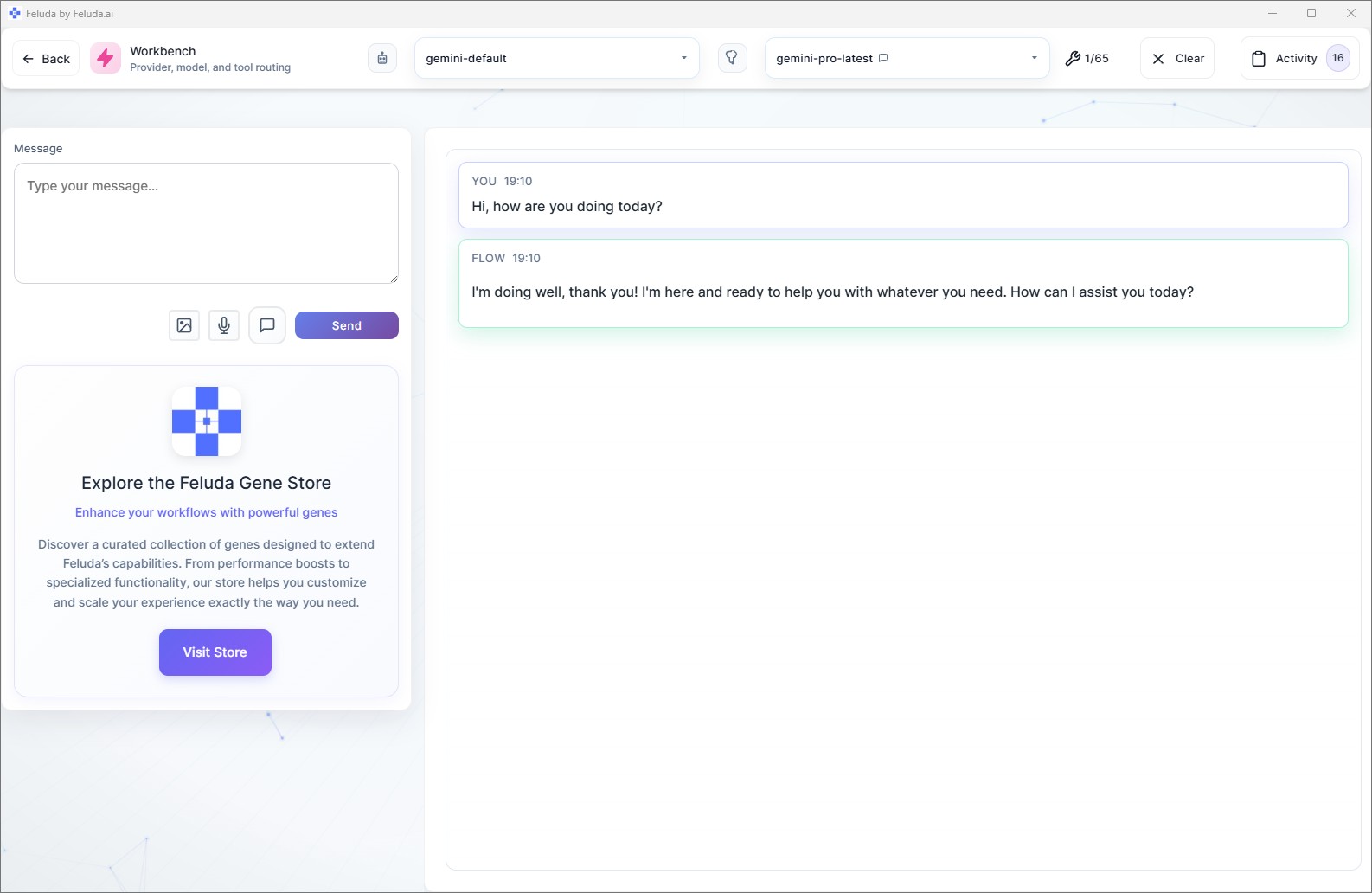
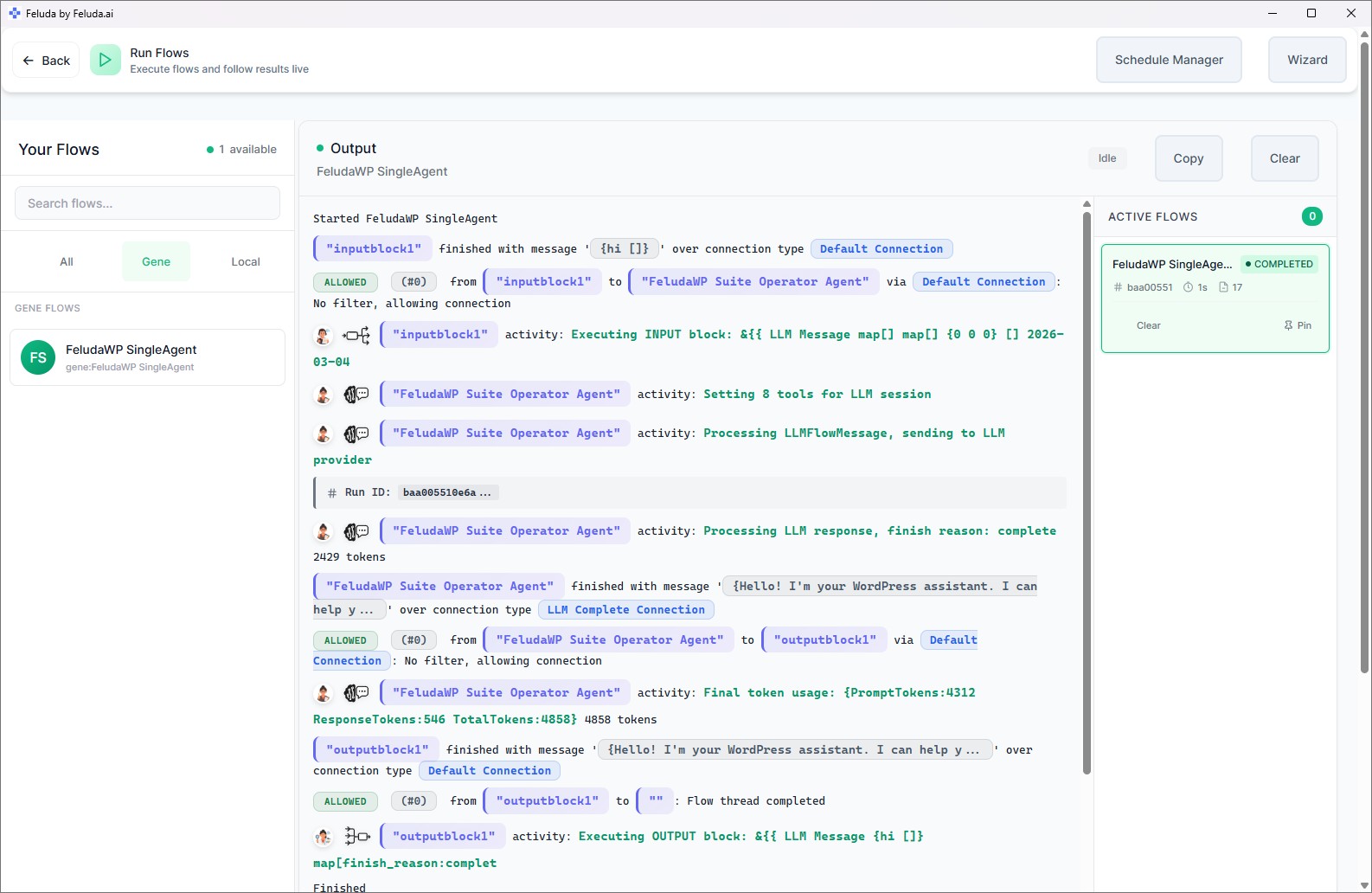
Build in Studio, verify in Workbench, then run the same manager workflow every week
Use Feluda Studio to design the review, follow-up, or reporting workflow visually. Test and refine the output in Workbench using real standup notes or one-on-one material. Then run it on demand in RunFlows or schedule it through Feluda's built-in scheduling tools. You are defining a management process once, then reusing it whenever the cadence comes around.

A realistic use case
A weekly manager review workflow that writes the first draft for you
A realistic Feluda workflow for managers starts with the material you already have: team updates, standup notes, one-on-one notes, and project risks. The AI groups that information into progress, blockers, decisions, and follow-ups, then formats both a leadership summary and a manager action list. The same process runs every week with a stable format instead of a last-minute rewrite.
Collect the raw signals
Bring in standup notes, task updates, one-on-one notes, project comments, or pasted summaries from the week.
Organize by progress and risk
The AI groups work by project or person, highlights blockers, surfaces dependencies, and separates completed work from unresolved issues.
Draft the manager outputs
Generate a concise leadership summary plus a separate internal follow-up list for coaching points, decisions, and next actions.
Run it on a cadence
Review the output, send what you need, and schedule the workflow so the same weekly review is ready before your team or leadership meeting.
Questions before adoption
What managers usually want to know about desktop AI automation
Do I need to be technical?
No. Feluda Studio is a visual workflow builder. If you can describe a sequence like collect these updates, group them by risk, and format a weekly summary, you can build the flow without writing code. If you want help structuring a process, Academy is available for guided support.
Does Feluda replace our project or HR systems?
No. Feluda complements the systems where work already lives. Its role is to turn scattered updates and notes into readable manager outputs such as review packs, one-on-one prep, follow-up lists, and leadership summaries.
Can I use it for one-on-ones and review prep?
Yes. Managers can build workflows that summarize prior commitments, recent work, blockers, and discussion points for each direct report. That creates continuity across conversations and reduces the time spent digging through old notes before meetings.
What happens to sensitive employee or project data?
Feluda runs on your machine and supports local AI models, so sensitive team notes, employee context, and project-risk information do not have to leave your computer. For broader rollout, governance, and policy controls, see Feluda Enterprise.
Build a manager operating cadence that runs the same way every week
Use Feluda to turn standups, one-on-ones, project notes, and leadership requests into repeatable weekly reviews, action lists, and manager briefs that run on your own machine.