
The actual problem
Marketing managers are often buried in reports but still short on usable decisions
The challenge is not a lack of marketing data. It is that the data arrives fragmented across ad platforms, analytics tools, agency notes, campaign decks, content plans, and internal meetings. By the time a marketing manager has assembled a coherent picture of what happened, why it happened, and what should change next, the reporting cycle is already consuming the time needed to improve the work.
Feluda turns that reporting burden into a repeatable workflow. In Feluda Studio you can build a process that ingests campaign material, extracts the useful signals, groups them into wins, risks, and next tests, and formats them for stakeholders. In Feluda Workbench you test the output with real campaign material before making it part of your cadence. Because everything runs locally, commercially sensitive reporting inputs stay under your control — see protecting sensitive data when using AI.
What changes with Feluda
A repeatable campaign review system, not just another summary tool
Marketing management work is cyclical: review the latest results, identify what changed, decide what to test next, align stakeholders, and carry the actions into the next cycle. Feluda works well here because it is built around repeatable AI workflows. Define that process once in Studio, refine it in Workbench, and run it whenever reporting week arrives.
Why desktop deployment matters for marketing managers
Campaign exports, attribution notes, audience segments, internal commentary, and budget discussions are commercially sensitive. Feluda runs on your machine and supports local AI models so reporting inputs stay under your control. For organisation-wide rollout and governance controls, see Feluda Enterprise.
What it looks like
Build in Studio, verify in Workbench, then run the same reporting workflow every cycle
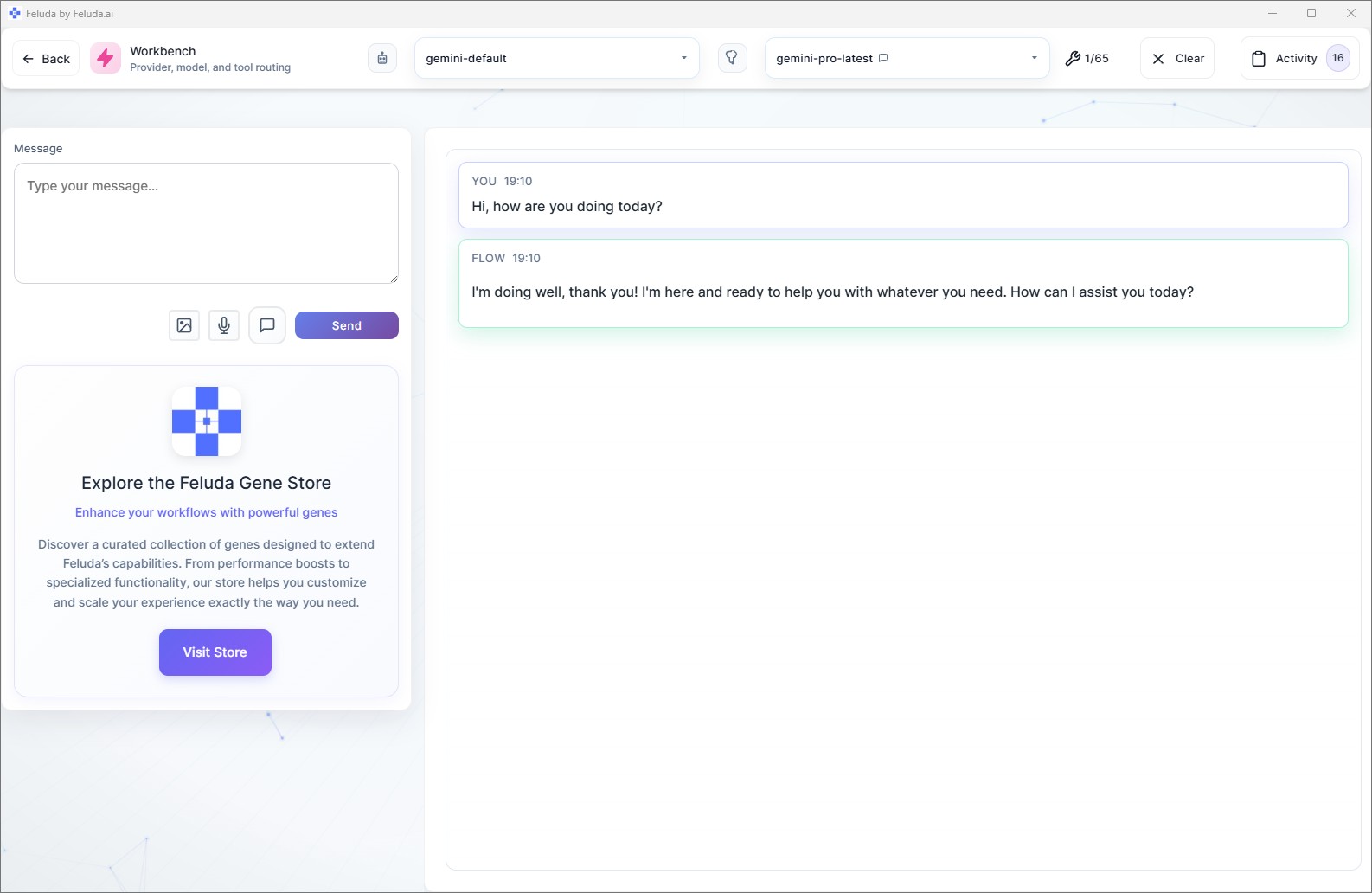
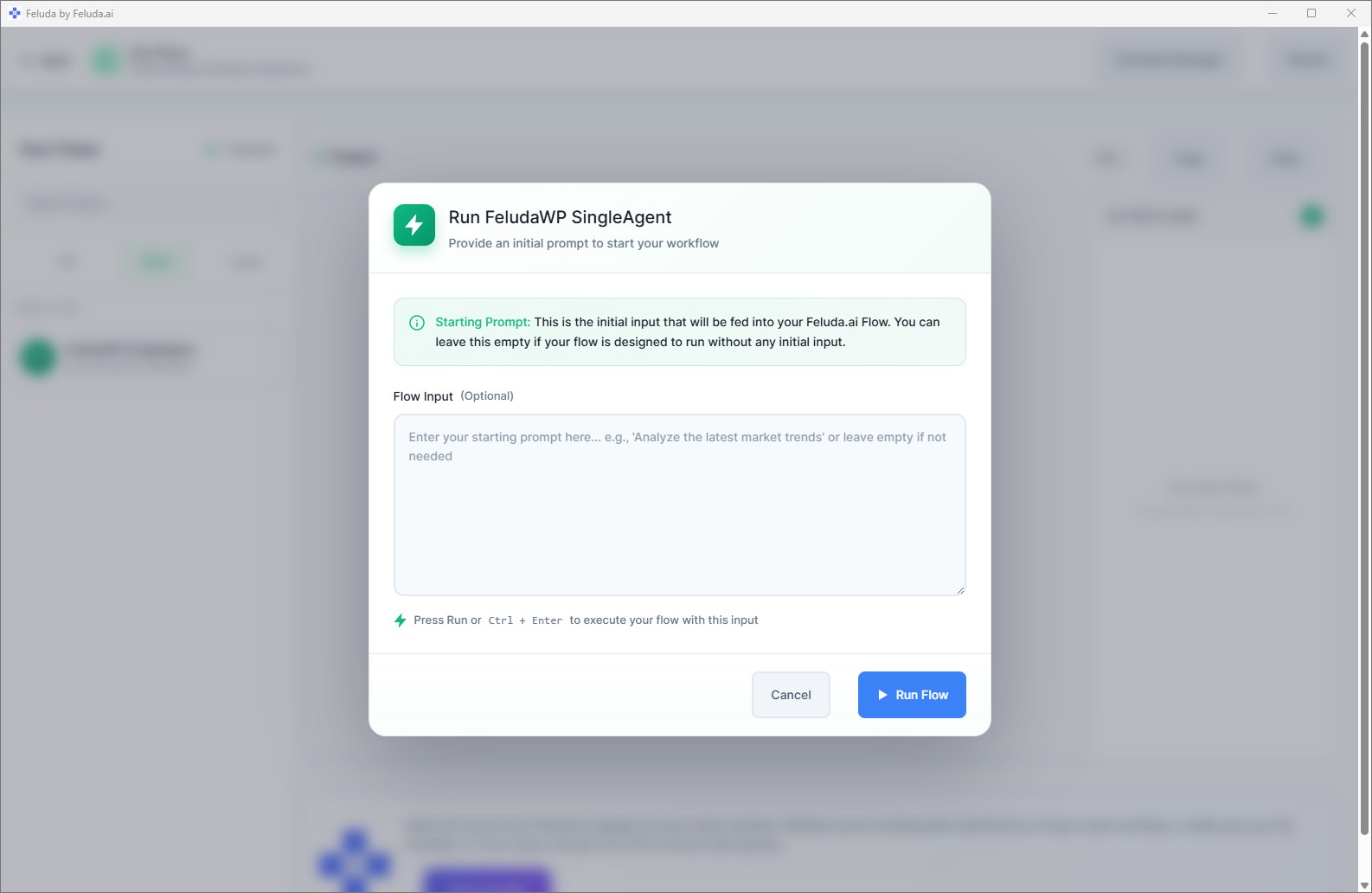
Use Feluda Studio to build the campaign-review workflow visually. Test and refine the structure in Workbench with real exports and notes. Then run it in RunFlows or move it into an automated schedule so the reporting pack is ready before the review meeting starts.

A realistic use case
A weekly campaign review workflow that writes the first draft for your team
A realistic Feluda workflow for marketing managers starts with the material you already review manually: channel exports, campaign notes, agency commentary, experiment results, and stakeholder requests. The AI groups that material into performance changes, risks, recommended tests, and cross-functional next steps, then formats it into a repeatable review pack that your team can refine instead of rebuilding from scratch.
Collect campaign inputs
Bring in channel exports, campaign notes, meeting summaries, experiment results, and relevant stakeholder context.
Group wins, risks, and shifts
The AI summarizes what improved, what declined, what segments or channels changed, and which items need human review.
Draft the review pack
Produce a concise stakeholder summary plus an internal action brief with recommended tests, approvals needed, and follow-up tasks.
Run it every cycle
Review the output, share what matters, and schedule the workflow so the next campaign review starts with a prepared draft instead of another blank document.
Questions before adoption
What marketing teams usually want to know
Will this replace our analytics or campaign tools?
No. Feluda complements analytics and campaign platforms. Its role is to turn the outputs from those systems into readable reviews, decision briefs, and follow-up lists without replacing the systems where the data originates.
Do I need a technical team to build these workflows?
No. Feluda Studio is visual, so marketing managers can design reporting and review workflows without coding. If you want help structuring a workflow or rollout, Academy is available for guided support.
Can I use Feluda for recurring campaign reviews?
Yes. Feluda is well suited to recurring campaign reviews because the same reporting structure can be saved, refined, and reused. That gives teams a stable way to compare campaigns and periods without changing the format every time.
How is campaign and customer data protected?
Feluda runs locally and supports private model execution so raw campaign exports, audience signals, and internal planning material stay on your machine. For enterprise-level isolation and governance, see Feluda Enterprise.
Build campaign review workflows your team can reuse every reporting cycle
Use Feluda to turn campaign exports, channel notes, and performance reviews into consistent reporting packs, stakeholder briefs, and action lists that run locally on your machine.