
The actual problem
Marketing specialists lose time in the gap between raw inputs and usable execution material
A large part of specialist work is not deciding the whole strategy. It is doing the translation work that makes campaigns executable: turning notes into briefs, prior winners into new variants, research into angles, and review feedback into a cleaner next draft. That work repeats constantly, but it is often rebuilt manually from a blank document or chat window.
Feluda turns that execution layer into a repeatable workflow. In Feluda Studio you can build a process that ingests source material, extracts the useful signals, and formats them into campaign-ready outputs. In Feluda Workbench you test and refine the output using real material before making it part of your daily workflow. Because everything runs locally, proprietary campaign inputs stay under your control — see protecting sensitive data when using AI.
What changes with Feluda
A repeatable execution workflow for briefs, variants, and handoffs
Marketing specialist work follows repeatable patterns: collect the source material, identify what matters, shape it into campaign-ready outputs, and hand it off clearly. Feluda fits this because it is built around repeatable AI workflows. Define those steps once in Studio, refine them in Workbench, and reuse them for every campaign cycle, asset request, or reporting follow-up.
Why desktop deployment matters for marketing specialists
Research notes, competitive signals, campaign plans, audience observations, and early creative directions are strategically sensitive. Feluda runs on your machine and supports local AI models so proprietary inputs stay on-device. For organisation-wide governance and rollout controls, see Feluda Enterprise.
What it looks like
Build in Studio, verify in Workbench, then reuse the same workflow across campaign execution
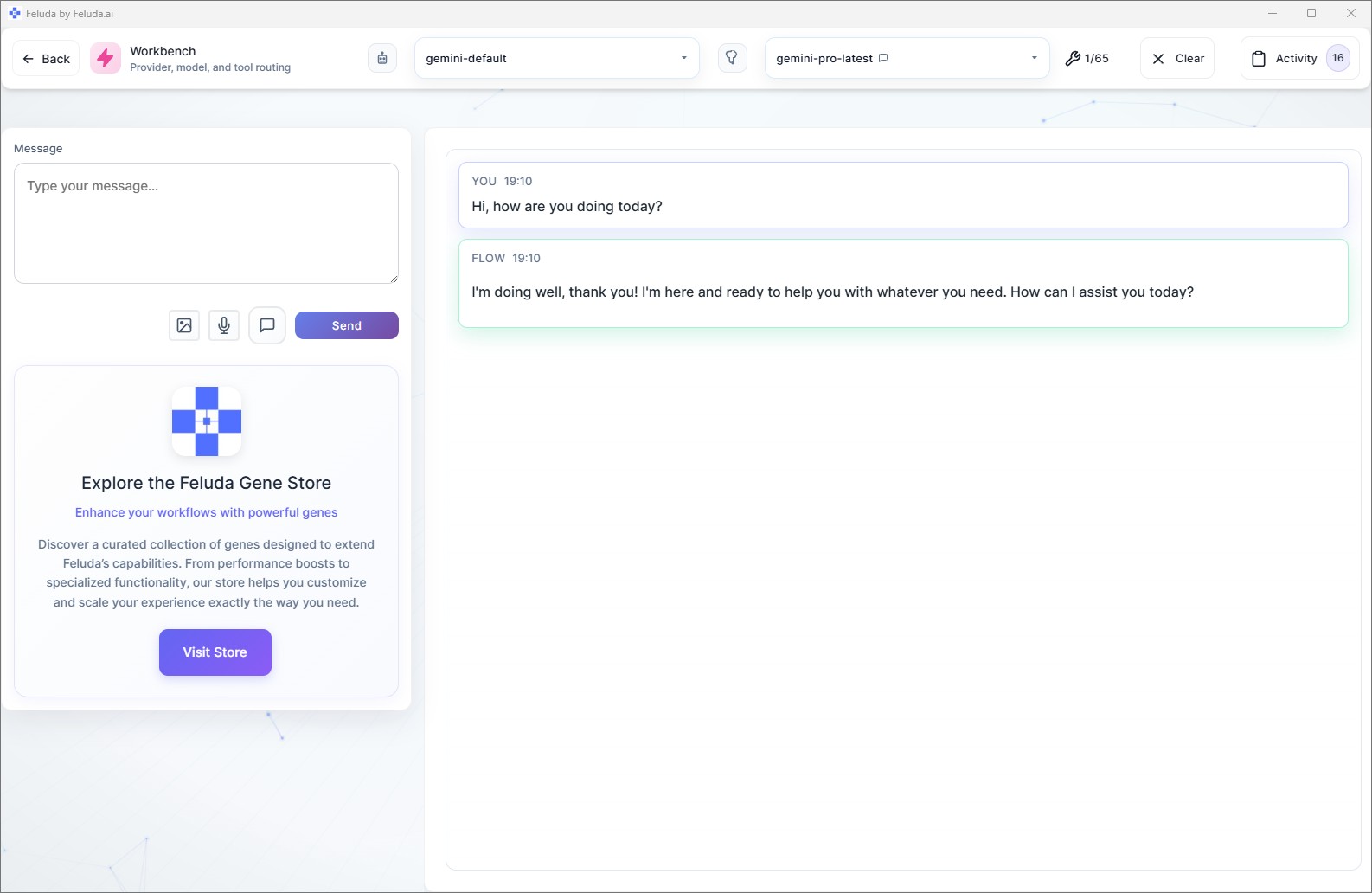
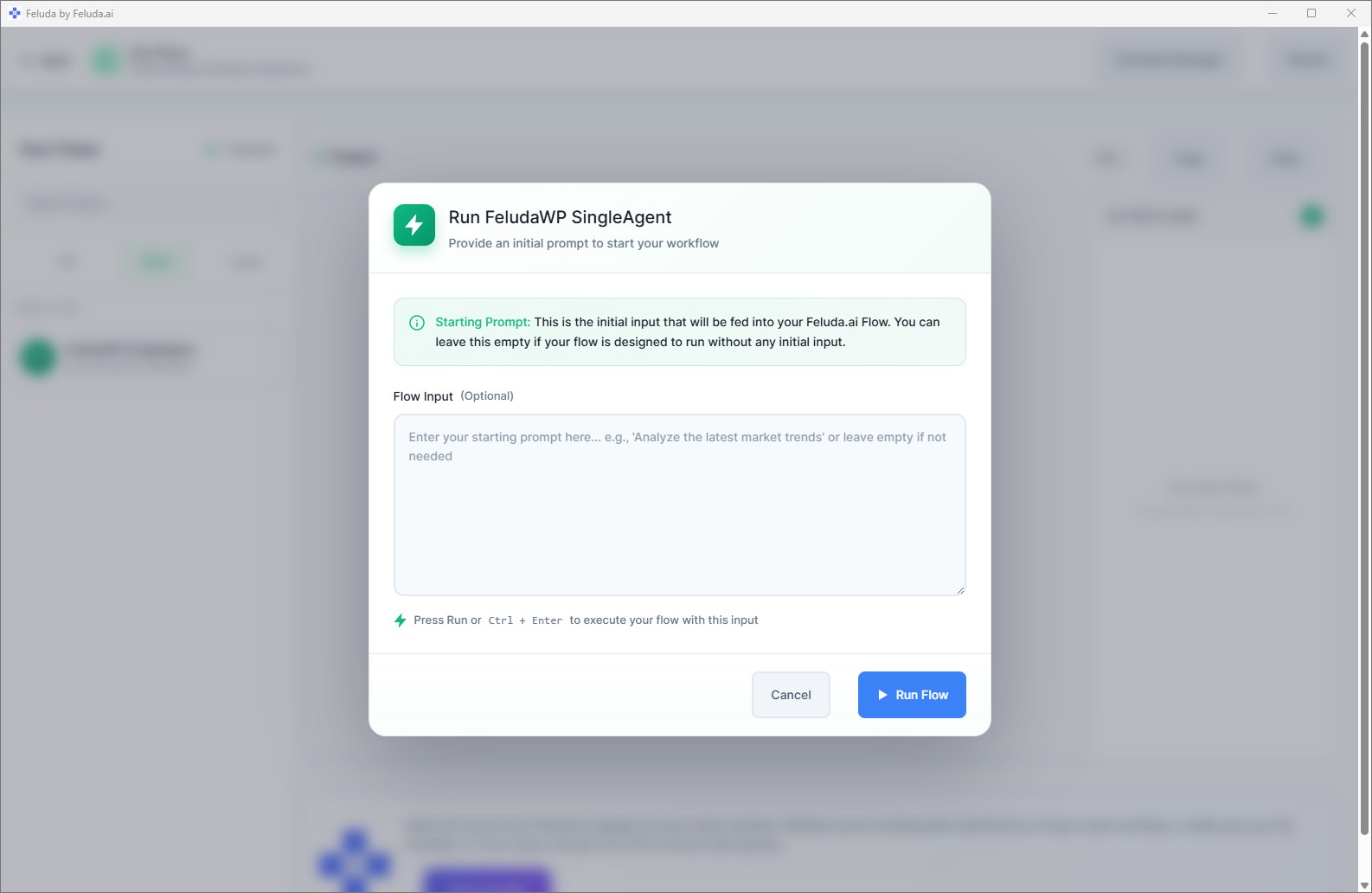
Use Feluda Studio to build the workflow visually, from intake to brief to handoff. Test it in Workbench with real campaign material. Then run it in RunFlows whenever a new campaign request, report follow-up, or asset cycle appears. If the process repeats on a cadence, you can also move it into an automated schedule.

A realistic use case
A campaign support workflow that prepares the first draft for execution
A realistic Feluda workflow for marketing specialists starts with the inputs already sitting across docs, chats, exports, and prior assets. The AI turns that material into a structured brief, a shortlist of variants or tests, and a cleaner handoff for the next team involved. That means less manual packaging work and faster movement from request to execution.
Collect the source material
Bring in campaign notes, research snippets, prior assets, performance observations, or approval feedback.
Extract what matters
The AI identifies the core message direction, relevant signals, open questions, and the elements that should carry into the next asset or test.
Draft the execution outputs
Generate a structured brief, alternate angles, suggested tests, and concise notes that creative or channel owners can pick up quickly.
Reuse the process
Review the output, hand it off, and run the same workflow again whenever a new asset request or campaign cycle starts.
Questions before adoption
What marketing specialists usually want to know
Will this replace our analytics or campaign tools?
No. Feluda complements the tools you already use. Its role is to turn the output from those systems into briefs, action lists, and reusable campaign material without replacing the platforms where the data or assets originate.
Do I need technical skills to build these workflows?
No. Feluda Studio is visual, so marketing specialists can create and refine recurring workflows without coding. If you want help structuring a workflow for your team, Academy is available for guided support.
Can I use Feluda for recurring brief and asset prep?
Yes. Feluda works well for recurring preparation tasks such as campaign briefs, asset-request packaging, test-idea generation, and follow-up notes after review meetings because the same process can be reused each time.
How is campaign and customer data protected?
Feluda runs locally and supports private model execution so campaign material, customer signals, and internal planning data stay on your machine. For enterprise-level isolation and governance, see Feluda Enterprise.
Build execution workflows that turn inputs into campaign-ready material faster
Use Feluda to turn notes, source material, and performance signals into structured briefs, reusable variants, and action-ready handoffs that run locally on your machine.