
The actual problem
Office assistants are often doing the same admin translation work over and over
Much of office support work is repetitive translation work: turning rough notes into clean summaries, turning requests into action lists, turning a vague ask into the right document pack, and turning meetings into follow-up that people can actually act on. None of that work is strategically difficult, but it is time-consuming, interrupt-driven, and easy to lose track of when requests stack up.
Feluda turns that repeated admin work into a reusable workflow. In Feluda Studio you can build a process for meeting prep, minutes, follow-up, or request triage. In Feluda Workbench you test the output using real office material before it becomes part of your routine. Because everything runs locally, internal documents and office records stay under your control — see protecting sensitive data when using AI.
What changes with Feluda
A repeatable office workflow for requests, meetings, and follow-up
Office admin work is highly repeatable, which is exactly where repeatable AI workflows fit. Build a flow in Feluda Studio that standardizes how requests are summarized, how meeting notes become follow-up, and how supporting material is packaged. Tune the output in Feluda Workbench until it matches the tone and structure your team expects.
Why desktop deployment matters for office admins
Meeting notes, internal requests, schedules, and office documents often contain sensitive business information. Feluda runs on your machine and supports local AI models so that records do not leave your environment. For organisation-wide rollout and governance controls, see Feluda Enterprise.
What it looks like
Build in Studio, verify in Workbench, then reuse the same workflow across office support tasks
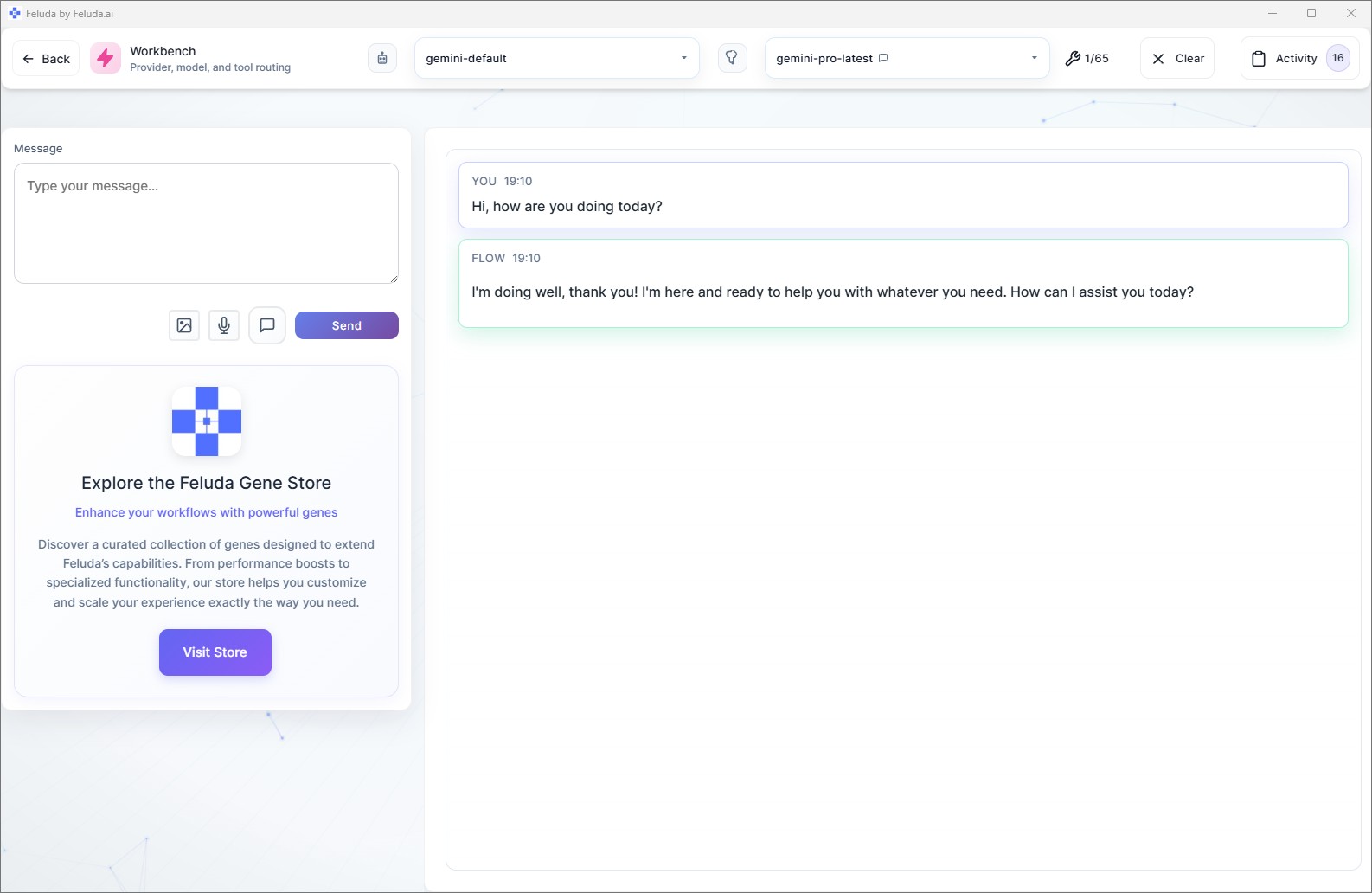
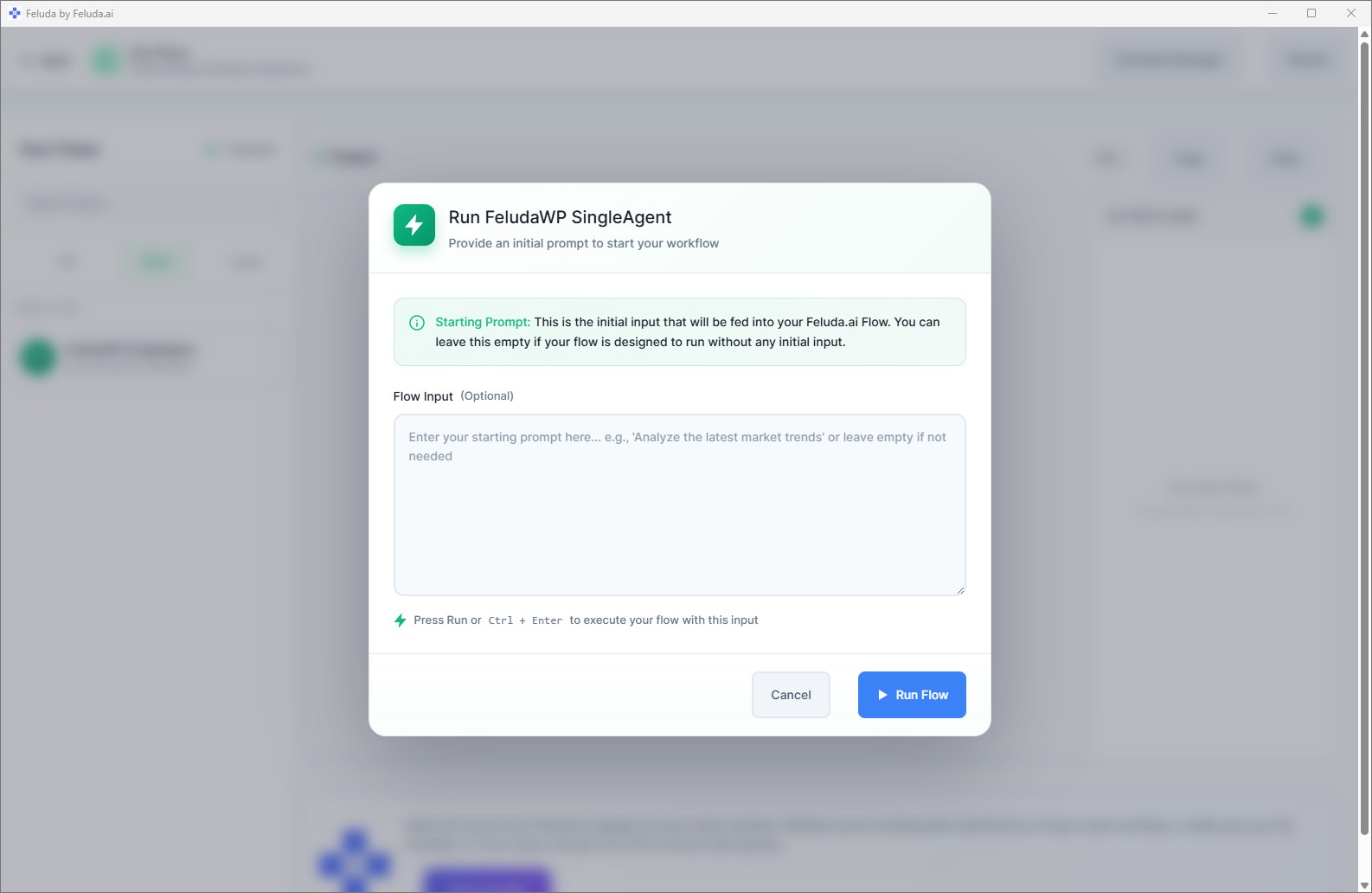
Use Feluda Studio to design the workflow visually, whether the task is meeting follow-up, request triage, or document preparation. Test it in Workbench with real office material, then run it in RunFlows whenever work comes in. If the task repeats on a cadence, you can also move it into an automated schedule.

A realistic use case
An office support workflow that prepares the first draft for follow-up
A realistic Feluda workflow for office assistants starts with the material already arriving throughout the day: meeting notes, voicemail transcripts, request emails, document asks, and admin reminders. The AI turns that input into a cleaner follow-up package with actions, owners, and supporting material so office support work moves faster and more consistently.
Capture the incoming request
Paste meeting notes, a voice transcription, an email request, or a quick office ask into the workflow input.
Extract the context
The AI identifies the people involved, the actions requested, the deadlines, and any referenced documents or supporting material.
Draft the follow-up output
Generate a concise summary, a task list with owners, and a response draft or document pack for the next step.
Reuse the process
Review the output, send what is needed, and reuse the same workflow every time a similar meeting or request arrives.
Questions before adoption
What office assistants usually want to know
Does this replace our document or task systems?
No. Feluda complements the tools you already use. Its role is to turn office material into clearer briefs, task lists, and follow-up outputs you can move into your existing trackers, calendars, and document systems.
Do I need technical skills to build these workflows?
No. Feluda Studio is visual, so office assistants can create and refine recurring workflows without coding. If you want guided help setting up a process, Academy is available.
Can it help with recurring meeting and admin follow-up?
Yes. Feluda works well for recurring support tasks such as minutes preparation, action extraction, request triage, and document-pack assembly because the same structure can be saved and reused whenever the task repeats.
How is meeting and document data protected?
Feluda runs on your machine and supports local model execution so meeting notes, office records, and internal documents stay within your environment. For enterprise controls and broader governance, see Feluda Enterprise.
Build office workflows that turn requests into cleaner follow-up and faster support
Use Feluda to turn meeting notes, office requests, and document prep into structured follow-up, action lists, and reusable support workflows that run locally on your machine.