
The actual problem
Reception work happens fast, which is exactly why details get dropped
Receptionists are often working in a constant stream of interruptions: calls, arrivals, deliveries, appointment changes, internal questions, and handoffs between people. The problem is not that the work is complex. It is that accurate intake has to happen quickly, and small errors in names, timing, urgency, or routing create visible friction for the entire office.
Feluda reduces that friction by turning a short typed or transcribed note into a structured message and log entry. In Feluda Studio you build a flow that extracts the important details, formats a message for the intended recipient, and preserves a usable record for follow-up. Test it in Feluda Workbench and run it locally so visitor and caller data stays on your machine — see protecting sensitive data when using AI.
What changes with Feluda
A repeatable front-desk workflow that keeps intake accurate and handoffs clear
Reception work is a strong fit for repeatable AI workflows because the same intake pattern happens all day: capture the request, identify the destination, preserve the key details, and hand it off clearly. Build that once in Feluda Studio, refine the message format in Feluda Workbench, and then reuse it every time the desk gets busy.
Why desktop deployment matters for reception desks
Reception logs often include personal contact details, appointment information, and visitor context. Feluda runs on your machine and supports local AI models so those records do not leave your environment. For organisation-wide controls and rollout governance, see Feluda Enterprise.
What it looks like
Build in Studio, verify in Workbench, then reuse the same flow for every front-desk interaction
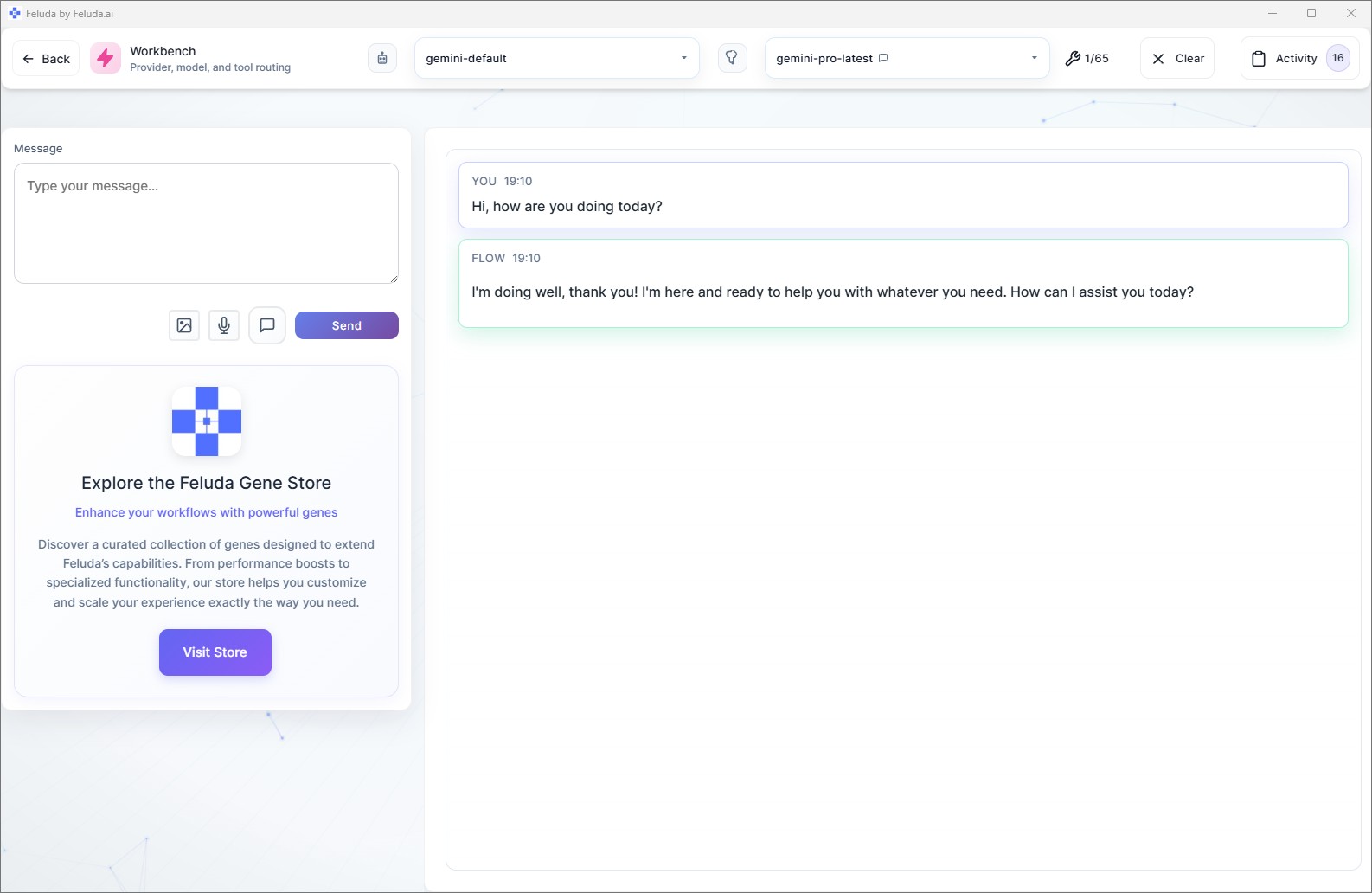
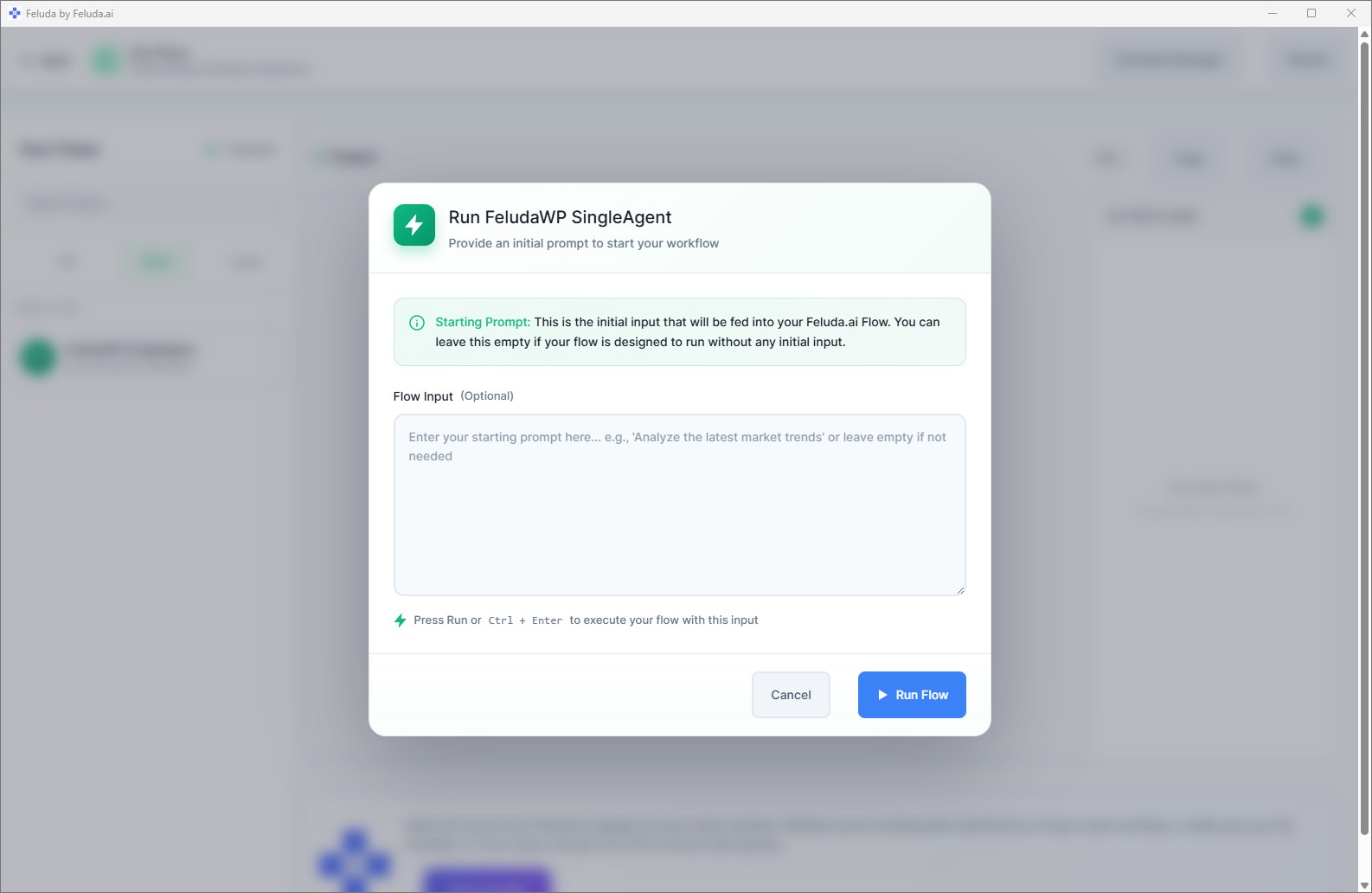
Use Feluda Studio to design the intake workflow visually, test it in Workbench with real notes, and then run it in RunFlows each time a caller, visitor, or delivery arrives. If parts of the process repeat on a cadence, you can also move them into an automated schedule.

A realistic use case
A front-desk workflow that prepares the handoff for you in seconds
A realistic Feluda workflow for receptionists starts with the same rough input that already exists today: a quick note from a call, a visitor arrival, a delivery issue, or an appointment change. The AI turns that into a clean recipient message and a structured record so the next person in the chain does not have to reconstruct what happened.
Capture the desk note
Enter a short caller, visitor, or delivery note with whatever details are available in the moment.
Extract and organize
The AI identifies the person, purpose, timing, urgency, and likely recipient or department from the raw note.
Draft the handoff message
Generate a concise message for the recipient with the right context and any action they should take next.
Log it for continuity
Write a structured desk record that can support follow-up, shift continuity, and later review if the interaction remains unresolved.
Questions before adoption
What receptionists usually want to know
Does this replace our desk log or phone system?
No. Feluda complements the systems you already use. Its role is to turn rough front-desk input into a clearer message and structured record that you can move into your existing log, phone, or visitor-management process.
Do I need technical skills to build these workflows?
No. Feluda Studio is visual, so receptionists can create and refine front-desk workflows without coding. If you want help setting up a workflow for your desk, Academy is available.
Can it help with recurring reception logging and handoff quality?
Yes. Feluda works well for recurring front-desk tasks such as visitor logging, caller message capture, delivery routing, and unresolved-item handoff because the same intake structure can be reused all day.
How is visitor data protected?
Feluda runs on your machine and supports local AI models so visitor contact information and appointment data stay within your environment. For enterprise controls and stricter rollout requirements, see Feluda Enterprise.
Build reception workflows that make intake cleaner and handoffs easier
Use Feluda to turn quick caller and visitor notes into recipient-ready messages, structured logs, and repeatable front-desk workflows that run locally on your machine.