
The actual problem
Selling slows down when preparation, follow-up, and note quality all depend on memory
The sales problem is not just the time spent after a call. It starts before the conversation even happens. Reps need to reconstruct prior notes, account context, objections, pricing conversations, and agreed next steps just to prepare properly. After the call, the same context has to be rewritten into follow-up, CRM notes, and internal updates. When this stays manual, deals lose momentum because preparation is shallow, follow-up is late, and the record of the opportunity gets weaker every week.
Feluda changes that by turning prep and post-call admin into a repeatable workflow. In Feluda Studio you can build one process for discovery preparation and another for follow-up. In Feluda Workbench you test the output with real sales material until it matches the format your team actually uses. Because Feluda runs locally, prospect and deal data stays on your machine — see protecting sensitive data when using AI.
What changes with Feluda
A repeatable sales workflow, not another CRM add-on
Feluda fits sales professionals because sales work is repetitive at the execution layer. Before calls you need a clean brief. After calls you need a summary, a follow-up, and a usable pipeline note. Build those processes once as repeatable AI workflows in Feluda Studio, and every conversation after costs you minutes instead of a long admin block.
Why desktop deployment matters for sales work
Sales notes contain sensitive commercial information: deal sizes, competitive positioning, pricing discussions, and named prospect details. Feluda runs on your machine and supports local AI models so that information does not have to pass through third-party cloud services. For broader governance and rollout controls, see Feluda Enterprise.
What it looks like
Build in Studio, verify in Workbench, then reuse the same workflow across your pipeline
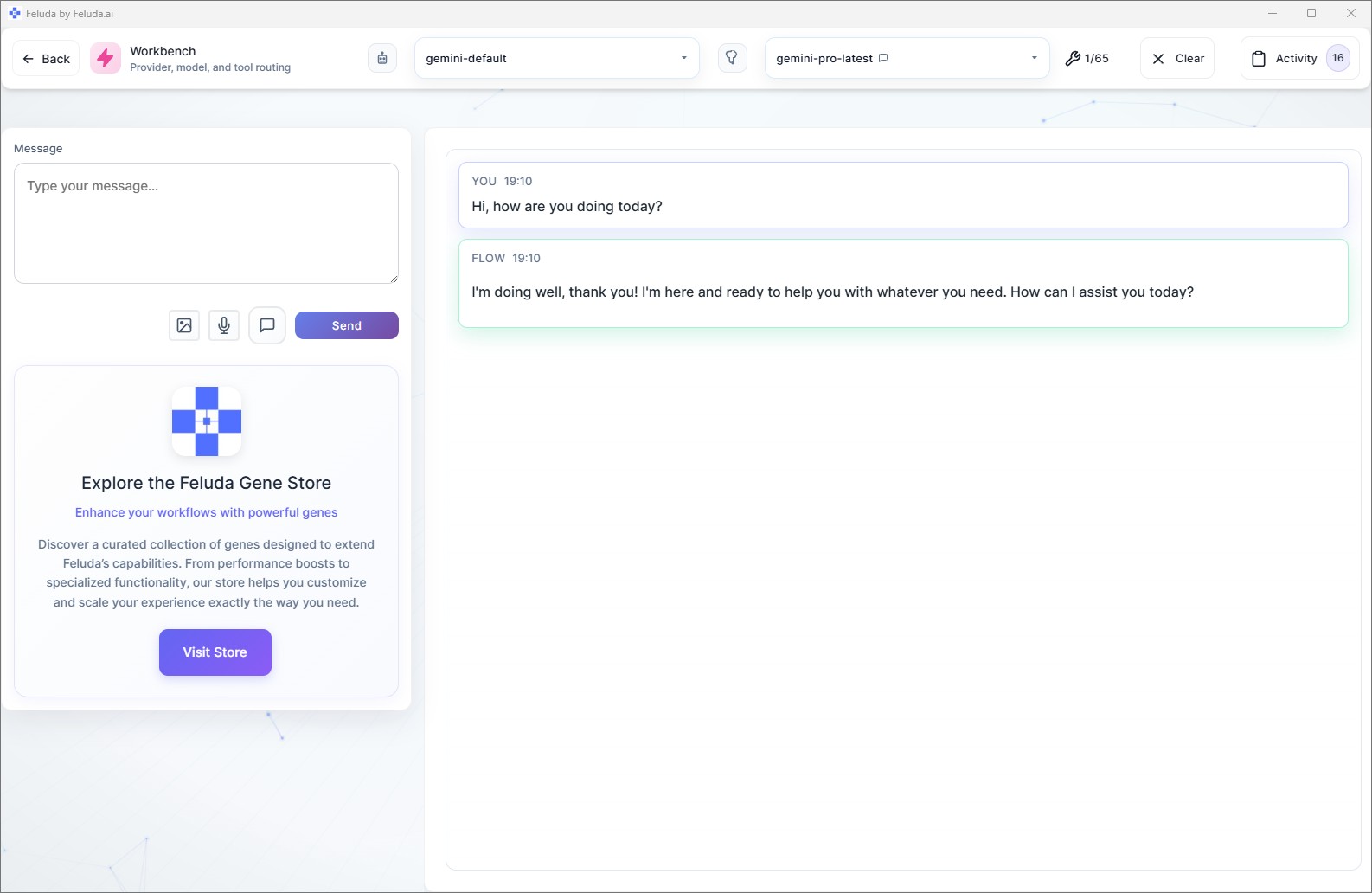
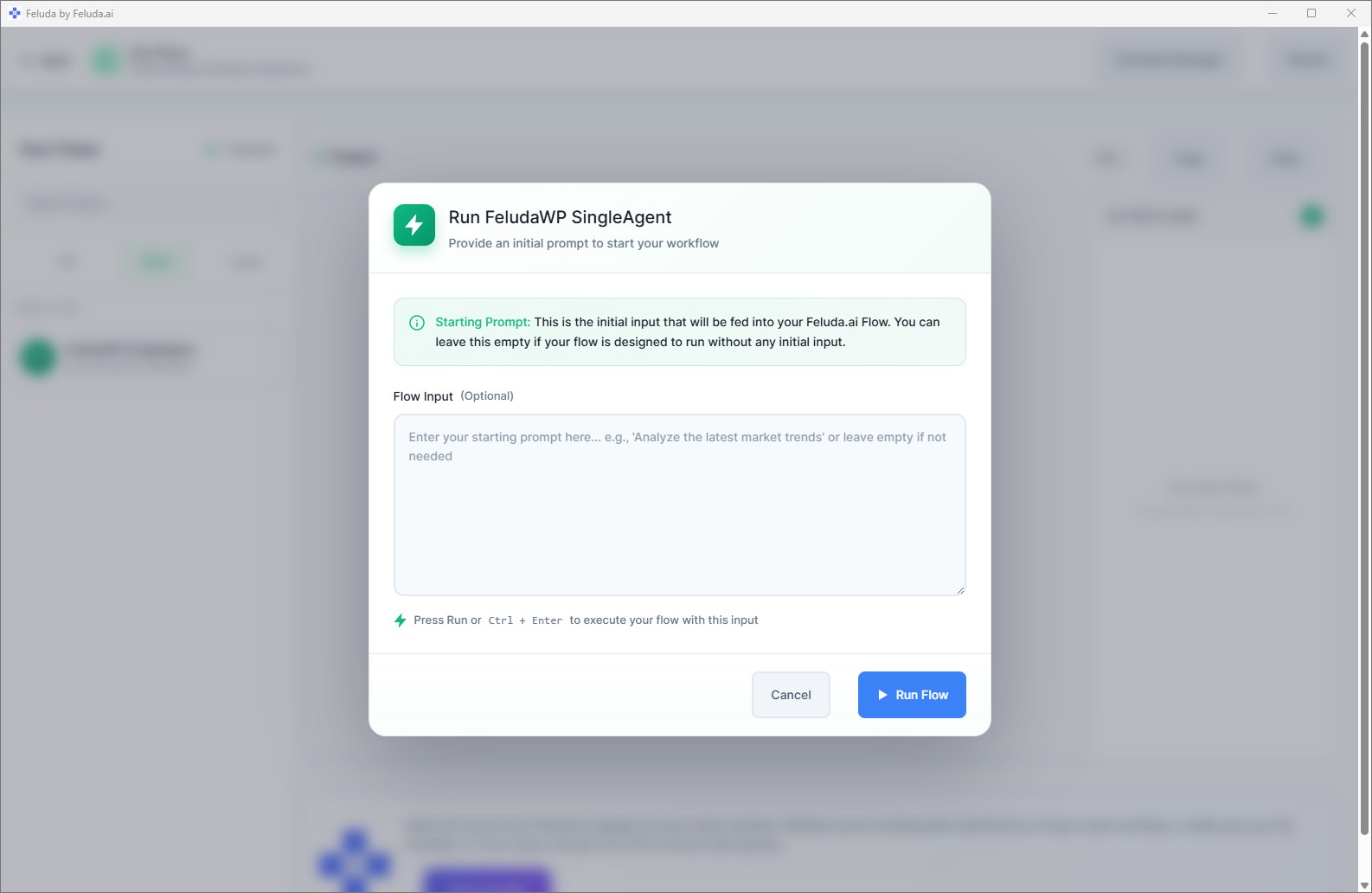
Use Feluda Studio to design the workflow visually, whether it is for call preparation, post-call summaries, or objection review. Test it in Workbench with real notes, then run it in RunFlows after each conversation or across a day of sales activity. If part of the process repeats on a cadence, you can also move it into an automated schedule.

A realistic use case
A sales workflow that prepares the next move instead of just documenting the last one
A realistic Feluda workflow for sales professionals starts with the material already created during the sales process: prior notes, call takeaways, objections, and account context. The AI turns that into a cleaner next action package with a usable summary, a faster follow-up, and a stronger record for the next conversation. That means less admin drift and better continuity across the deal.
Collect the sales context
Bring in rough call notes, prior opportunity details, account research, and any known concerns or commitments.
Extract what matters
The AI identifies the buyer's goals, objections, deal signals, commitments, and the most important next step to preserve.
Draft the next-step output
Generate a personalized follow-up, a concise internal summary, and language that reflects the real conversation instead of a generic template.
Keep the opportunity usable
Output a structured pipeline note with next action, follow-up date, and objection history so the opportunity remains easy to work on later or hand off cleanly.
Questions before adoption
What sales professionals usually want to know about desktop AI automation
Do I need technical skills to use Feluda?
No. Feluda Studio is a visual workflow builder. If you can describe a repeatable process like prepare the account brief, summarize the call, and draft the follow-up, you can build the workflow without coding. If you want guided setup help, Academy is available.
Does this replace my CRM?
No. Feluda sits alongside your CRM. It produces structured notes, prep briefs, and drafted follow-ups that you then move into whatever system your team uses. It does the synthesis and drafting work; your CRM remains the system of record.
Can I use this for prospecting and research too?
Yes. Sales professionals can also build prospect-research workflows that turn a company name or URL into a concise briefing with likely talking points and account context. See also automating research with AI.
What about prospect and deal data privacy?
Feluda runs on your machine and supports local AI models, so prospect names, deal sizes, and commercial discussions do not leave your computer. For team-wide governance, see Feluda Enterprise.
Build sales workflows that cut admin and keep the next step moving
Use Feluda to turn discovery prep, rough call notes, and objections into structured summaries, personalized follow-ups, and usable pipeline records that run on your own machine.