
The actual problem
Social work breaks down when content adaptation and community handling stay ad hoc
The real challenge for social media managers is not writing one post. It is maintaining a steady publishing rhythm across platforms, adapting the same campaign into multiple formats, reviewing what happened in the comments, and keeping response quality aligned with brand expectations. When that stays manual, content gets delayed, replies get inconsistent, and the team spends too much time rebuilding basic assets from scratch.
Feluda helps standardize that execution layer. In Feluda Studio you can build workflows that ingest campaign briefs, source content, mentions, and review material, then output channel-ready variants and moderation support. In Feluda Workbench you test tone and guardrails before the workflow becomes part of your day-to-day publishing process.
What changes with Feluda
A repeatable workflow for publishing cadence, response quality, and channel adaptation
Social execution follows repeatable steps: capture the campaign brief, identify the core message, adapt it to each platform, prepare likely response language, and review outputs before publishing. That makes it a strong fit for repeatable AI workflows. Build the sequence once in Feluda Studio, tune tone and guardrails in Feluda Workbench, and reuse it across campaigns and daily publishing cycles.
Why desktop deployment matters for social teams
Campaign performance data, audience lists, moderation notes, and escalation details are sensitive. Feluda runs locally and supports local AI models so that drafts, DMs, and performance notes can remain on-device. For org-level governance, see Feluda Enterprise.
What it looks like
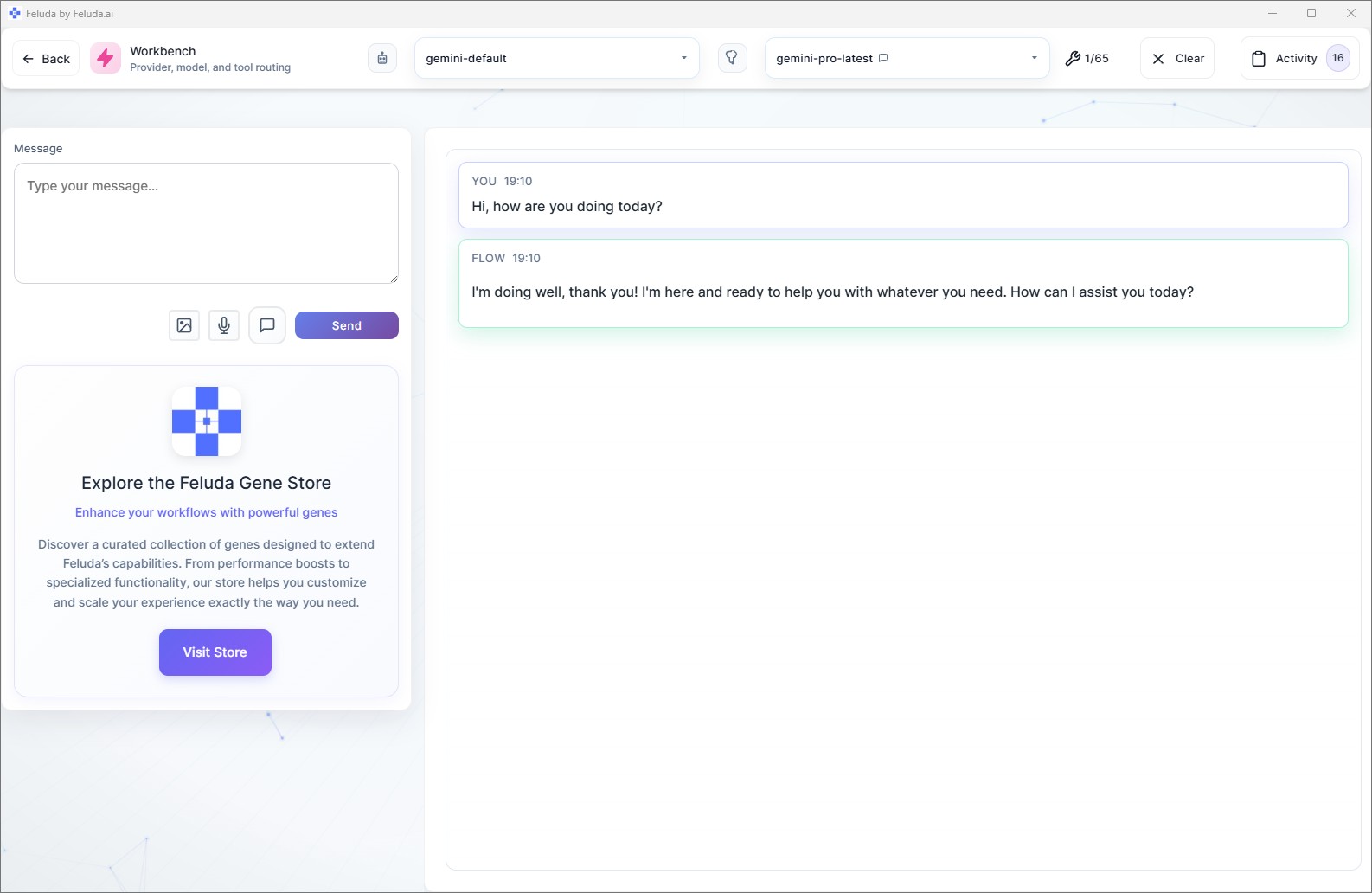
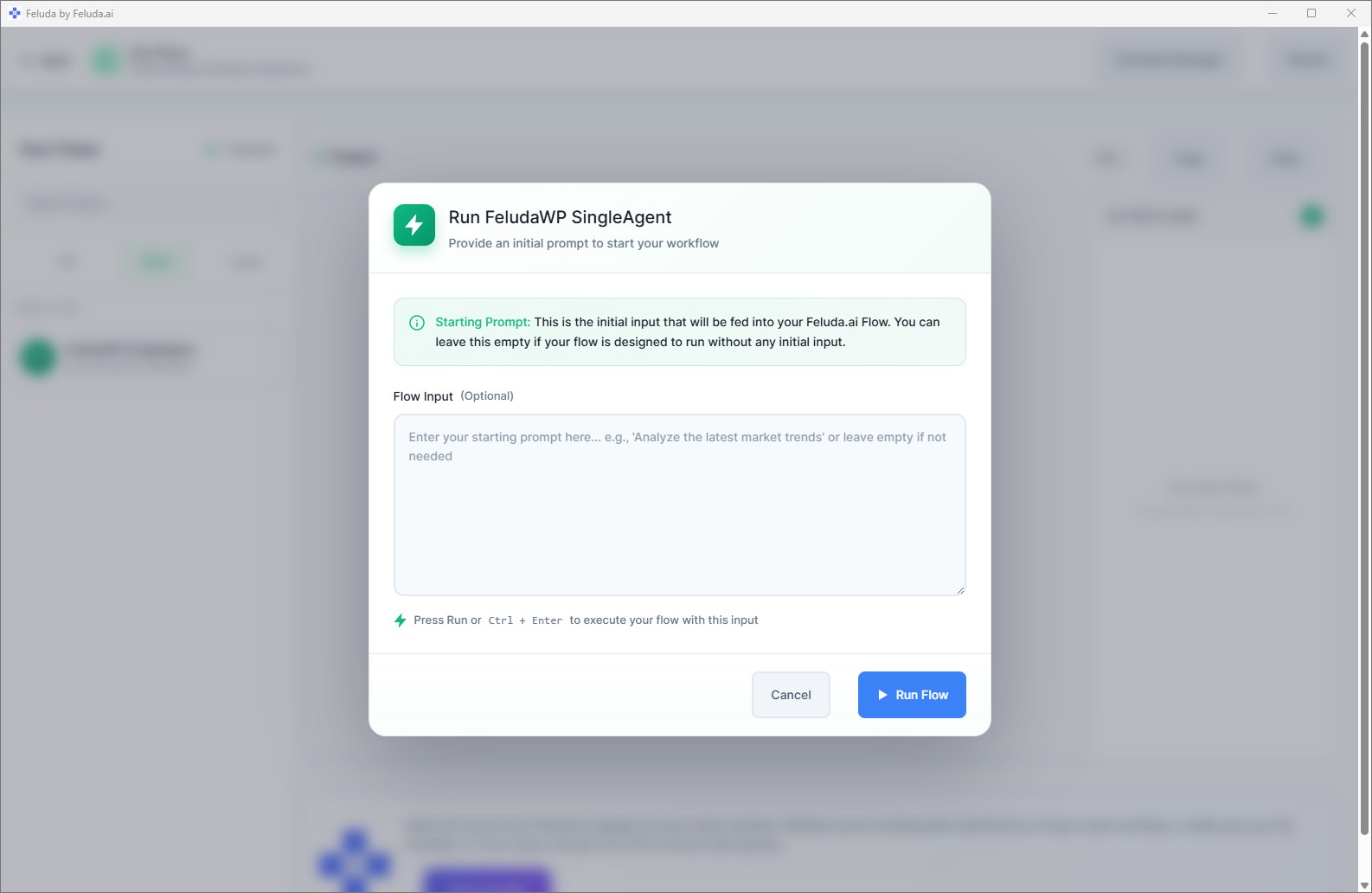
Build in Studio, verify in Workbench, then reuse the same workflow across your social calendar
Design the social workflow in Feluda Studio so it takes campaign input and produces channel-ready outputs. Preview tone, variants, and moderation language in Workbench before publishing. Then run it in RunFlows as often as your publishing process demands, or move recurring work into an automated schedule.

A realistic use case
A social workflow that prepares the next publishing batch and the likely response work around it
A realistic Feluda workflow for social media managers starts with the campaign material already in motion: briefs, source assets, prior posts, mentions, and audience signals. The AI turns that into a cleaner publishing package with channel-specific variants, response-ready language, and a more structured review process so the team can move from planning to deployment faster.
Collect the campaign inputs
Bring in the brief, source assets, recent community signals, and any platform or approval requirements.
Extract the core hook and constraints
Identify the main message, audience intent, required CTAs, response risks, and the platform-specific constraints that matter.
Generate the publishing and response outputs
Produce channel-ready caption variants, content notes, and moderation-ready reply language that the team can review quickly.
Review and reuse the process
Approve the output, publish what you need, and run the same workflow again for the next campaign or weekly content cycle.
Questions before adoption
What social media managers usually want to know
Will this replace community managers or social teams?
No. Feluda automates repetitive drafting, adaptation, and triage work, but human judgment remains essential for publishing decisions, community relationships, and brand-sensitive responses.
Do I need technical skills to build these workflows?
No. Feluda Studio is visual, so social media managers can build and refine recurring workflows without coding. If you want guided help, Academy is available.
Can it help with both publishing and moderation workflows?
Yes. Feluda can support both sides of the work: generating controlled post variants for multiple channels and preparing review or response workflows for comments, mentions, and escalations.
Is audience and DM data kept private?
Yes. Feluda runs locally and supports on-device or private models so drafts, DMs, and audience notes stay on your machine. For org-wide controls, see Feluda Enterprise.
Run social workflows that make publishing steadier and response quality stronger
Use Feluda to turn briefs, community signals, and platform needs into content batches, response workflows, and repeatable cross-channel publishing support while keeping audience data local.