
The actual problem
Team leaders lose momentum when coordination details stay trapped in meeting notes and memory
Team leaders are usually closest to the real execution state of the work, but that context is fragile. It lives in standups, ad hoc check-ins, sprint notes, and quick conversations about blockers. By the time a lead has rewritten all of that into a coherent update, the team has already moved on and some of the details that mattered most have gone missing. That creates late escalations, unclear follow-through, and retrospectives that feel less useful than they should.
Feluda changes that by making the summary and follow-up the output of a workflow, not a separate chore. In Feluda Studio you build a process that takes raw team notes as input and turns them into a structured execution view. In Feluda Workbench you test and tune the output until it matches how your team actually works. Because Feluda runs locally, internal team data stays on your machine — see running AI workflows without the cloud.
What changes with Feluda
A repeatable execution workflow for team leaders, not another place to write notes
Feluda fits team leaders because team coordination is inherently repetitive. The standup happens every day. The sprint checkpoint returns every cycle. The retrospective and planning review keep reappearing with the same need for synthesis and follow-through. These are not one-off tasks. They are recurring workflows. Build them once in Feluda Studio, then run them every cycle with one click.
Why desktop deployment matters for team leaders
Sprint notes contain individual performance signals, honest blockers, and team friction that should not route through a cloud service your organisation does not control. Feluda runs on your machine and supports local AI models so that information stays where it belongs. For broader governance controls, see Feluda Enterprise.
What it looks like
Build in Studio, verify in Workbench, then reuse the same workflow across every cycle
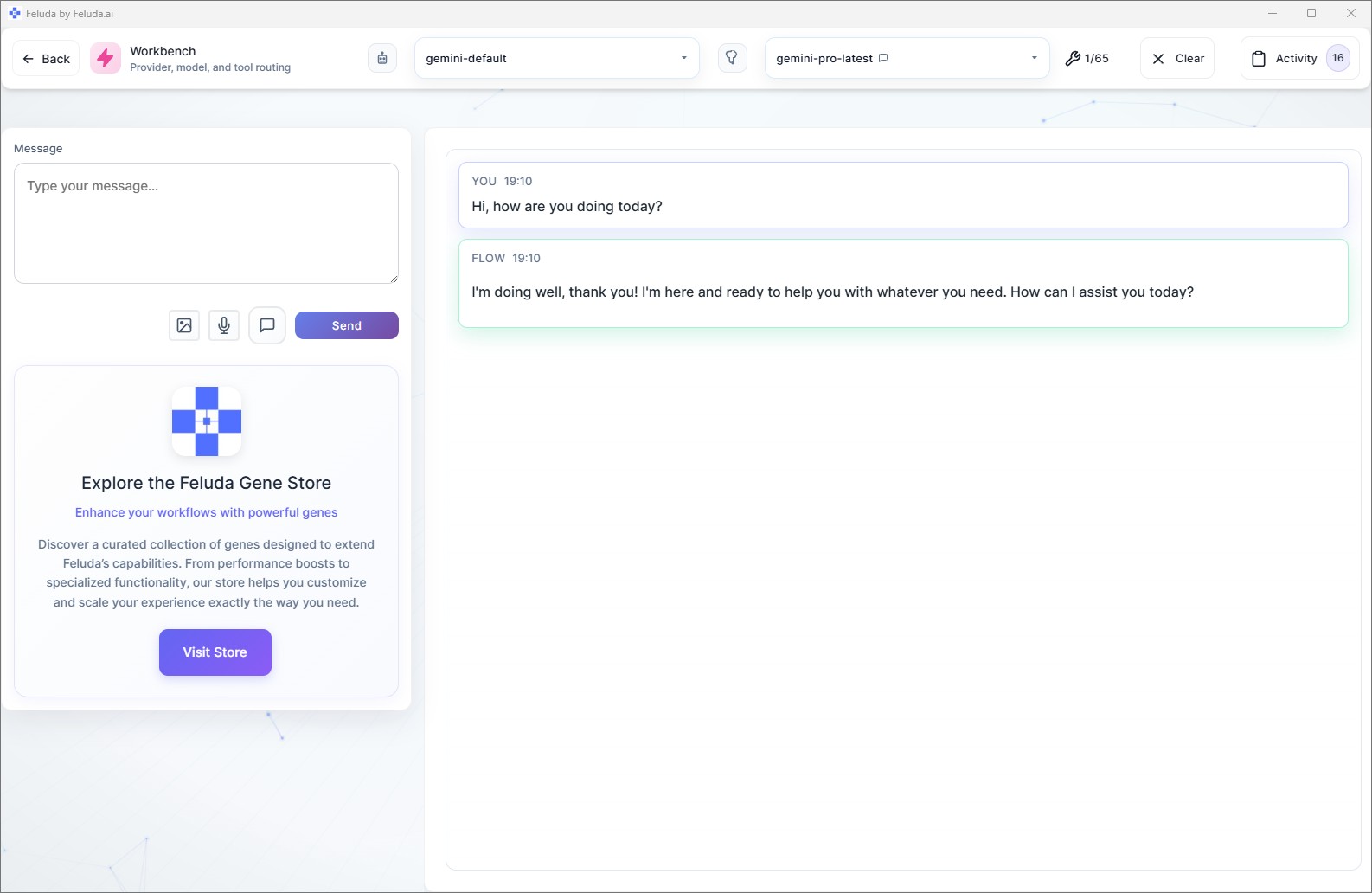
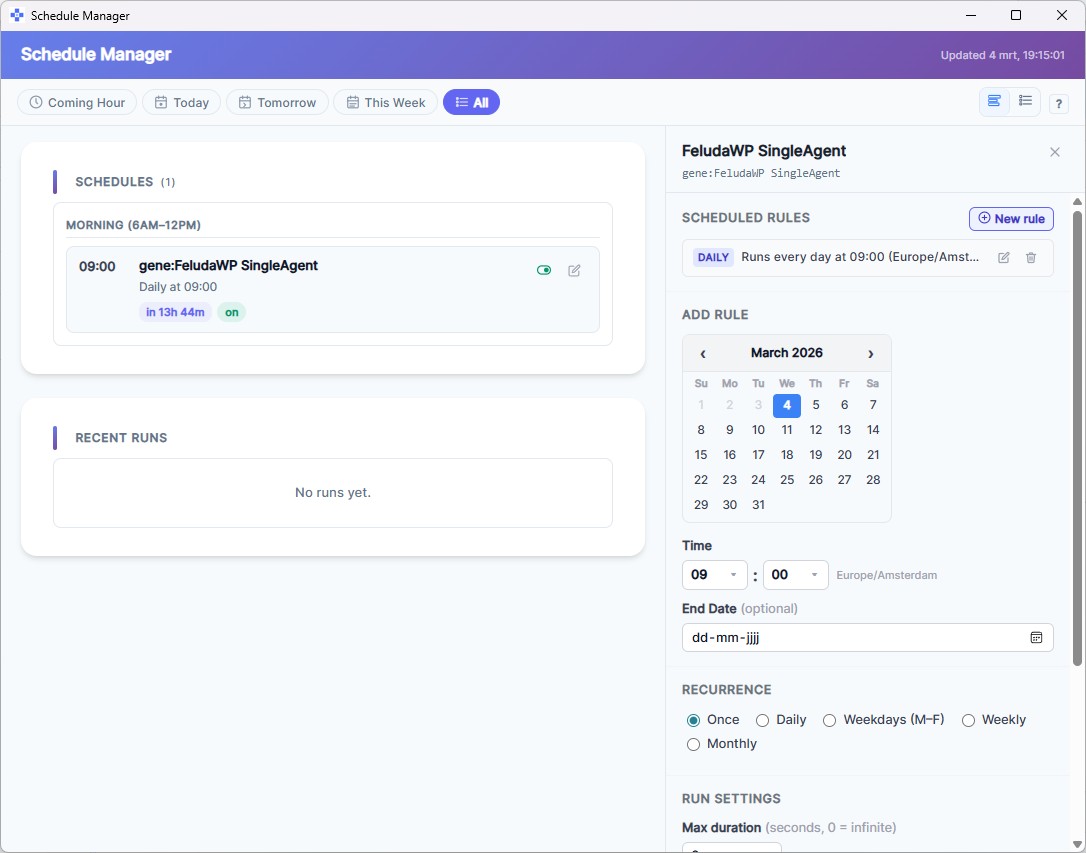
Use Feluda Studio to design the standup, blocker-review, or sprint-wrap flow visually. Test it in Workbench with real notes from the team. Run it on demand after each check-in or move it into an automated schedule at sprint-end. You build the process once and execute it every cycle.

A realistic use case
A team-lead workflow that keeps the next checkpoint clearer than the last one
A realistic Feluda workflow for team leaders starts with the notes and delivery signals already created during the week: standups, sprint comments, completed work, and blockers. The AI turns that into a structured execution view with what moved, what is at risk, and what should be carried into the next checkpoint. That means less memory work and better continuity across the cycle.
Collect the raw team signals
Bring in standup notes, completed work, blockers, and any comments or risks captured during the cycle.
Organize progress and risk
The AI groups completed work, in-progress items, carry-overs, and recurring blockers so the execution state becomes easier to act on.
Draft the checkpoint summary
Produce a structured summary for the next standup, sprint review, or retrospective with highlights, friction points, and next actions.
Carry the context forward
Share the update with the team or your manager and reuse the same workflow so every checkpoint starts from a clearer execution record.
Questions before adoption
What team leaders usually want to know about desktop AI automation
Do I need to be technical?
No. Feluda Studio is a visual workflow builder. You describe the steps, such as collect the notes, separate blockers, and draft the summary, and Feluda executes the process. No code is required. If you want setup help, Academy is available.
Does this work with non-agile teams?
Yes. The workflow patterns apply to any recurring coordination cadence. Weekly operations meetings, project checkpoints, or milestone reviews all create the same kind of scattered notes and follow-up work that Feluda can organize.
Can I use this for both daily standups and sprint reviews?
Yes. Team leaders often use one workflow for daily execution summaries and another for sprint review or retrospective preparation. Feluda works well for both because the same pattern of collecting notes, extracting signals, and formatting follow-up repeats across the cycle.
What about sensitive team data?
Feluda runs on your machine and supports local AI models, so sprint notes, individual blockers, and performance signals do not leave your computer. For organisation-wide governance, see Feluda Enterprise.
Build team-lead workflows that keep execution visible and follow-through stronger
Use Feluda to turn raw standup notes and sprint signals into structured blockers lists, review summaries, and repeatable coordination outputs that run locally on your own machine.