
What Is RunFlows?
RunFlows is Feluda's execution center. Think of Studio as the design phase and RunFlows as the execution phase. Here you press "Go" and see your AI workflows deliver results.
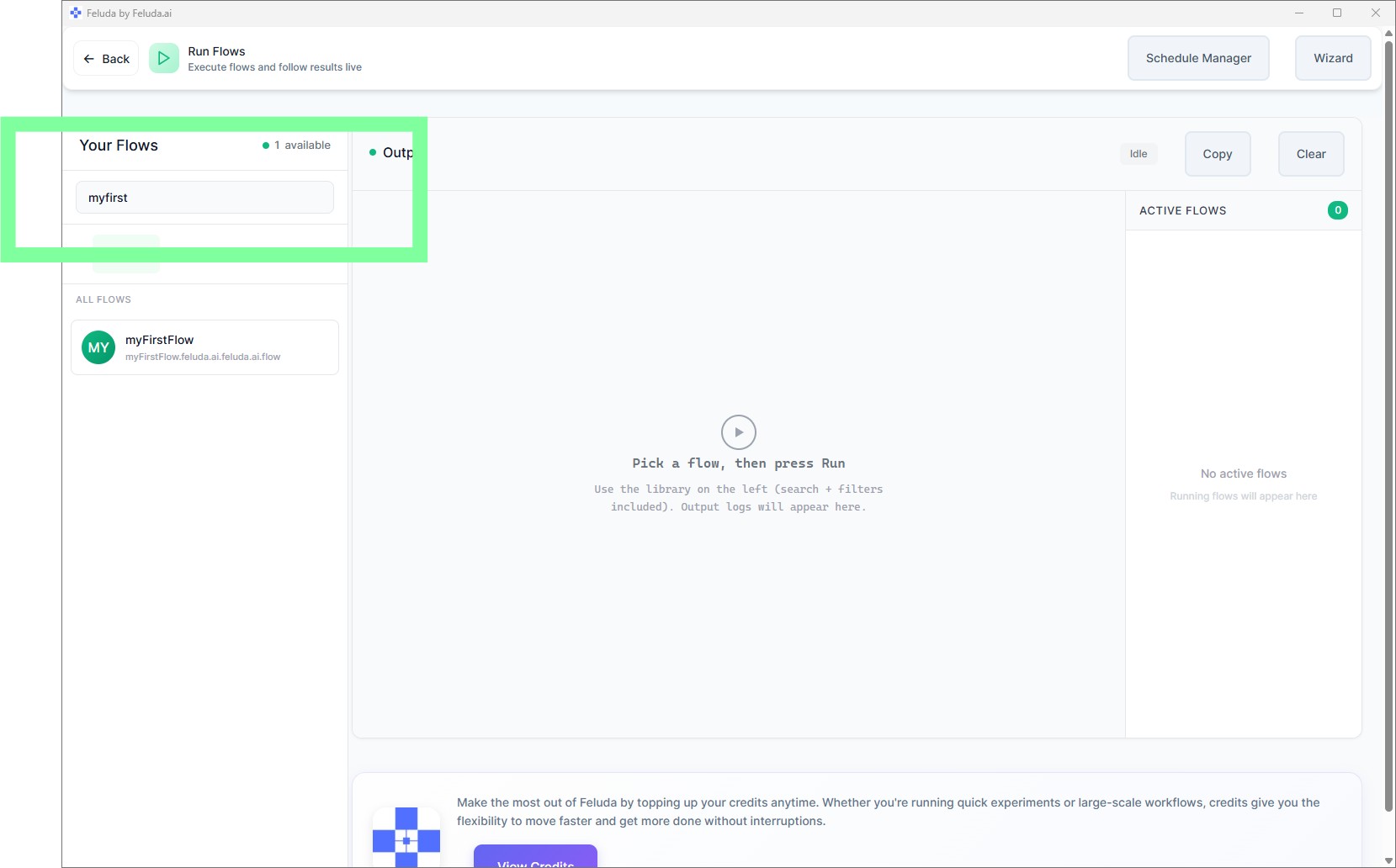
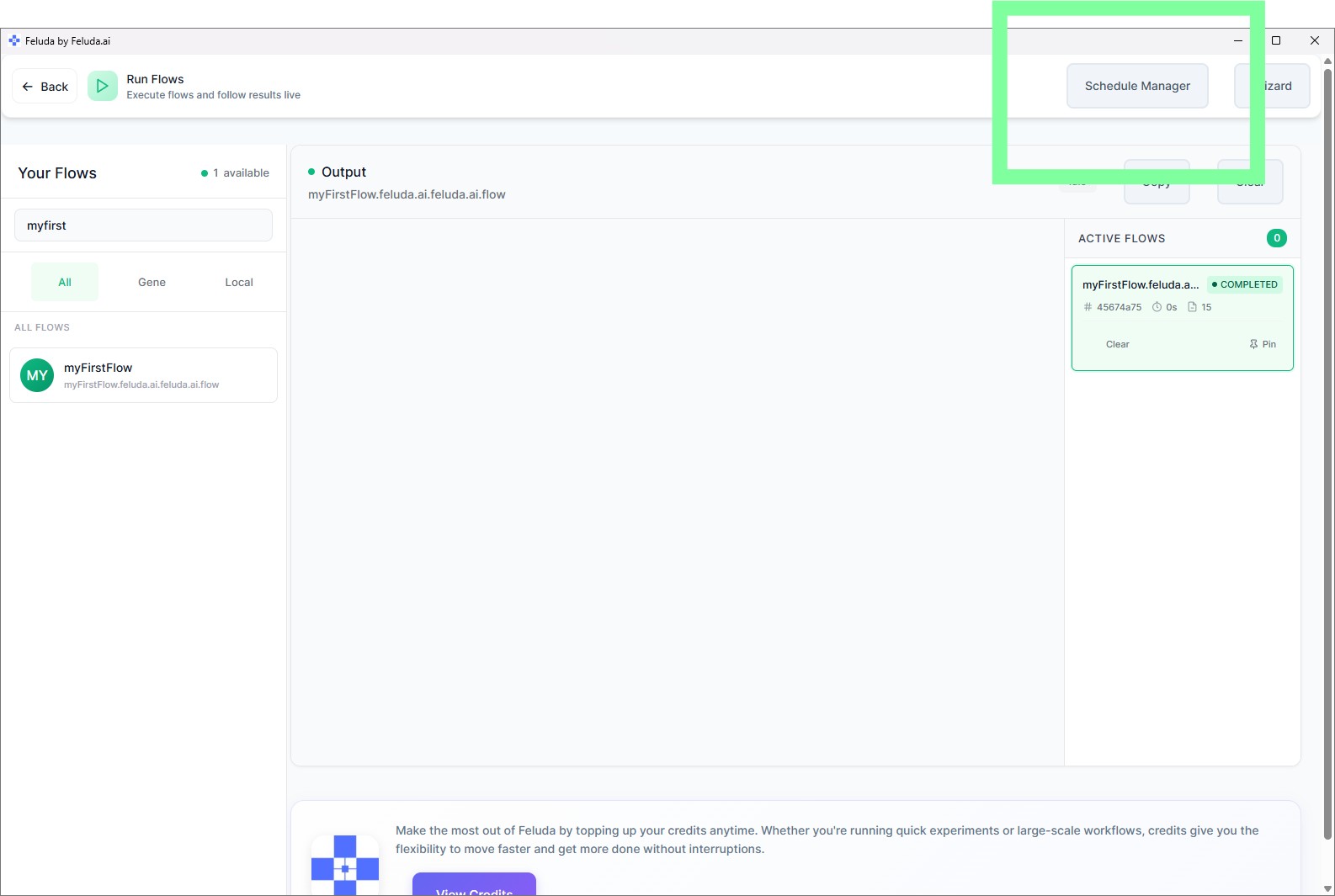
RunFlows shows all your available flows in a sidebar — both local flows (created in Studio) and Gene flows (pre-made flows from installed Genes). You can search, filter, run, and monitor everything from one screen.
Find Your Flow
Open RunFlows from the sidebar. Your saved flow appears in the left panel. Use the search bar or browse tabs (All, Local, Genes, Recent) to locate it quickly.
Run and Provide Input
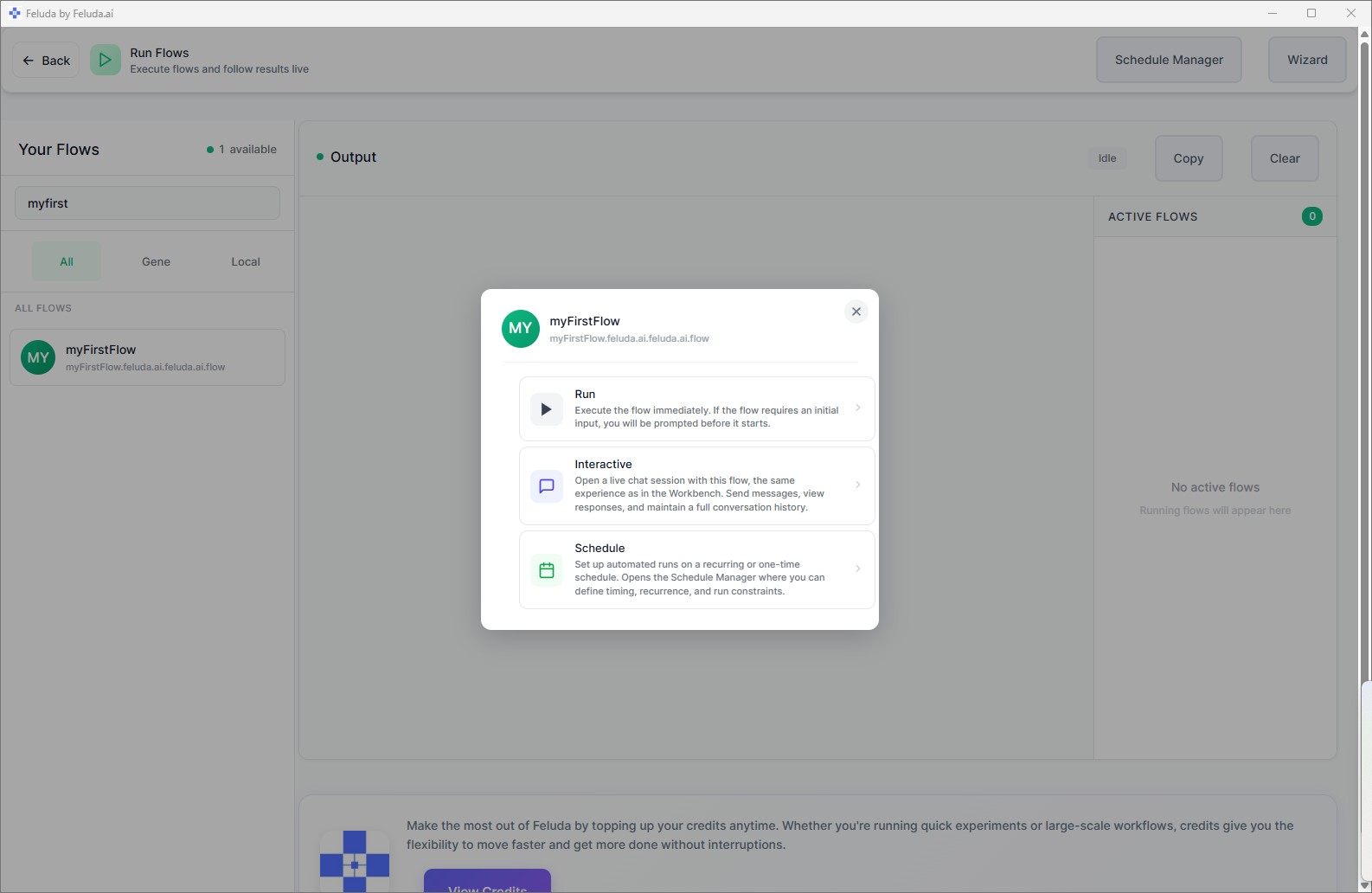
Click Run Flow
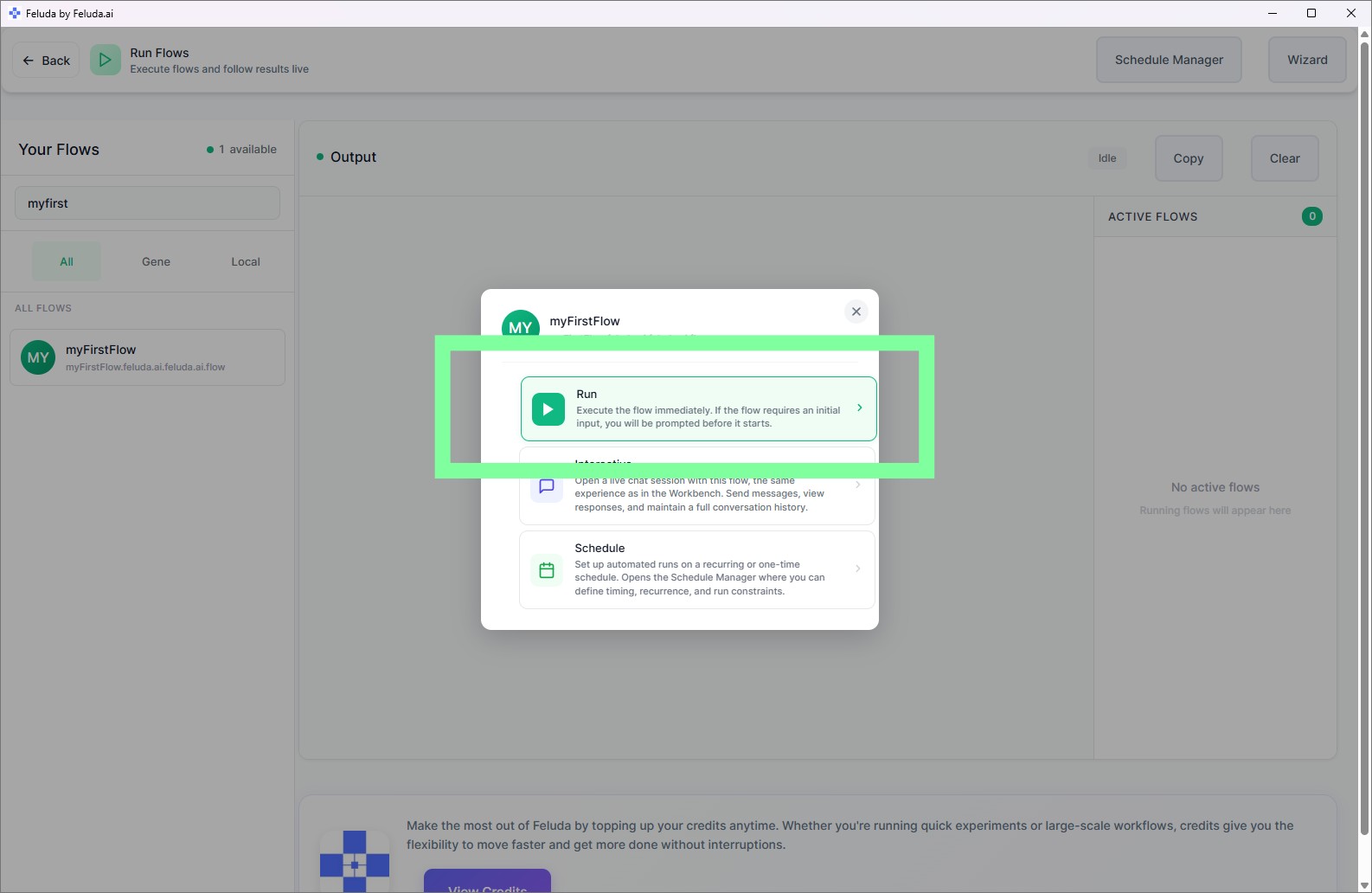
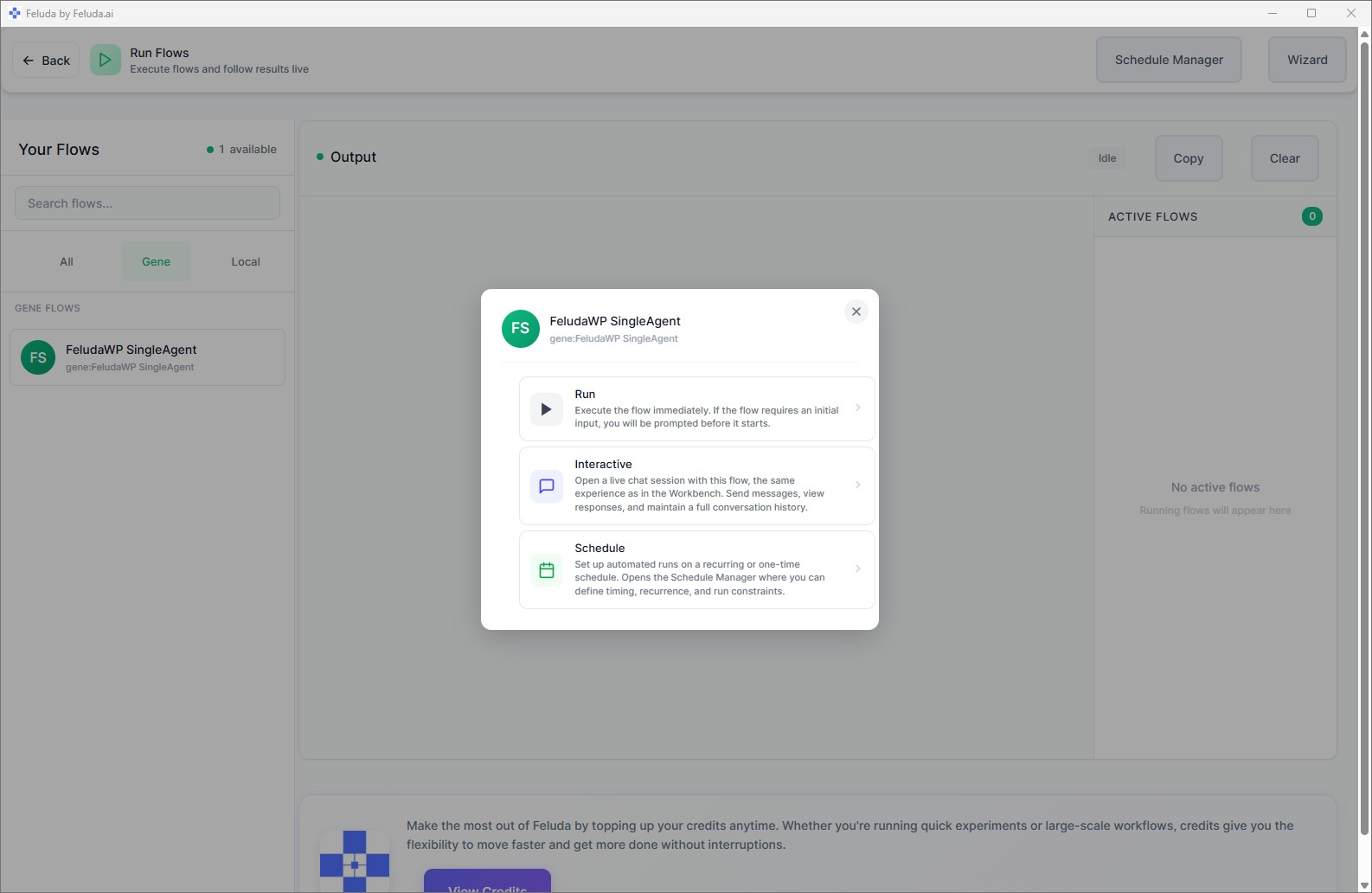
Hover over your flow card and click the Run button (play icon), or select the flow and click Run Flow.
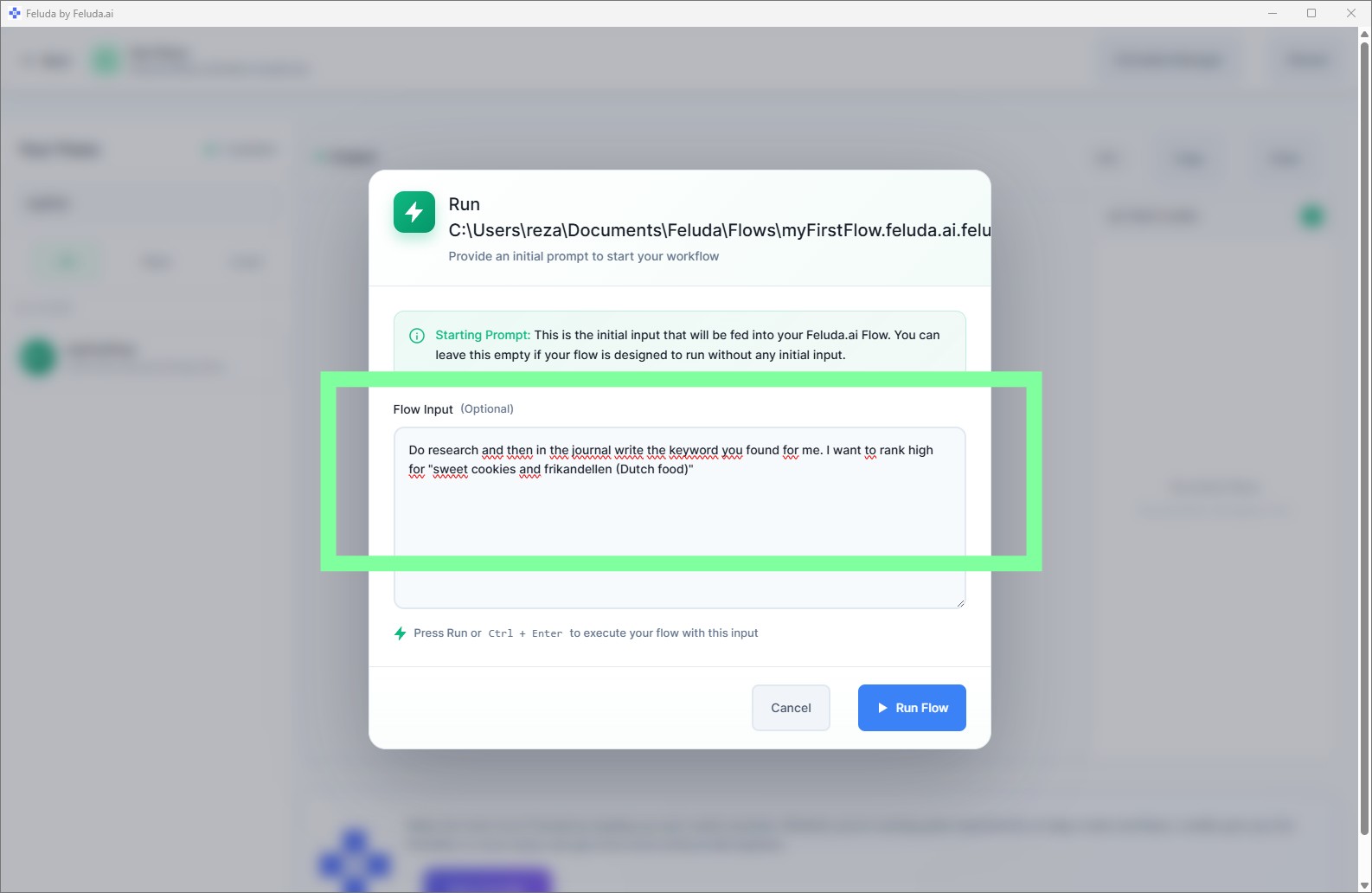
Enter a starting prompt
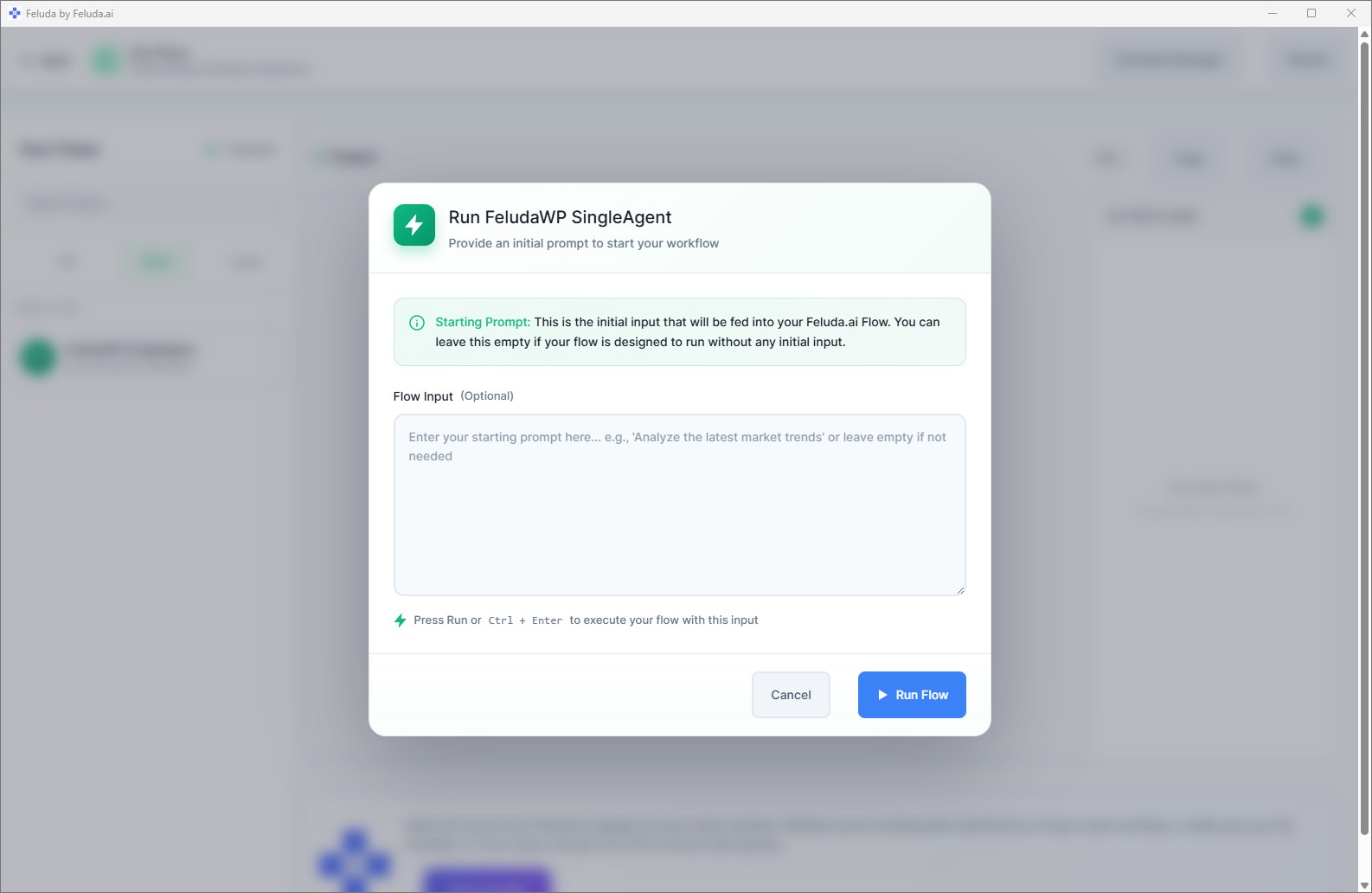
If your flow starts with an Input block, you will be asked for input text. Type something like: "Explain the benefits of renewable energy in three bullet points."
Watch the real-time output
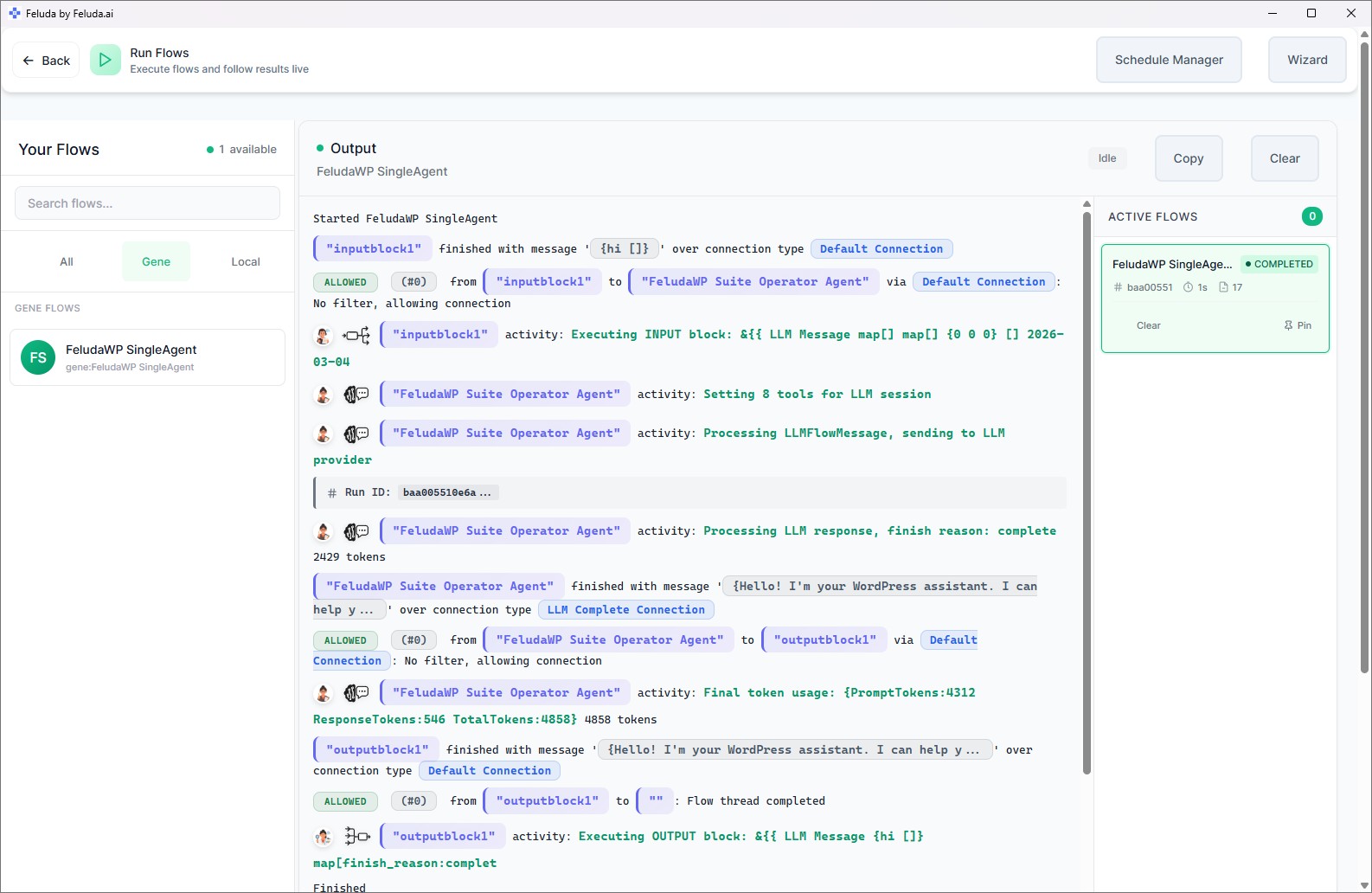
The output panel shows results line by line as each block executes. A status badge shows running or completed.
Schedule Recurring Runs
Want a flow to run automatically? The Schedule Manager lets you create automated schedules — once, daily, weekdays, weekly, or monthly. Define the time, timezone, starting prompt, and maximum runtime.
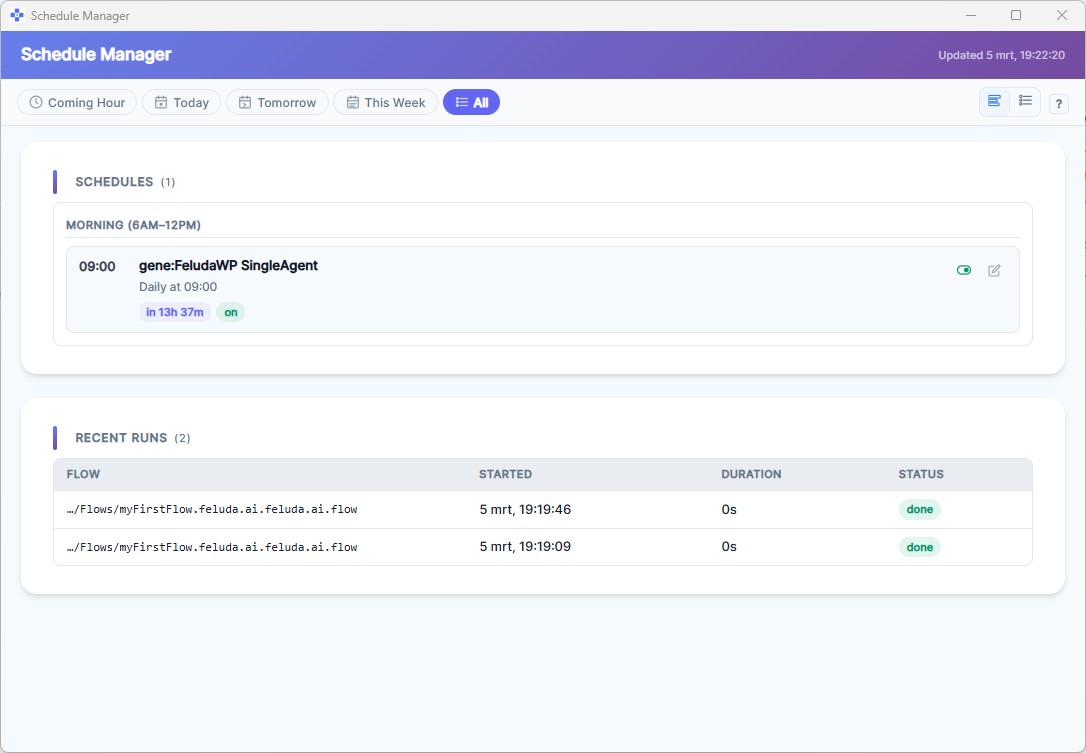
Scheduling is available on paid plans. You can run multiple flows simultaneously on all plans — start several flows and switch between their output tabs.
Frequently Asked Questions
Can I run multiple AI workflows at the same time?
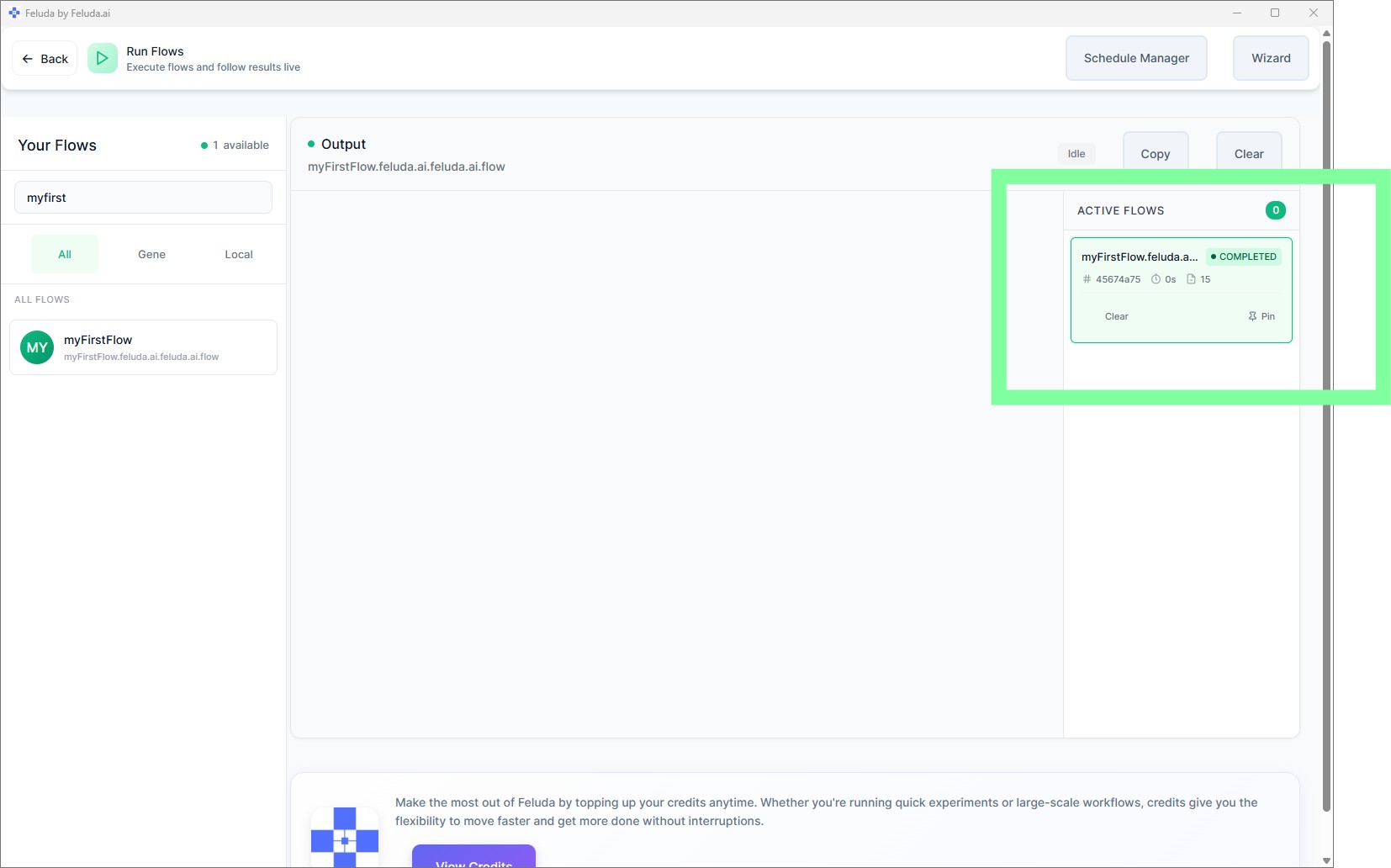
Yes. Feluda can run multiple flows simultaneously. Each run gets a unique ID and its own output stream. You can switch between active flows in the sidebar and pin important runs to keep them visible.
Can I schedule a workflow to run automatically?
Yes. The Schedule Manager supports once, daily, weekdays, weekly, and monthly schedules. You define the time, timezone, starting prompt, and maximum runtime. Scheduling is available on paid plans.
What happens if a flow fails?
The output panel shows an error status and highlights the step that failed. You can inspect the error, return to Studio to fix the issue, and re-run. Flows with typed error connections can handle failures gracefully within the flow itself.
Next: Secure Your Credentials
Your flows may need API keys and tokens to call external services. Continue to learn how Feluda keeps those credentials safe.